WhatsApp automation
Payments, updates and reminders. Sent on WhatsApp, on their own.
We connect WhatsApp to your CRM, ERP and payment gateway. Customers get the right message at every step, with payment links included, and your team is reminded before anything slips. Set up on the official WhatsApp Business API.
- Payment links
- Staff reminders
- Visit reminders
- Renewal reminders

What we automate
The messages your team sends by hand, sent for them.
Each one is triggered by something that happens in your CRM, ERP or payment gateway, and every message is saved to the customer record.
Payment reminders with links
Reminders go out before and on the due date with a payment link. Once the customer pays, the reminders stop and a receipt is sent.
TriggerInvoice due dateOrder & item tracking
Customers are told at every stage, from booked and paid to dispatched and delivered. Your team sees the same status.
TriggerItem status changesAppointment & site visit reminders
A confirmation when a visit is booked and a reminder before it, with buttons to confirm or reschedule.
TriggerVisit booked in CRMAMC & renewal reminders
Reminders 30, 15 and 7 days before a contract or plan ends, with the renewal quote attached.
TriggerContract end dateFollow-up reminders to staff
Each person gets their day’s follow-ups, visits and pending payments on WhatsApp. Managers are told about anything overdue.
TriggerEvery morning at 9 AMCustomer onboarding
New customers get a welcome message, their account manager’s contact and a list of what you need from them.
TriggerCustomer added in CRM
Sample flows by industry
Built around how your business runs.
Every business has its own moments that need a message. Here is how an automation flow looks in a few of the industries we work with.
Rentals & fashion
Track each outfit from booking to return. Customers get payment, alteration, delivery and return messages, and the team knows where every piece is.
Messages we automate
- Booking confirmation and advance payment link
- Alteration and dry cleaning updates
- Dispatch and delivery tracking
- Return and pickup reminders
- Balance and deposit refund updates
- TriggerReturn date is tomorrowFrom your ERP
- MessageReturn reminderWith pickup time and extend option
- Wait4 hoursIf there is no reply
- ConditionPickup confirmed?Yes: book runner · No: call task
- ActionPickup assignedRunner told on WhatsApp
- MessageThank you and feedbackAfter the item is checked in
- Messages today
- 1,240
- Read rate
- 94%
- Paid through links
- ₹3.8L
- Replies
- 412
| Customer | Message | Status |
|---|---|---|
| Riya Kapoor | Return reminder | Read |
| Ananya Singh | Advance payment link | Paid |
| Meher Jain | Out for delivery | Delivered |
| Tara Menon | Alteration complete | Read |
| Ishita Rao | Return reminder | Confirmed |
Sample data
How it connects
Connected to the systems you already use.
Messages go out when something changes in your CRM, ERP or payment gateway. Replies and payments flow back in, so your records stay up to date.
Your systems
 Faxtor automationDecides what to send, to whom and when
- TriggersA message goes out when a record changes or a date comes up.
- TimingSent at the right hour. Waits and repeats until the customer acts.
- TemplatesApproved by WhatsApp and filled in with each customer’s details.
- Replies come backButton replies and payments update your CRM and ERP.
WhatsApp Business API
- Confirmations
- Payment links
- Reminders
- Status updates
- Receipts
- Daily follow-ups
- Visit schedules
- Overdue alerts
- New lead alerts
Common questions
Before you automate WhatsApp.
Do we need the WhatsApp Business API?
Yes. Automated messages and payment links need the official WhatsApp Business API. We set it up for you, including business verification and your display name.
Will customers see our business name?
Yes. Messages come from your own number and business name. We can also help you apply for the verified badge.
Can it work with our existing software?
Yes. We connect it to your CRM, ERP or billing software, including the CRM and ERP we build. If you use other software, we connect through its API.
How do payment links work?
Each reminder carries a link from your payment gateway, such as Razorpay. When the customer pays, the payment is recorded against the invoice and the reminders stop.
Does WhatsApp charge for messages?
WhatsApp charges a small fee per conversation, which depends on the message type. We explain the costs for your volumes before we start.
Can customers reply?
Yes. Customers can tap buttons or type a reply. Replies update your records or reach the right person on your team.
How long does setup take?
Most setups go live in two to four weeks, including API approval, templates and connecting your systems.
What happens if a customer opts out?
They stop receiving marketing messages straight away. Important updates like receipts can still be sent where the rules allow.
Explore our other solutions
WhatsApp works best when it’s connected to your systems. Here’s what else we build.
- ERP SoftwareOperations, inventory, purchases and reporting in one system.
- CRM SoftwareLeads, follow-ups, sales and customer relationships.
- Website DevelopmentStatic and dynamic websites that bring in enquiries.
- Mobile App DevelopmentAndroid and iOS apps from one codebase.
- Custom Web ApplicationsSoftware built around your exact workflow.
- Business AutomationTake repetitive manual work off your team.
- WhatsApp AutomationYou’re hereUpdates, reminders and alerts on WhatsApp.
- SaaS DevelopmentTurn your idea into a subscription product.
Let’s Get Started
Have a business challenge in mind?
Tell us what you want to improve, simplify or build. Let’s explore the right solution for your business.
- Talk to usdiscovery call
- Understandyour business
- Explorethe right solution
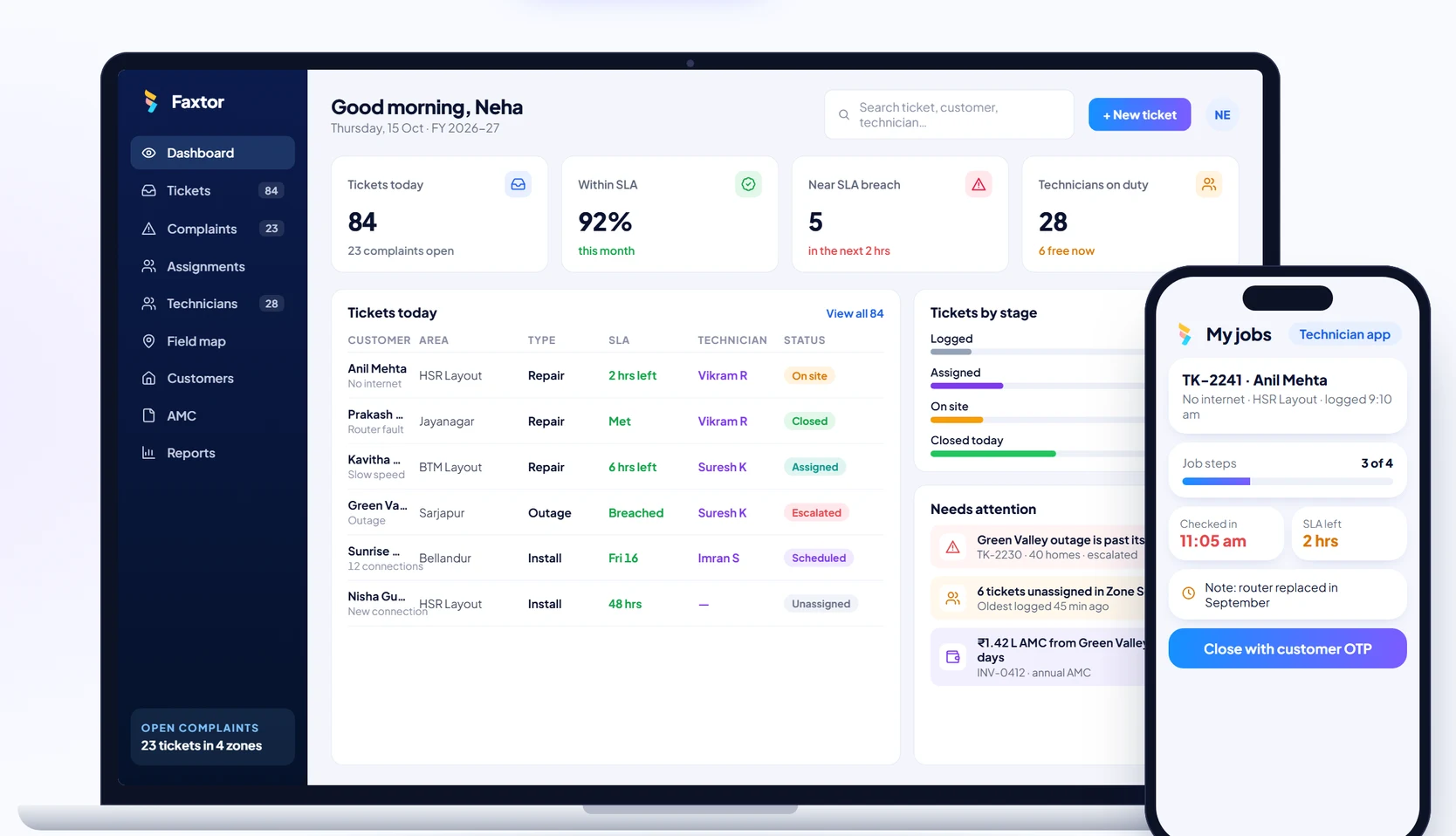
Telecom & Field Services
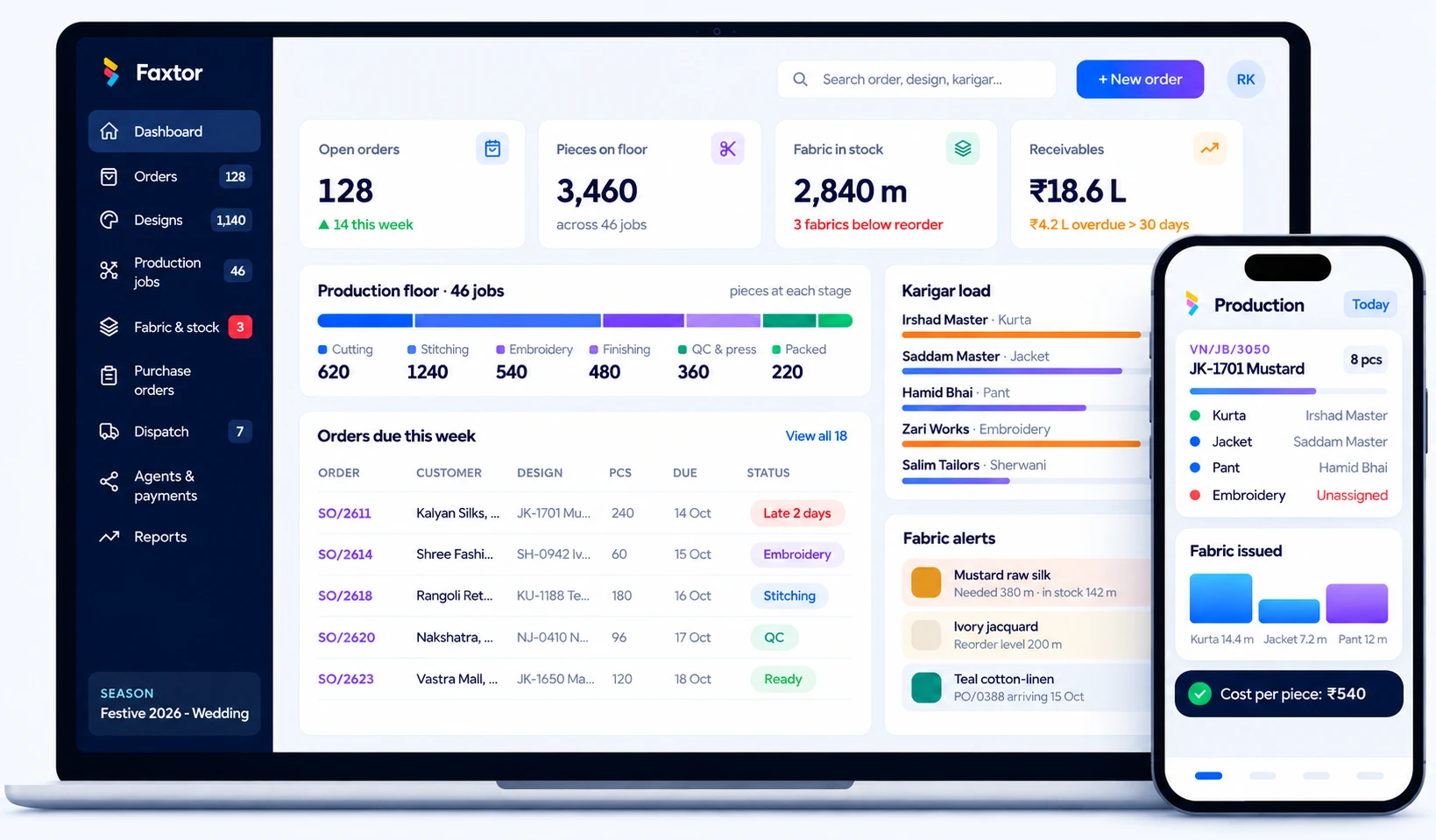
Garment Manufacturing
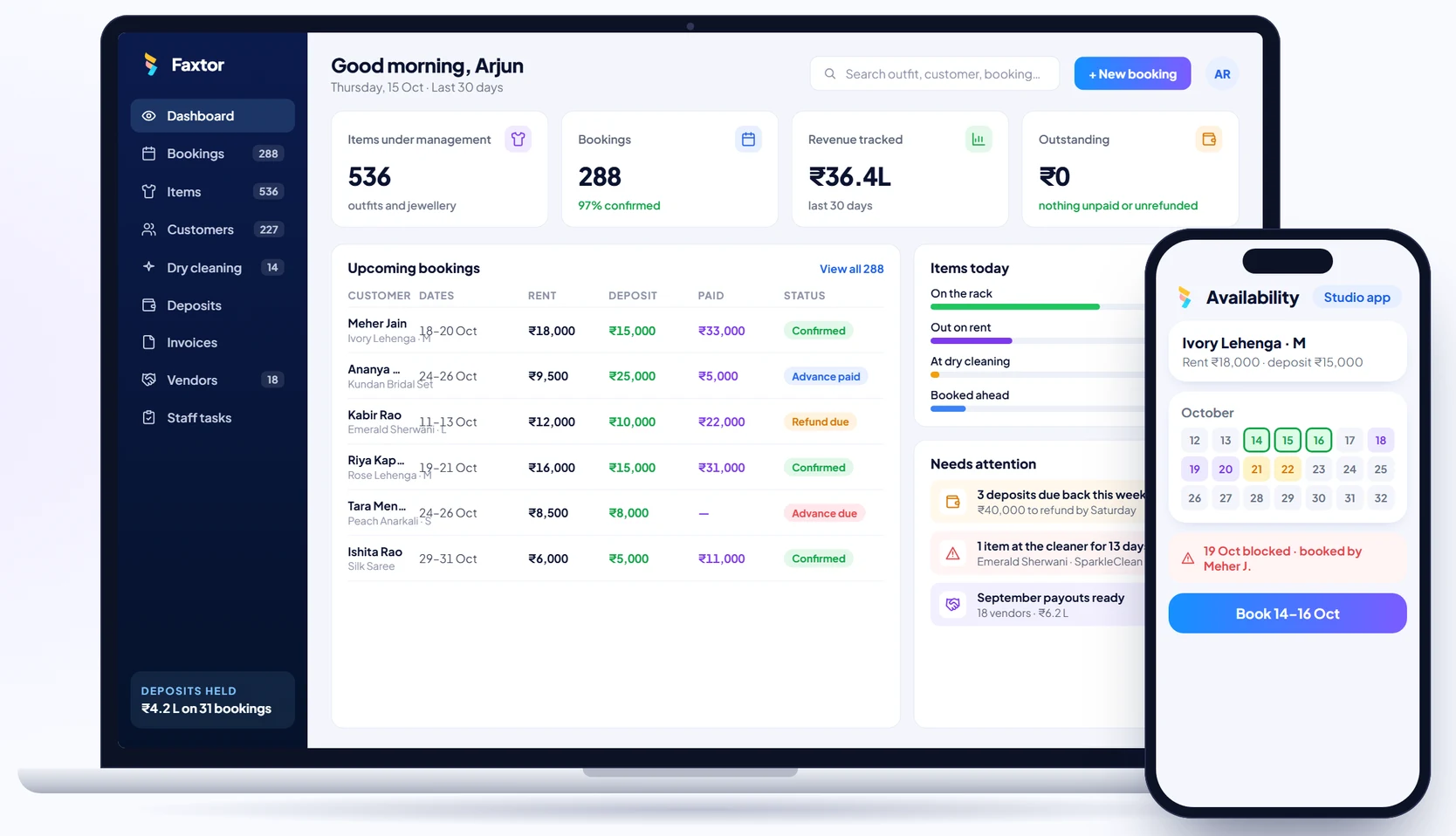
Rental Studios
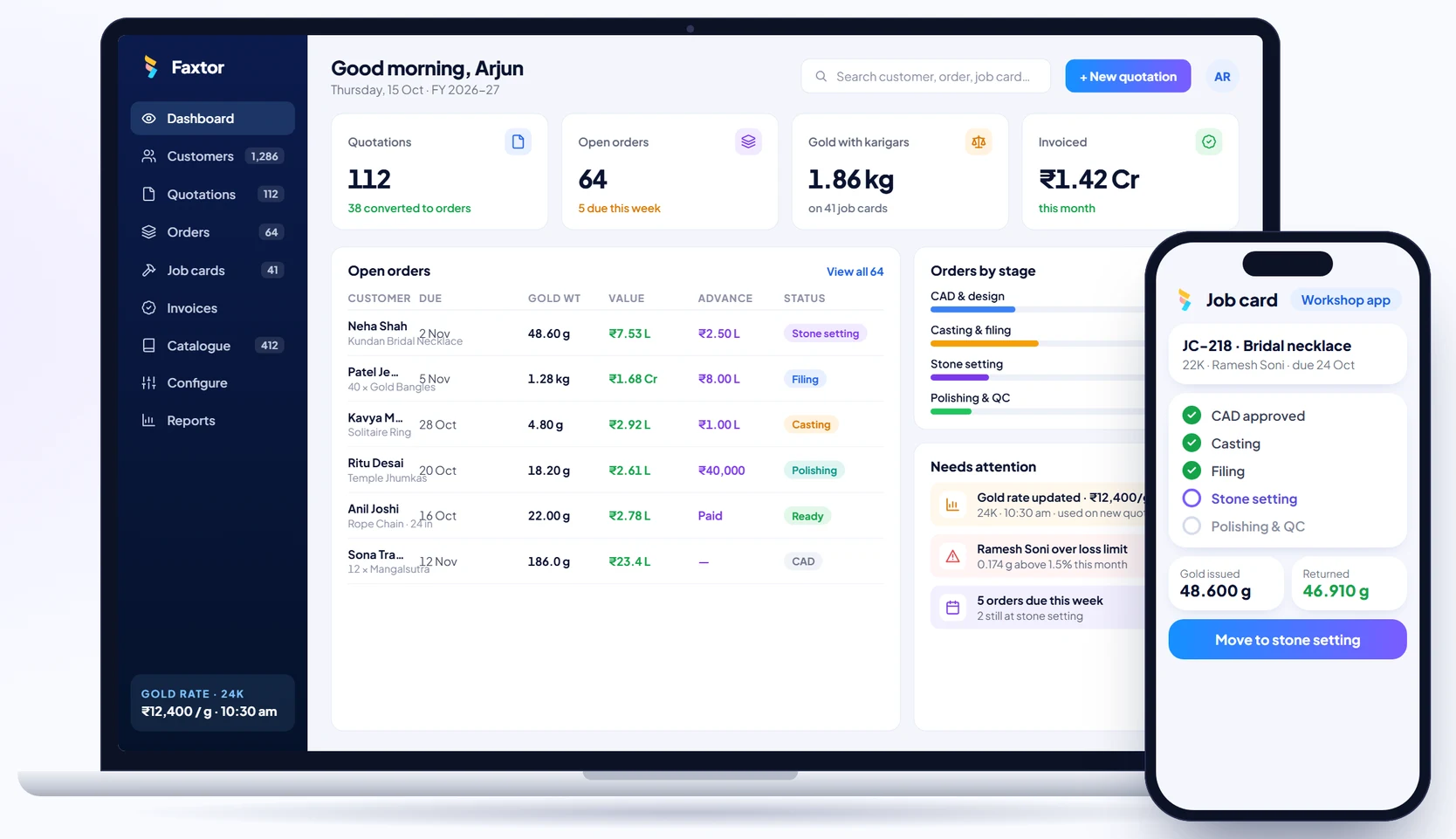
Jewellery Manufacturing
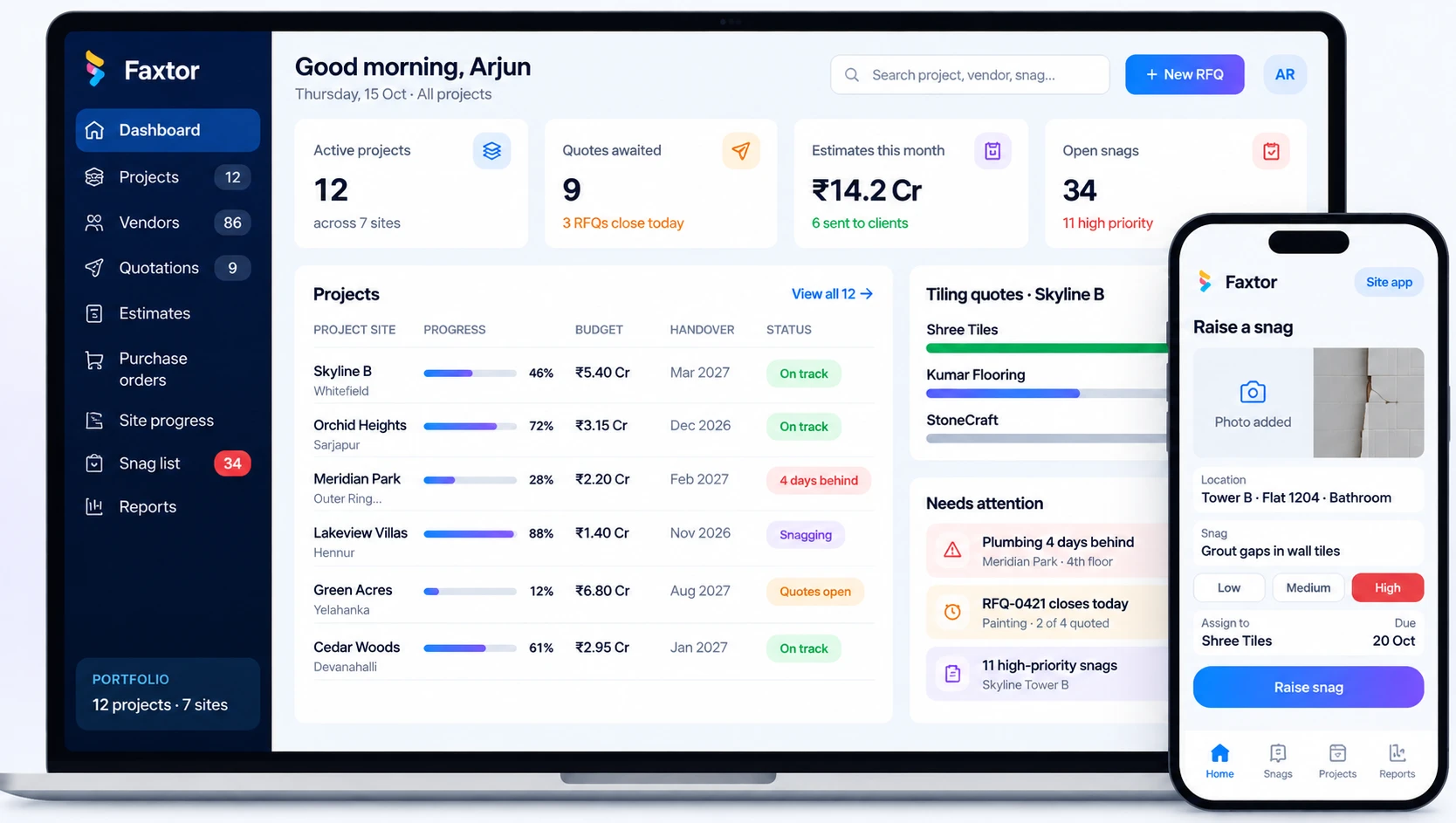
Construction & Project Management
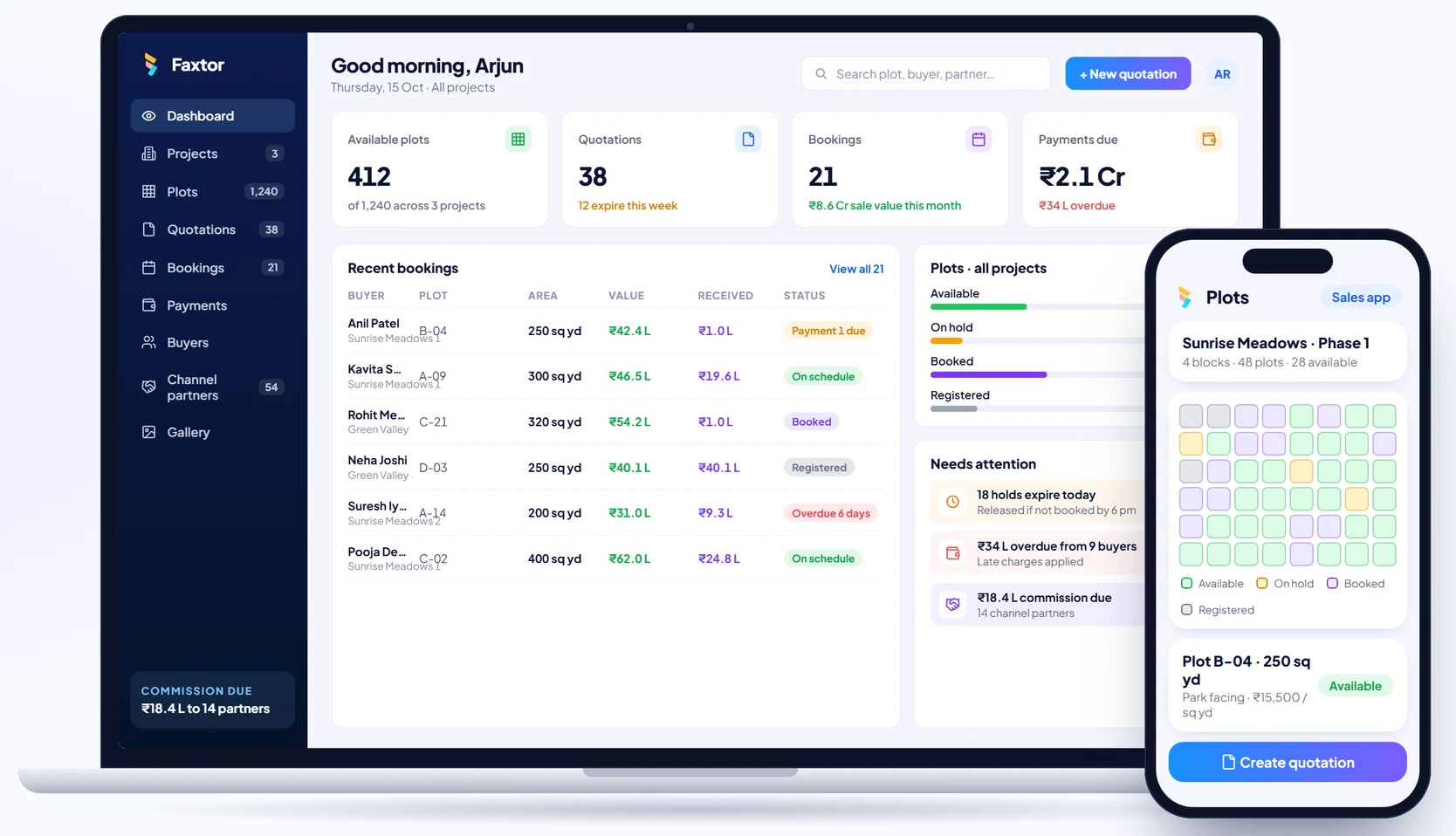
Real Estate & Property
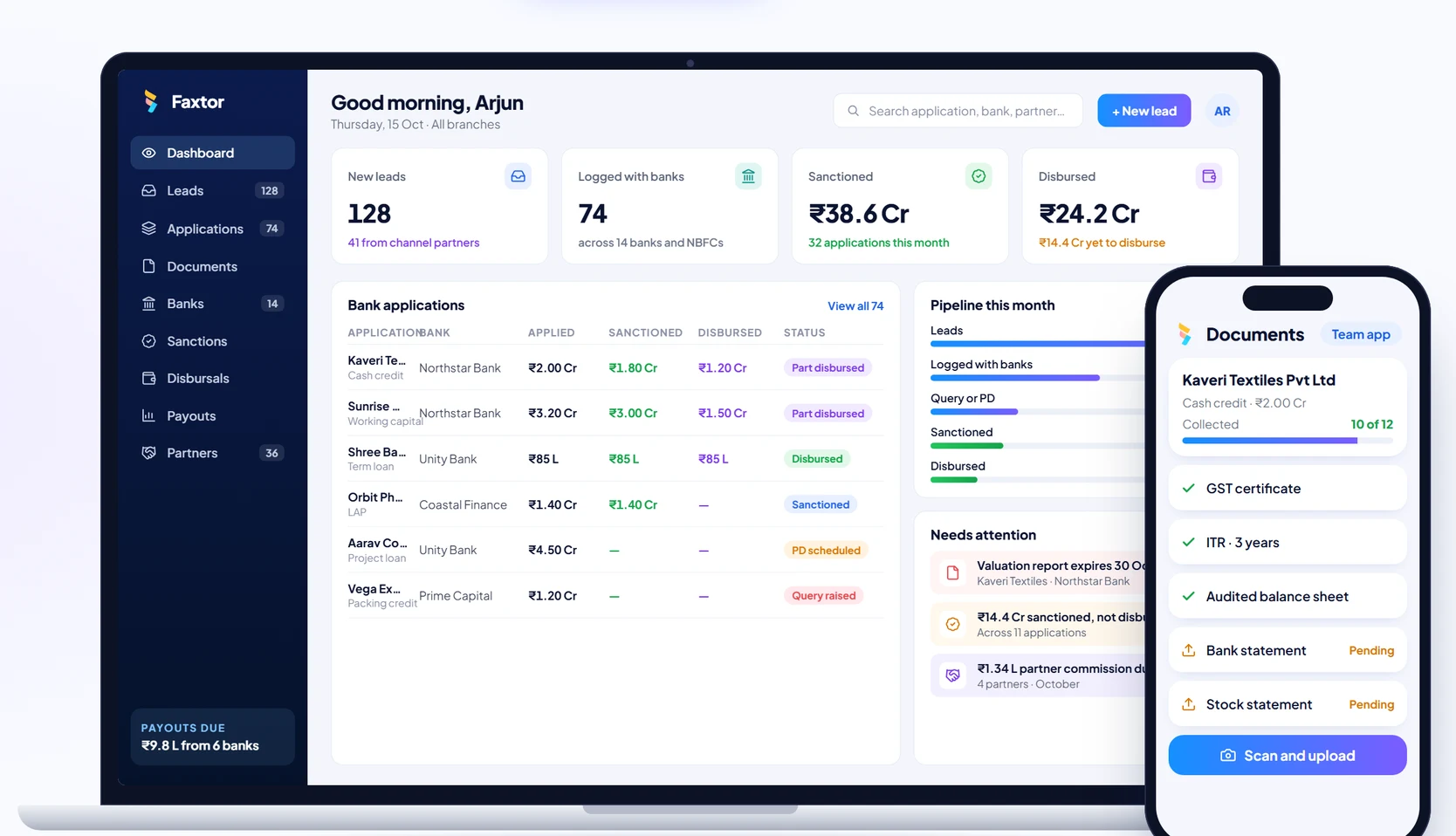
Financial Services & Lending
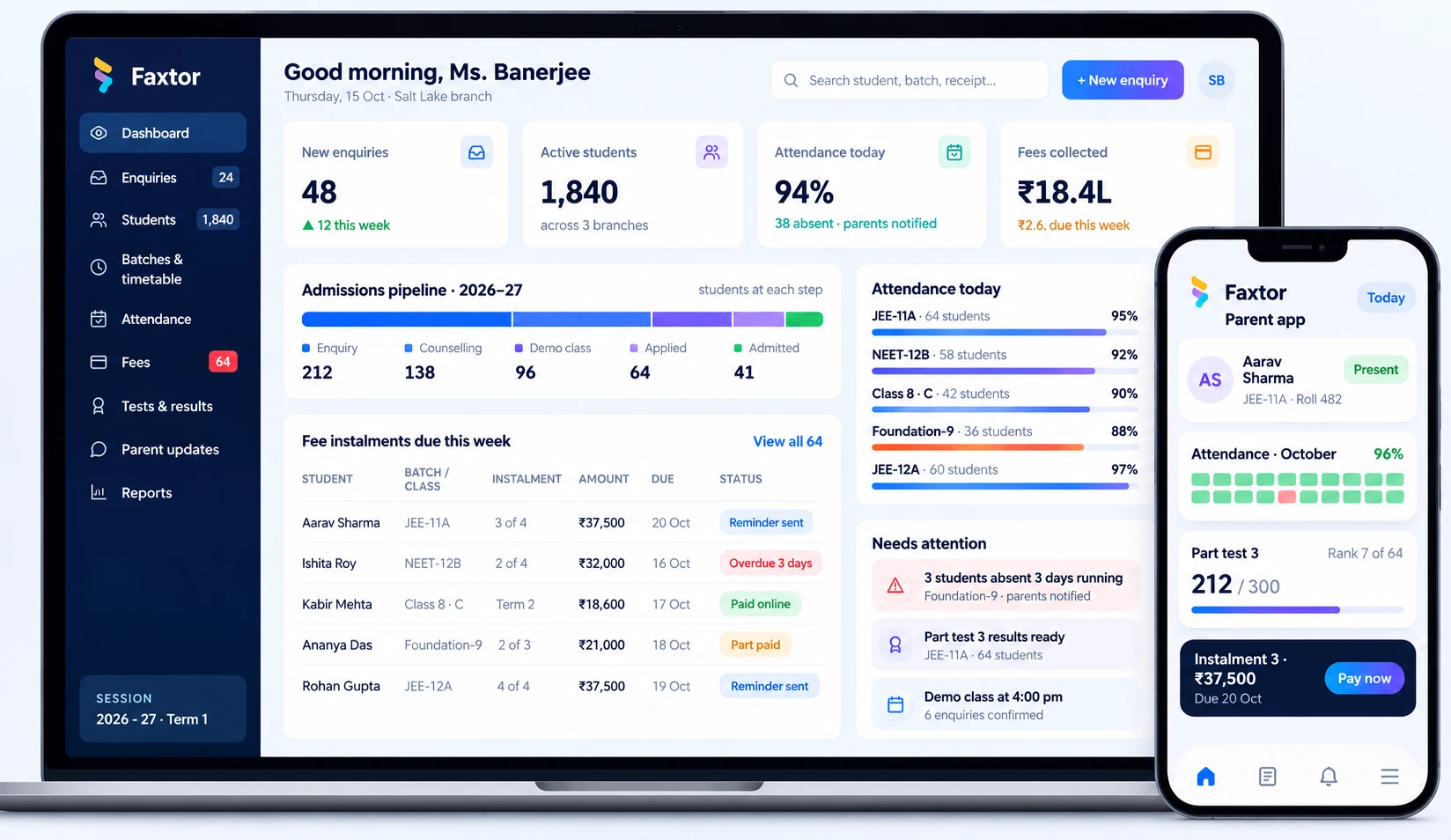
Education & Training
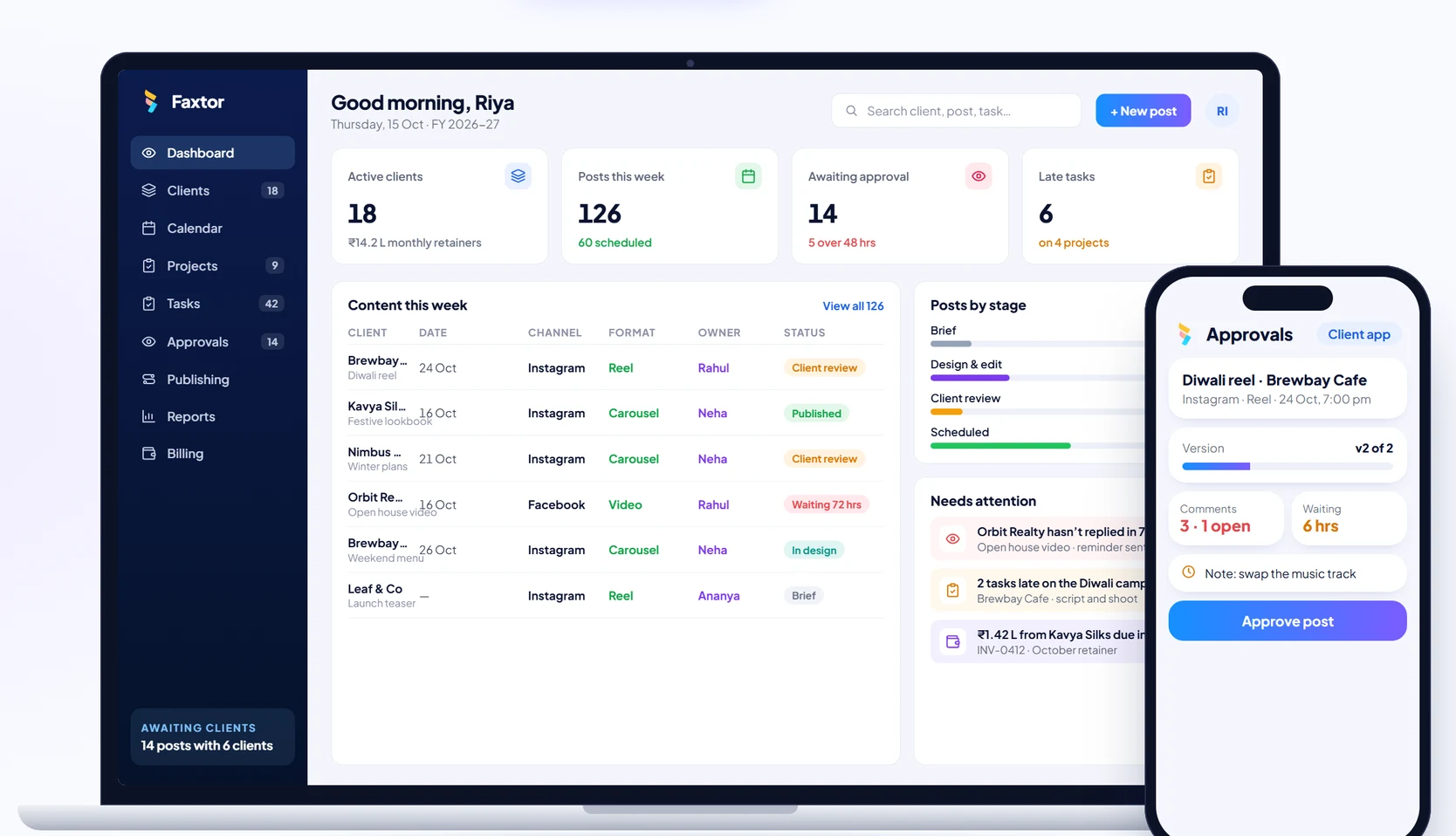
Social Media
Manufacturing