For telecom & field service teams
Every request, technician & visit in one view.
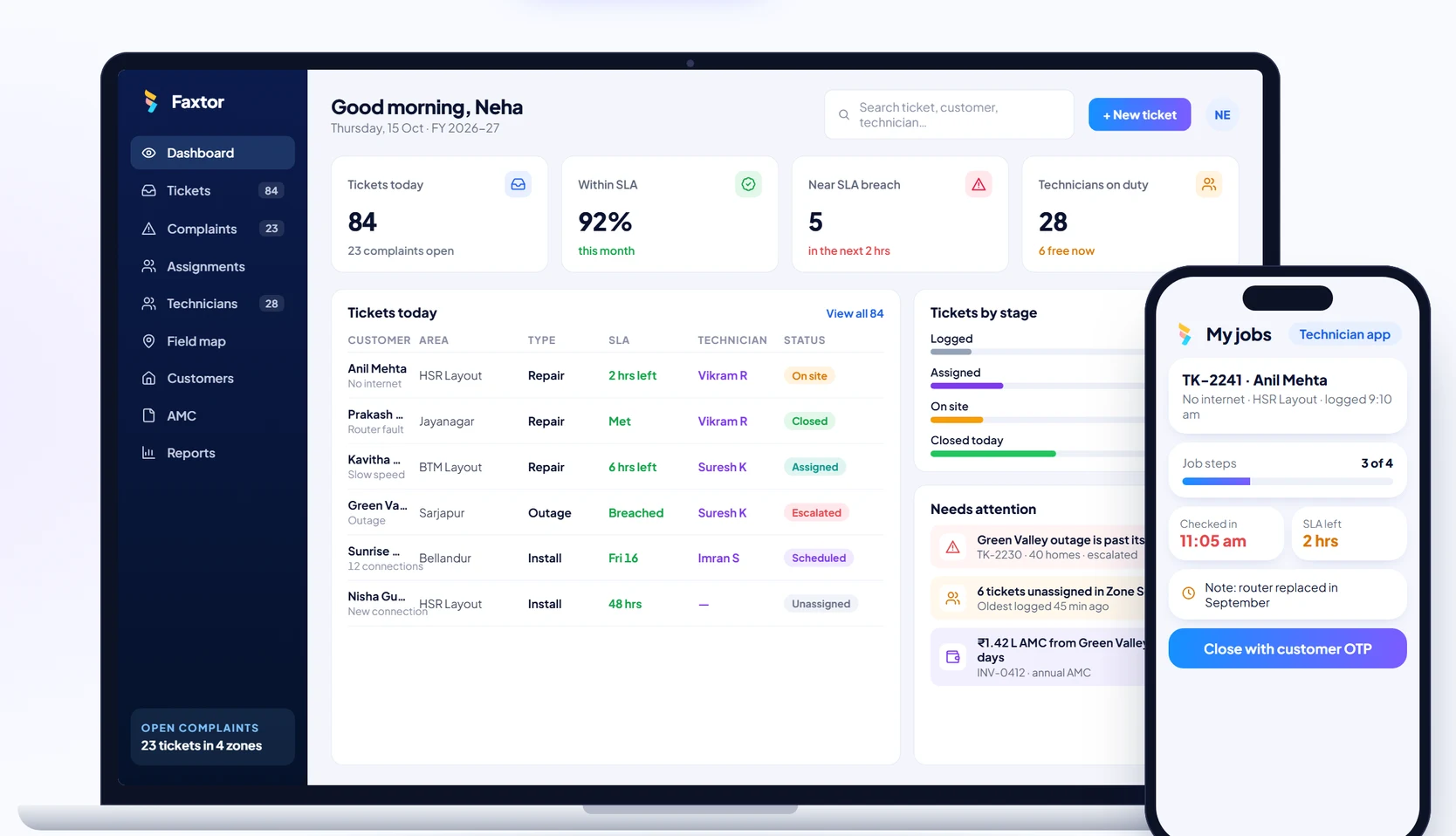
Custom software for telecom operators, ISPs and field service teams: service requests from every channel, work assignments to the nearest technician, live field staff tracking, complaints with SLAs, and customer updates on WhatsApp.

Built for field teams
From the first call to the closed ticket, on one system.
The service desk, dispatchers, technicians, the store and your customers, all working from the same tickets.
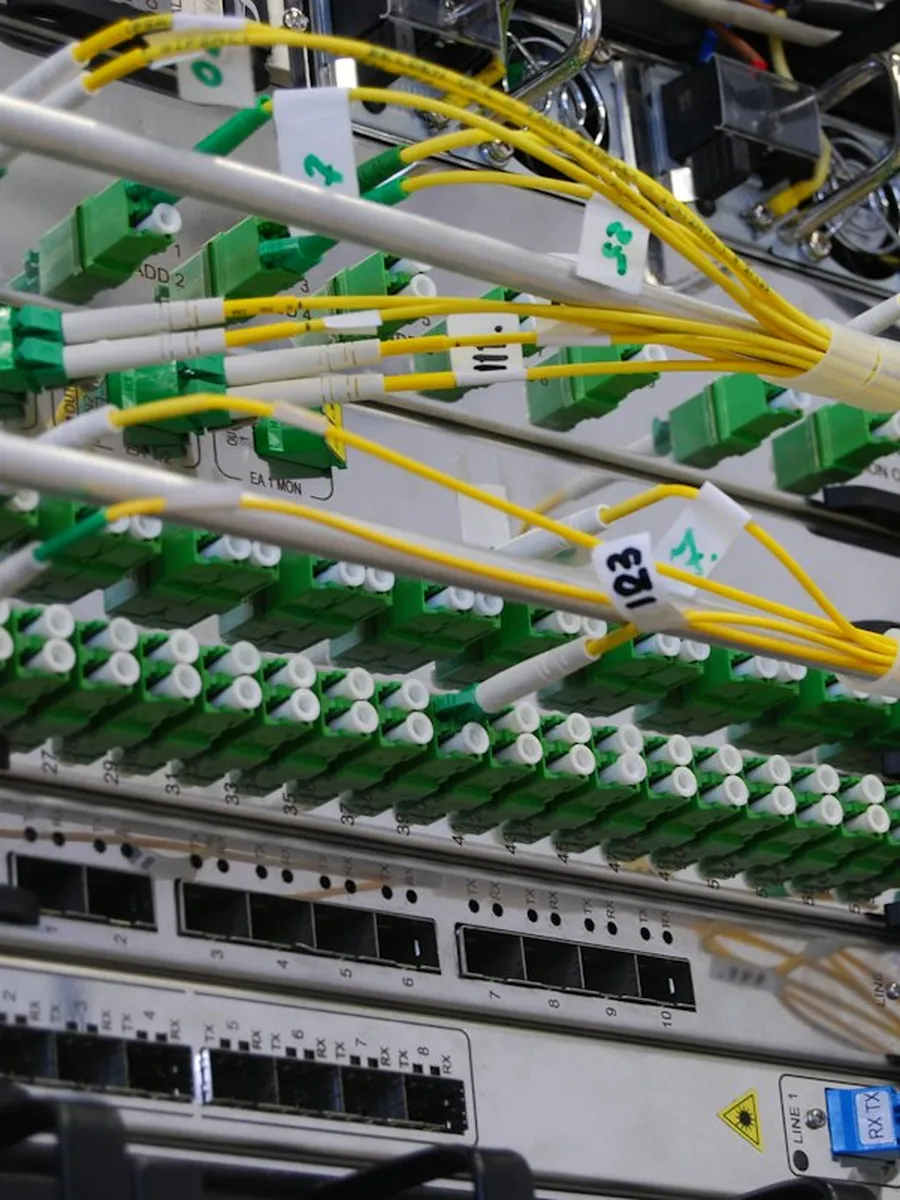
NetworkSwitches, ports and fibre 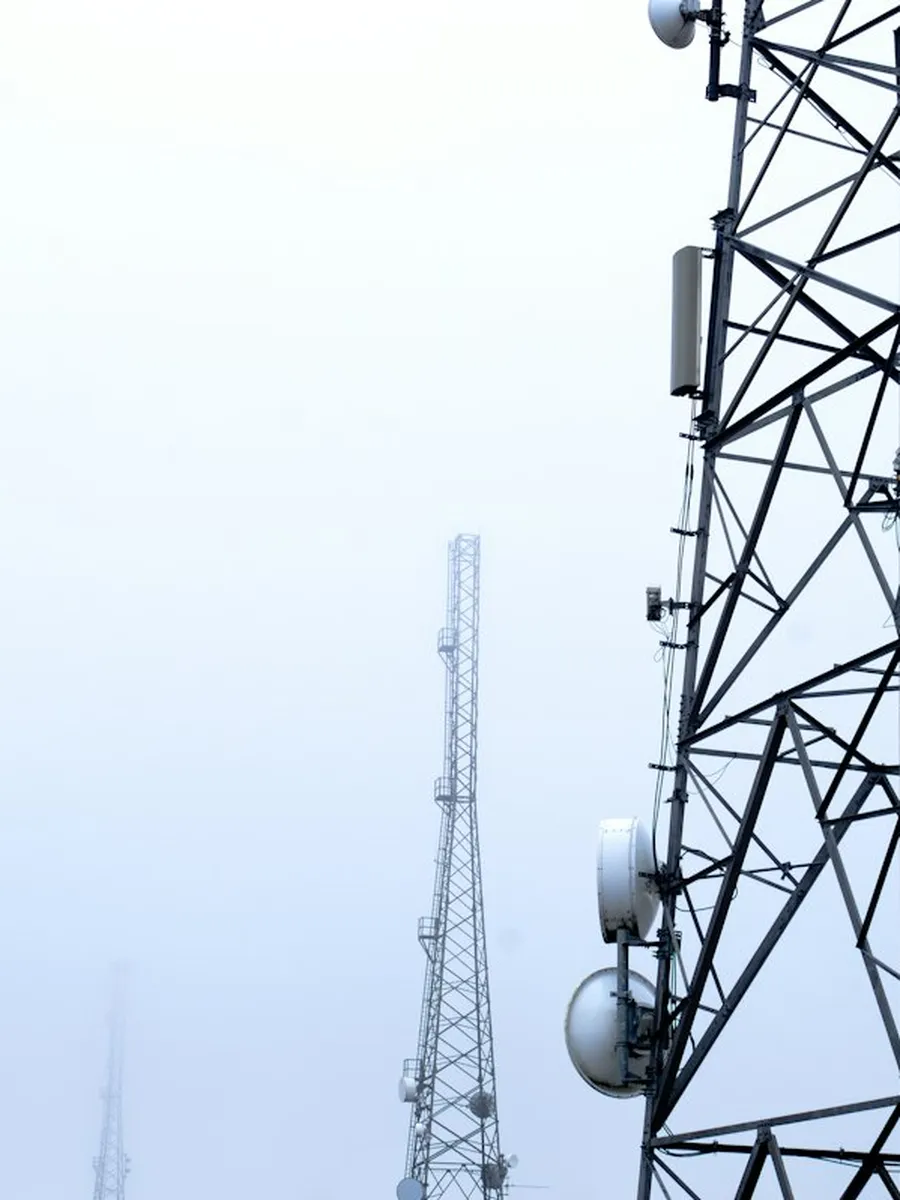
Tower sitesScheduled maintenance visits 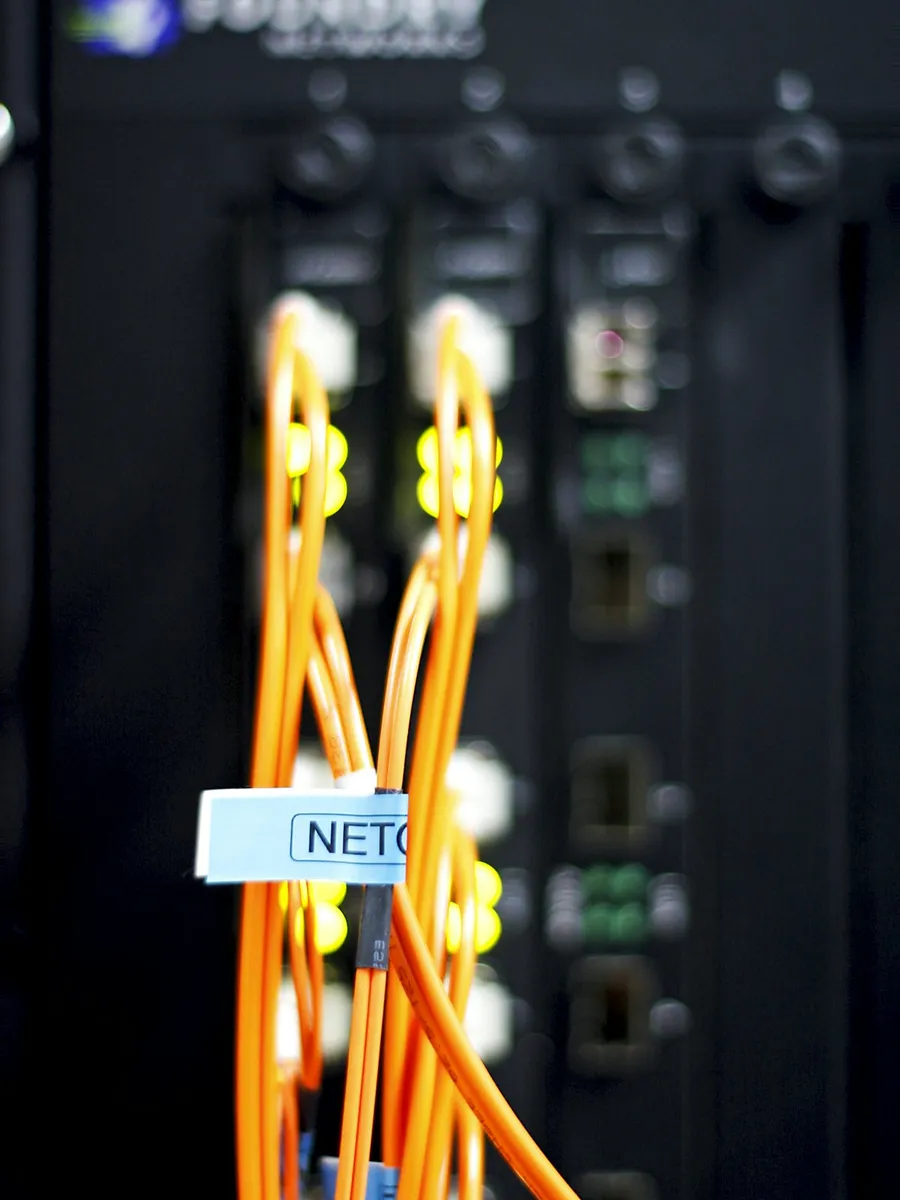
On siteInstalls and repairs 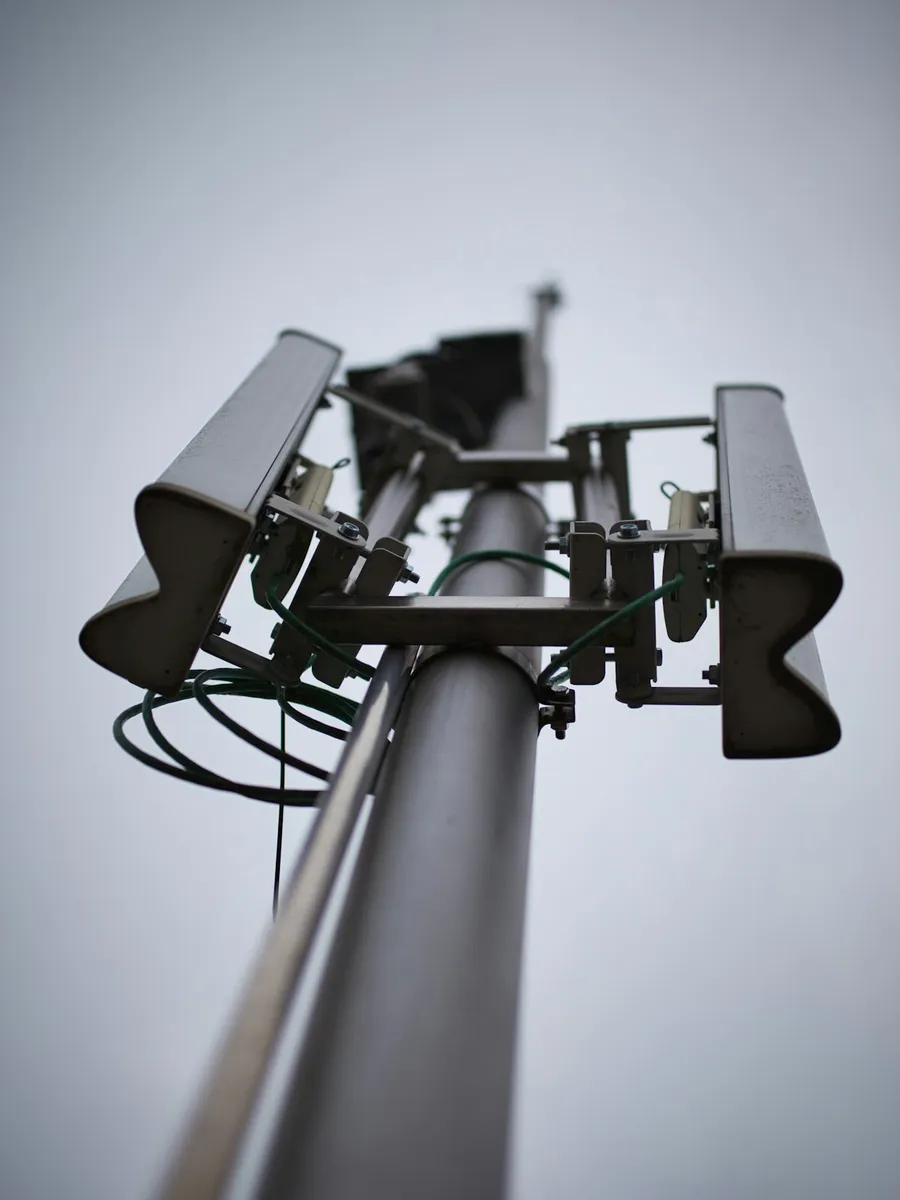
Last milePoles, drops and connections
What goes wrong today
Four places a service team loses time and customers, and what replaces them.
Taking complaints, assigning work, tracking the field team and keeping customers updated. Pick one to see the difference.
Today
With Faxtor
Modules included
One complaint, from call to closure.
Follow Anil Mehta’s no-internet complaint through each module. Pick one, or let it play.
Module 1 of 6
Service requests
Requests from calls, WhatsApp, email and the customer app become tickets with a category, priority and SLA. The customer’s plan, address and service history come up with the ticket.
- Every channel
- Calls, WhatsApp, email, app
- Categories and SLAs
- Set per complaint type
- Customer history
- Past tickets and visits
- New connections
- Installs from enquiry to activation
Each request gets a ticket number the customer can quote.
| Customer | Priority | SLA | Status |
|---|---|---|---|
| Anil Mehta · TK-2241 · No internet · HSR Layout | High | 4 hrs | Assigned |
| Kavitha Rao · TK-2238 · Slow speed · BTM Layout | Medium | 8 hrs | Logged |
| Prakash Stores · TK-2219 · Router fault · Jayanagar | High | 4 hrs | Closed |
| Green Valley Society · TK-2230 · Outage · 40 homes · Sarjapur | Critical | 2 hrs | SLA breached |
| Sunrise Apartments · TK-2235 · 12 new connections · Bellandur | Normal | 48 hrs | Scheduled |
Dispatch board
Every zone’s week, scheduled in one place.
Try it. Pick a zone and a job type. Each visit shows its technician and status, and jobs without a technician are flagged.
Zone
Job type
Zone South · all job typesWeek of 12–18 Oct
2 jobs unassignedMon12
Tue13
Wed14
Thu15
Fri16
Sat17
Sun18
- Unassigned2
- Assigned2
- In progress1
- Completed5
Complaints
Every complaint closed on the record.
Each complaint has an SLA from the moment it’s logged. Technicians close it with photos and the customer’s OTP, and complaints that run late are escalated. Pick a complaint.
A ticket can only be closed with the customer’s OTP, so every closure is confirmed by the customer.
TK-2241 · Anil MehtaLogged 9:10 am
No internet · HSR Layout
AssignedNearest technician with the right skillVikram R · 9:16 am
VisitCheck-in from the technician appOn site 11:05 am
Work doneParts, photos and notesDrop cable replaced
Status4 hr SLA · OTP goes to the customer on closure2 hrs left
Complaints by zone · October
| Zone | Logged | Closed | Open | Reopened | Avg resolution | SLA |
|---|---|---|---|---|---|---|
| Zone South · 9 technicians | 412 | 389 | 23 | 6 | 3.8 hrs | Within SLA |
| Zone East · 7 technicians | 298 | 287 | 11 | 4 | 3.2 hrs | Within SLA |
| Zone North · 6 technicians | 260 | 231 | 29 | 12 | 6.9 hrs | Behind SLA |
| Zone Central · 6 technicians | 176 | 176 | 0 | 2 | 2.9 hrs | Within SLA |
How we start
One area at a time, built around your service team.
Service teams can’t pause field work for a long software project. We set up the modules you need first, using your zones, technicians and complaint categories, and add the rest as your team gets comfortable.
- Phase 01
Start with tickets and assignments
Most teams begin with the service desk and the technician app. Every complaint gets a ticket and reaches a technician without changing how the team works.
- Phase 02
Add field tracking and customer updates
Then live job status, check-ins, photos and OTP closure, with WhatsApp updates to customers, rolled out one zone at a time.
- Phase 03
Close the loop
SLA reports, AMC renewals, visit invoices, spare parts and an owner dashboard that shows every zone on one screen.
Who it’s for
Set up for how your team works
Internet & broadband providers
ISPs and cable operators handling new connections and complaints across areas.
- New connections
- Outage and fault tickets
- Technicians by area
- Plan renewals
Telecom infrastructure & tower services
Teams maintaining towers, fibre and network sites for operators.
- Site visit schedules
- Preventive maintenance
- Photo checklists
- SLA reports per operator
Installation & repair services
AC, appliance, CCTV, solar and equipment service companies.
- AMC contracts
- Spare parts used
- Visit invoices
- Customer feedback
Common questions
Questions service business owners ask us
Do technicians need a smartphone?
Yes, any basic Android phone works. Technicians see their jobs, navigate to the customer, check in, add photos and close the job with the customer’s OTP.
Can it assign jobs automatically?
Yes. Jobs can go to the nearest free technician with the right skill, or your dispatcher can assign them by hand. We set it up to match how you assign work today.
Can we see where technicians are?
Yes. The app records check-in and check-out at each job and location during working hours, so the dispatcher sees who is on the way, on site or done.
Will customers get updates?
Yes. Customers get WhatsApp or SMS updates when the ticket is logged, when a technician is assigned and on the way, and an OTP to confirm the job is done.
Can it handle SLAs and escalations?
Yes. Each complaint type has an SLA. Tickets close to breaching are flagged, and late ones are escalated to the zone manager.
Does it manage AMCs and spare parts?
Yes. AMC contracts, visit schedules and renewals are tracked per customer, and parts used on each job are deducted from the store or the technician’s stock.
Do we have to roll out everything at once?
No. Most teams start with tickets and the technician app, then add tracking, customer updates, reports and billing.
What will it cost?
It depends on the modules you need and the size of your team. After a discovery call we share a clear scope and a quote, with no obligation.
Services we would use
The services behind a system like this.
ERP Software
Manage your operations, inventory, purchases, staff and reporting in one system.
CRM Software
Keep track of leads, follow-ups, sales and customer relationships in one place.
Mobile App Development
Android and iOS apps for your customers or field teams, built from one codebase.
Custom Web Applications
Solutions built around your workflow, when off-the-shelf tools don’t fit.
Business Automation
Automate repetitive tasks and reduce manual work across your processes.
WhatsApp Automation
Send updates, reminders and alerts directly on WhatsApp.
Let’s Get Started
Have a business challenge in mind?
Tell us what you want to improve, simplify or build. Let’s explore the right solution for your business.
- Talk to usdiscovery call
- Understandyour business
- Explorethe right solution
Telecom & Field Services
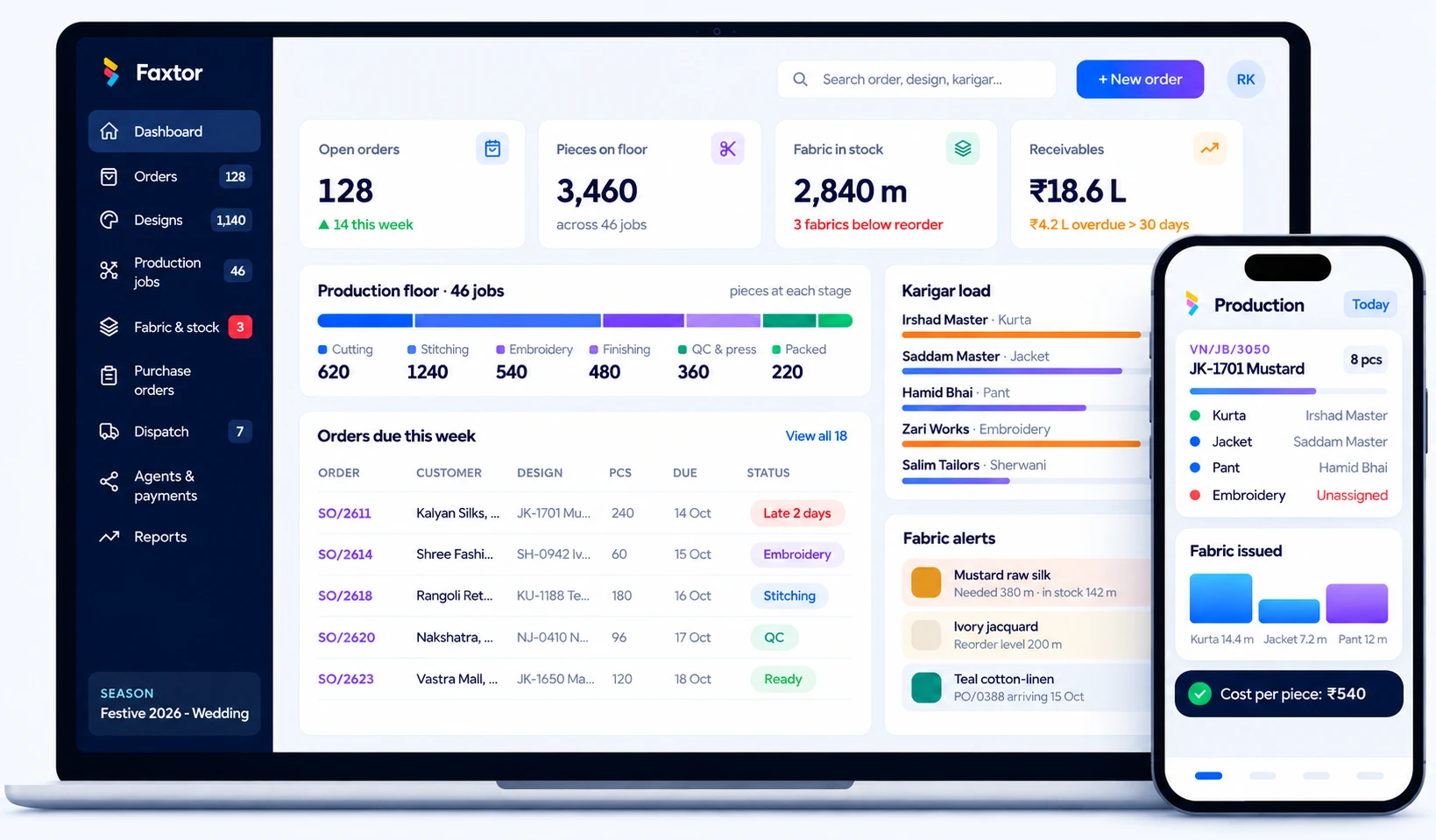
Garment Manufacturing
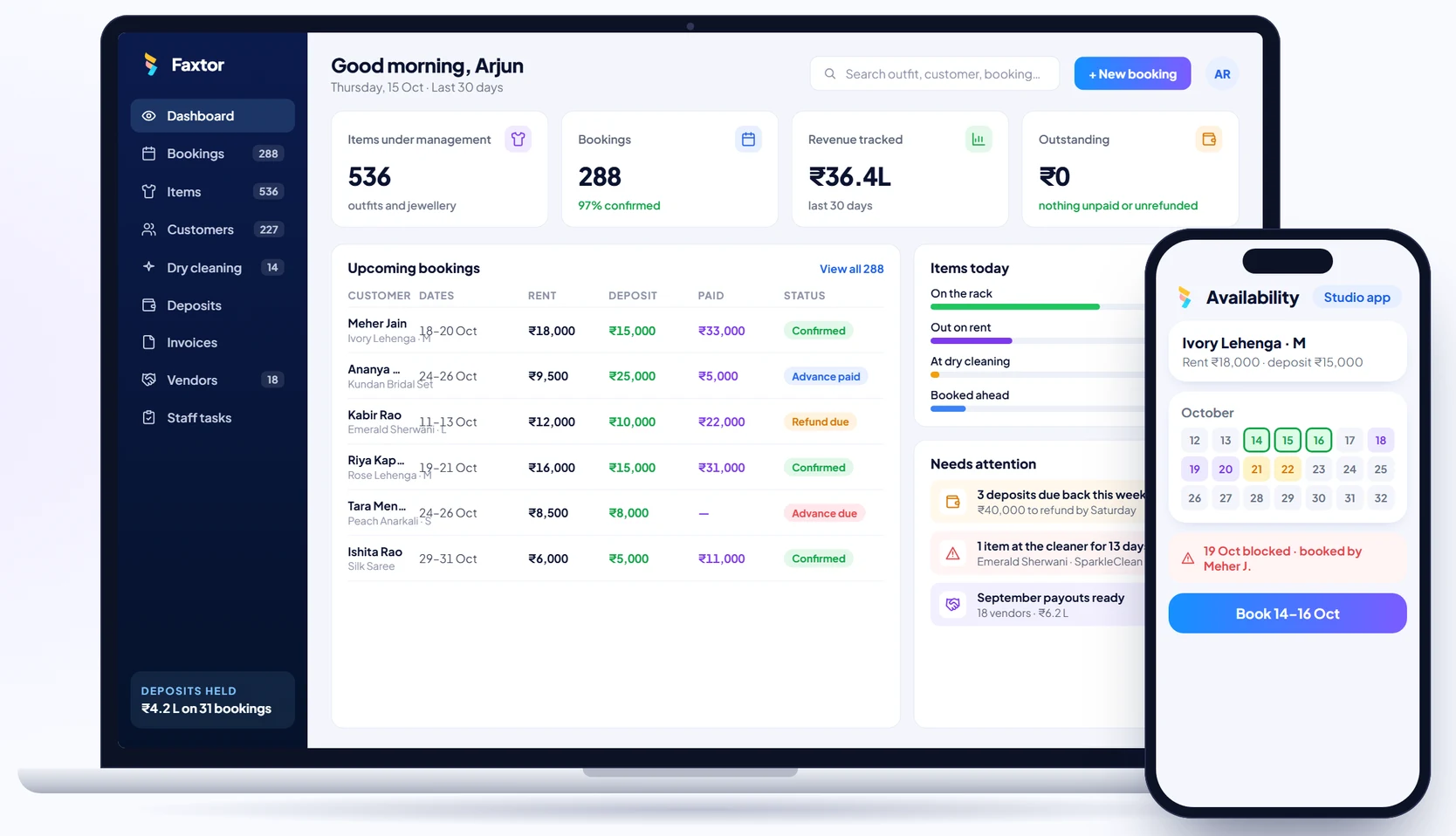
Rental Studios
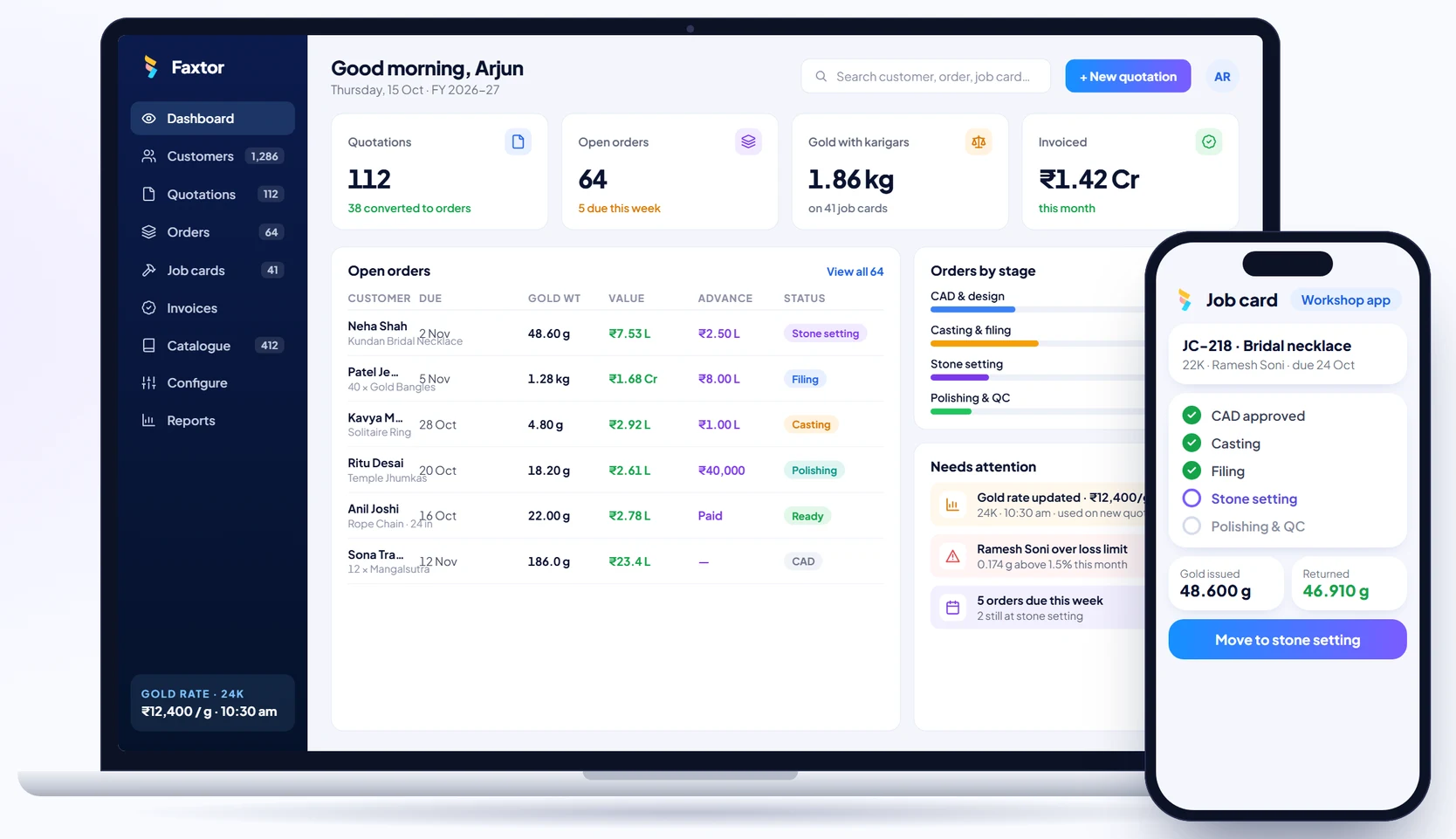
Jewellery Manufacturing
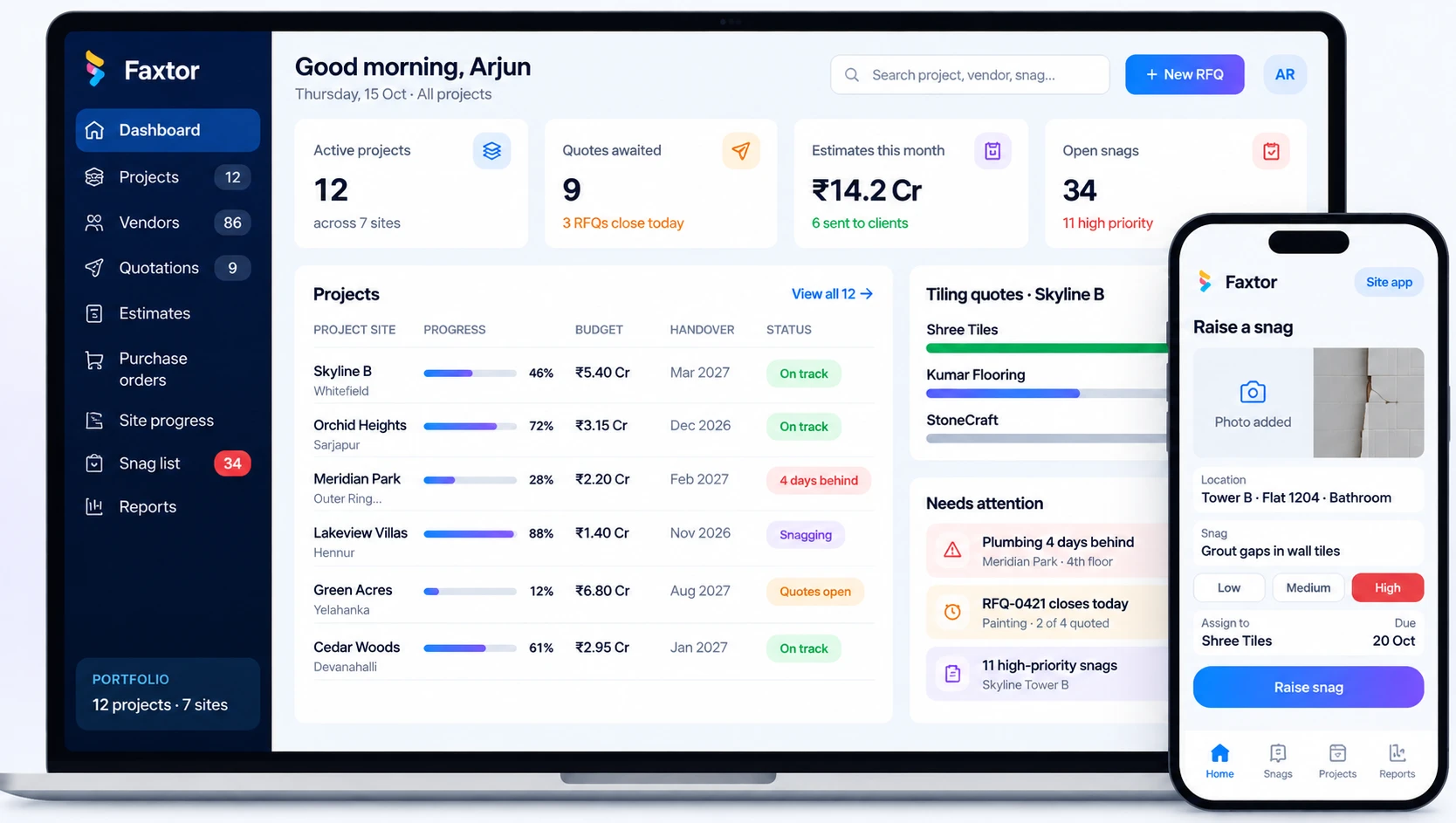
Construction & Project Management
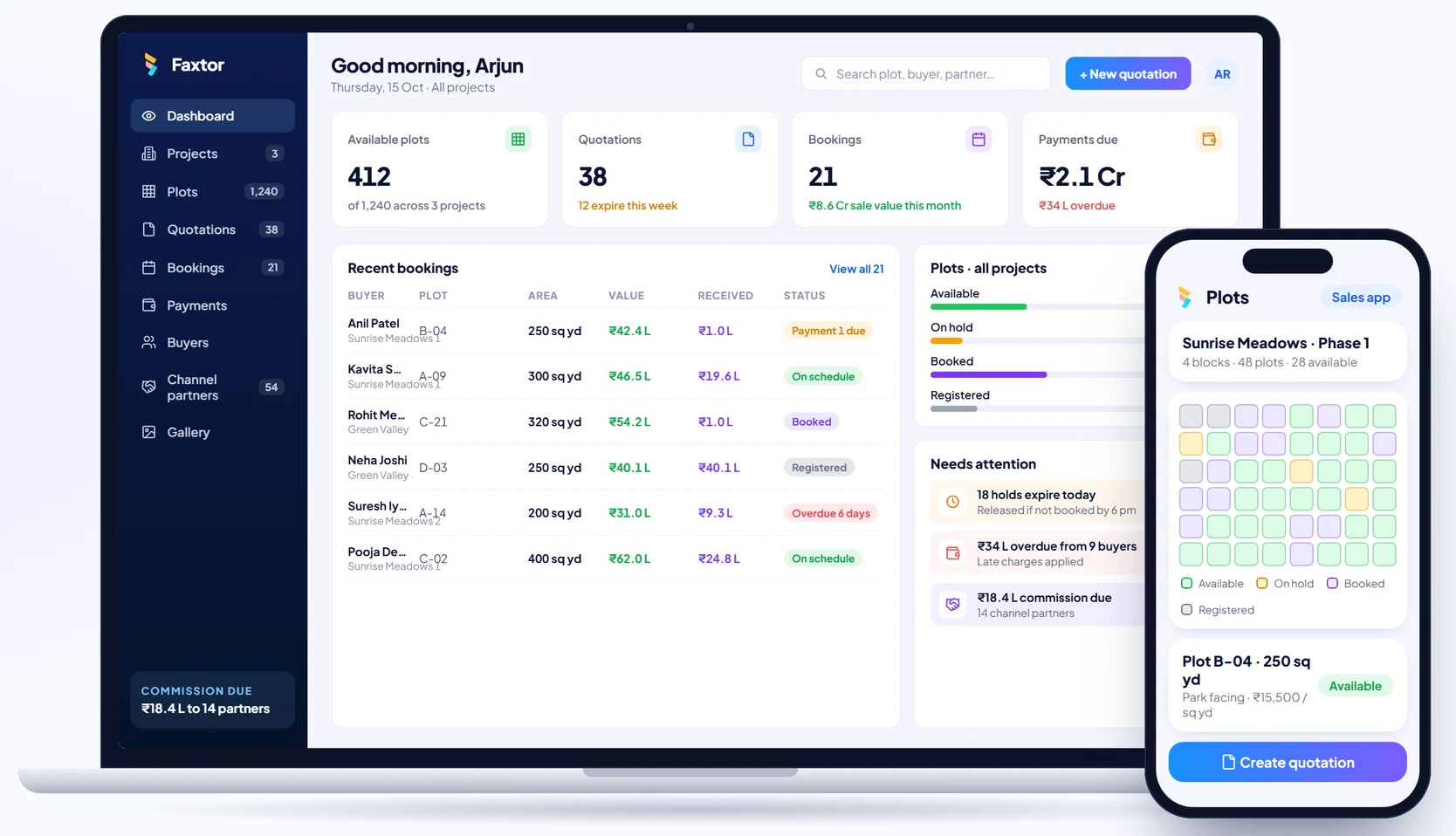
Real Estate & Property
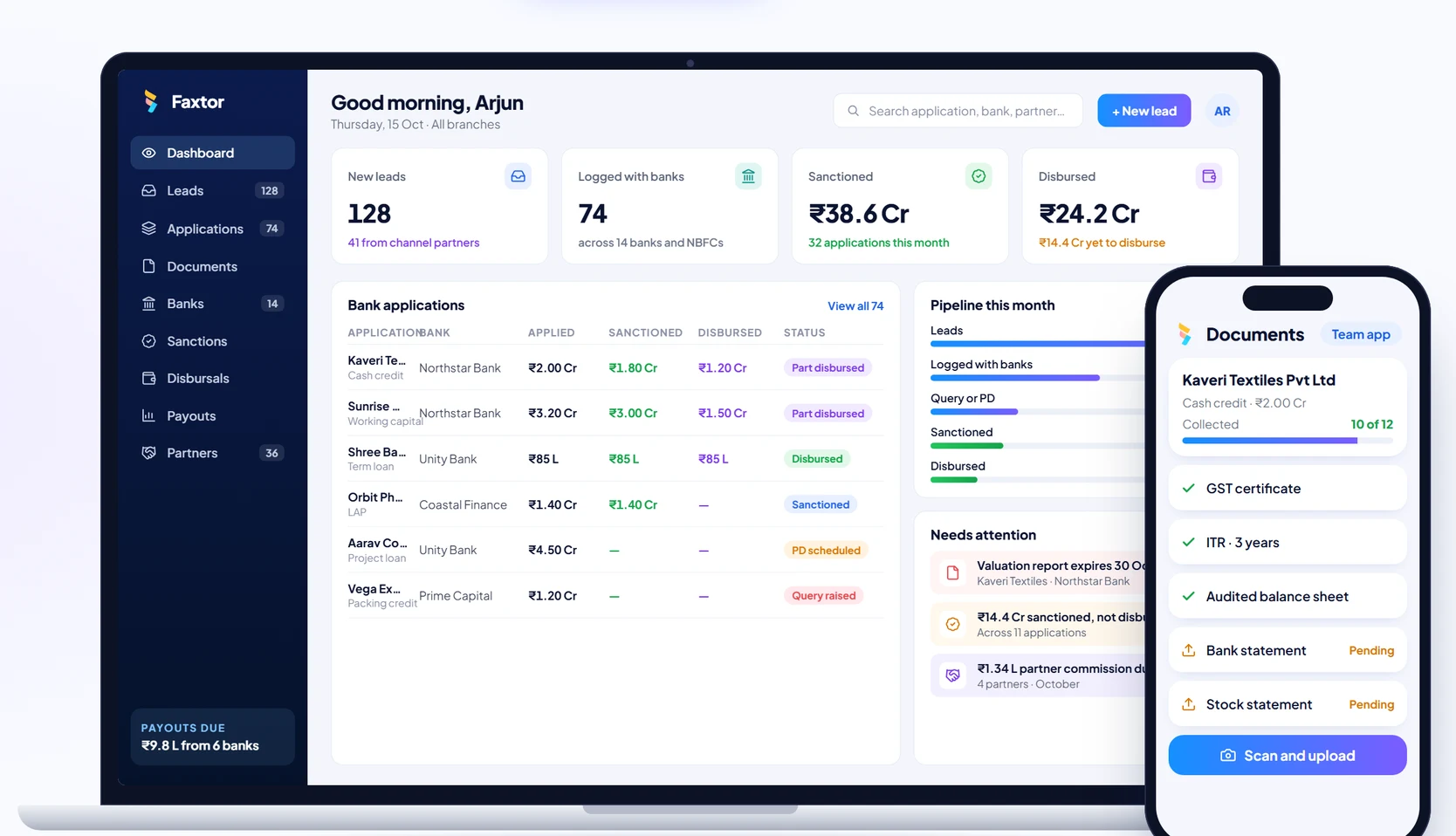
Financial Services & Lending
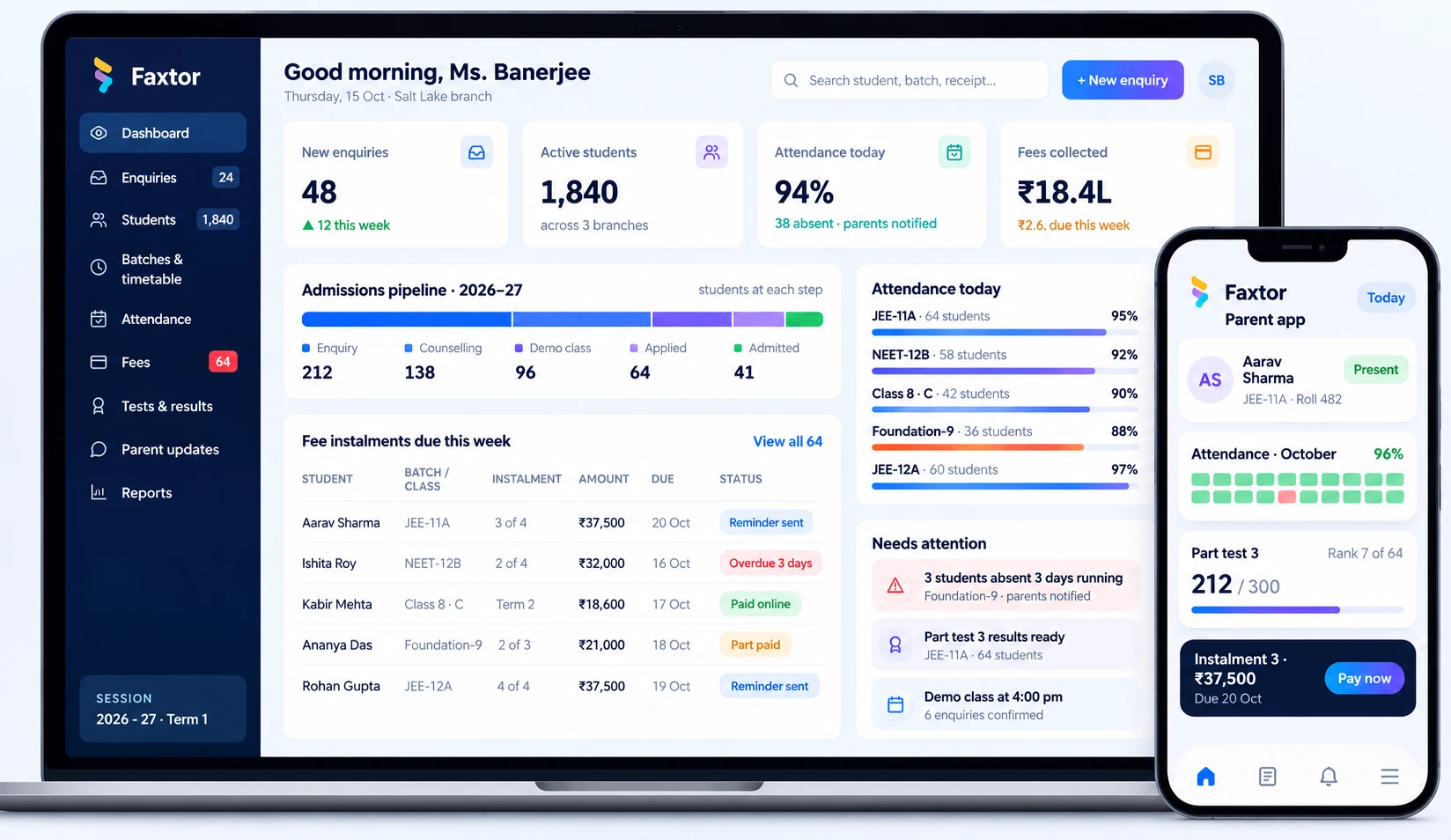
Education & Training
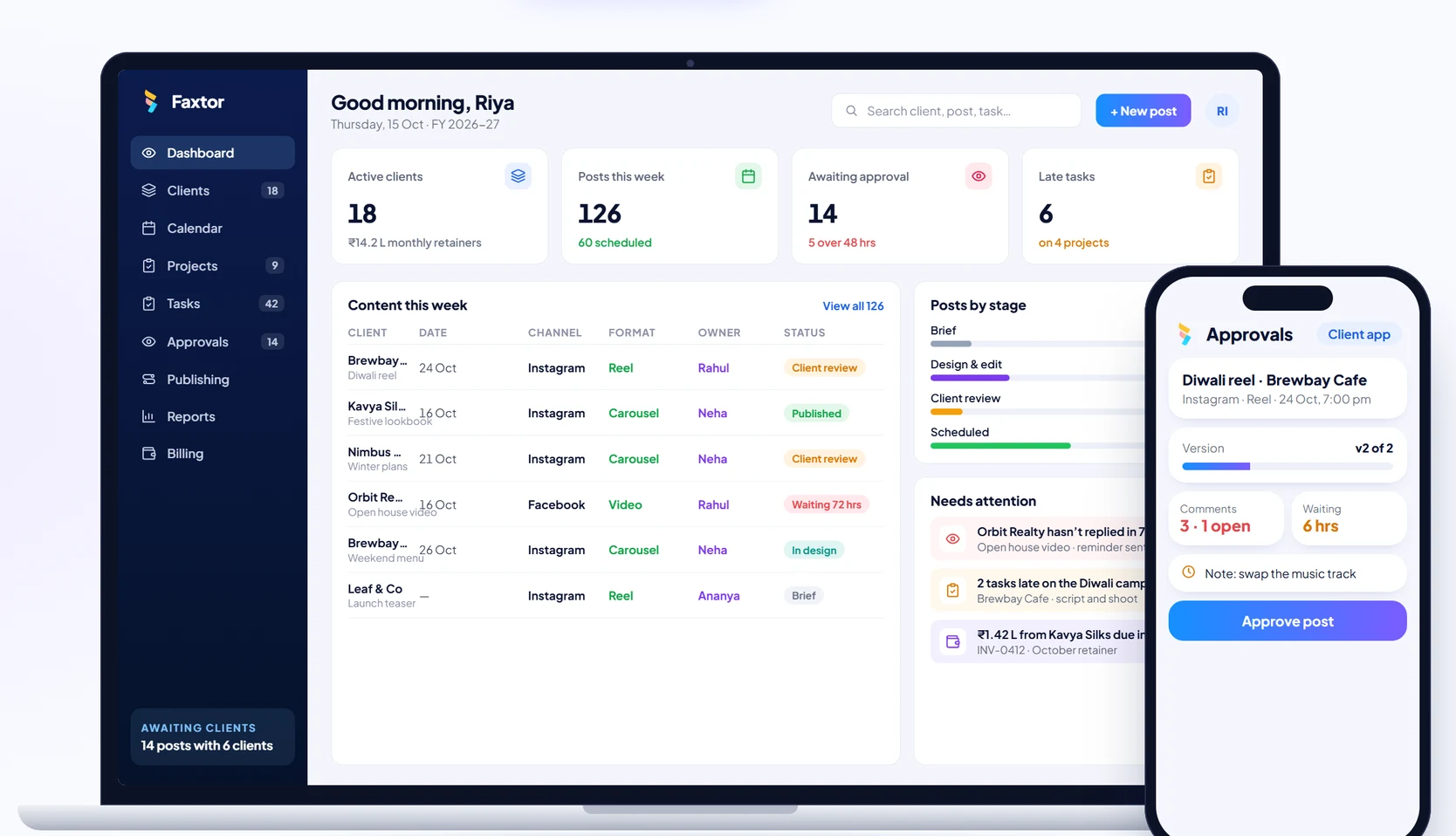
Social Media
Manufacturing