For project management consultants & contractors
Every site, vendor quote & snag in one screen.
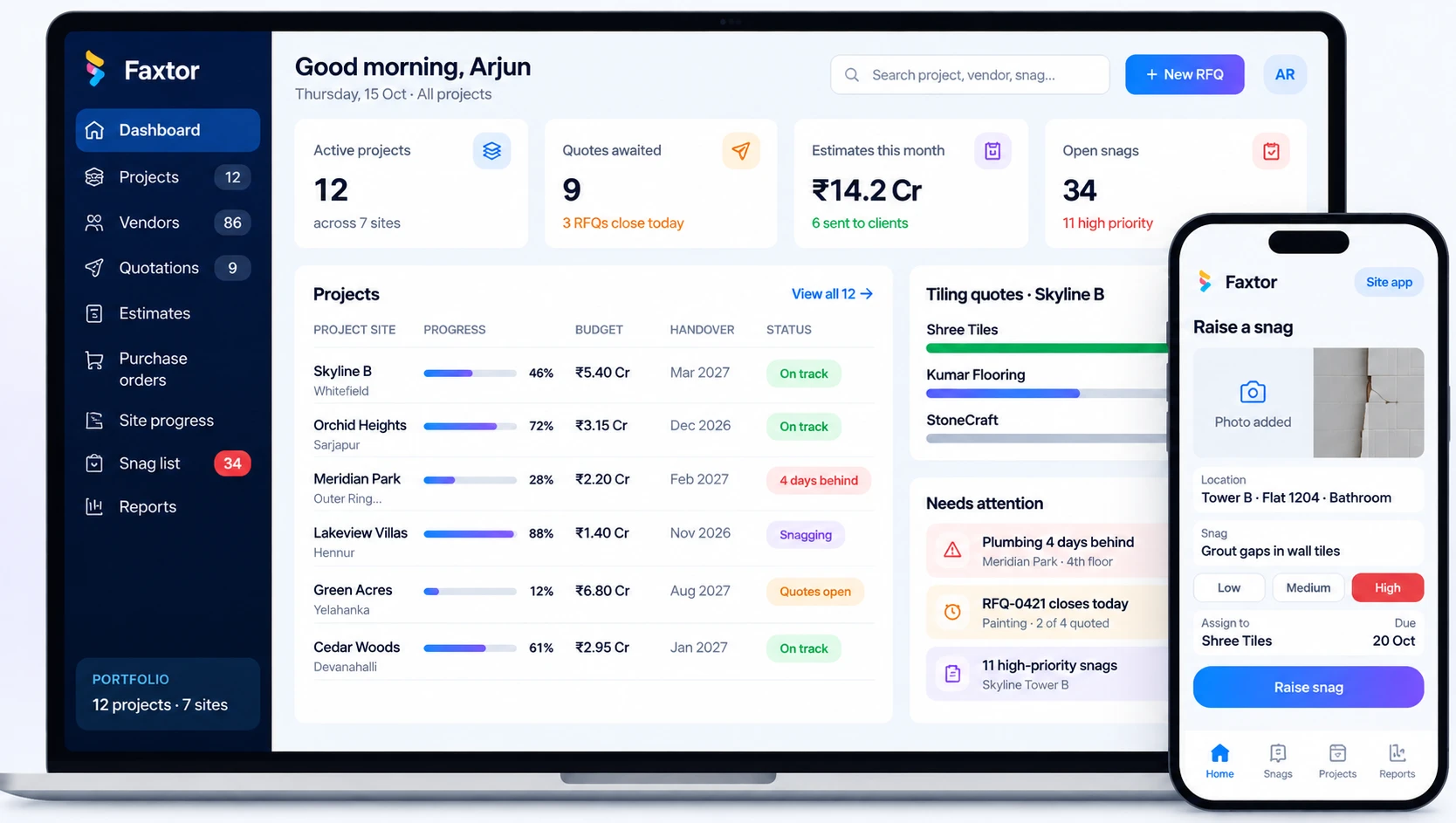
Custom software for construction project management: projects across sites, vendor quotations, price comparison, your markup, cost and time estimates, site progress and snag lists.

What goes wrong today
Four jobs that eat your week, and what replaces them.
Chasing quotes, comparing rates, building estimates and following up on snags. Pick one to see the difference.
Today
With Faxtor
Modules included
One project, from BOQ to handover.
Follow Skyline Residences, Tower B, through each module. Pick one, or let it play.
Module 1 of 6
Projects & BOQ
Set up every project with its sites, budget and bill of quantities, broken into packages you can send out for quotes.
- Projects across sites
- Each with its own budget and team
- BOQ from Excel
- Imported item by item
- Packages
- Civil, MEP, finishes or your own breakdown
- Status at a glance
- Which packages are awarded or still open
Your existing BOQ comes in from Excel, so nothing is retyped.
| Package | Items | Status |
|---|---|---|
| Civil & structure | 142 | Awarded |
| Electrical | 86 | Awarded |
| Plumbing & sanitary | 64 | Quotes in |
| Tiling & flooring | 38 | Comparing |
| Painting | 22 | RFQ sent |
| Doors & windows | 31 | Not started |
BOQ imported from Excel · 383 items
Compare, choose, mark up
Know which vendor gives the better price.
Try it. Click a price to choose that vendor for the item, then set your markup. The cost, client price and time estimate update as you go.
| Item | Shree Tiles5 weeks | Kumar Flooring6 weeks | StoneCraft5 weeks |
|---|---|---|---|
| Vitrified floor tiles600×600 · 18,400 sq ft | |||
| Bathroom wall tiles9,600 sq ft | |||
| Skirting6,200 running ft | |||
| Laying labour28,000 sq ft | |||
| Grout and chemicalsLump sum | |||
| Package total | ₹22.49 LLowest total | ₹22.57 L | ₹23.61 L |
Your estimate
Cost from chosen vendors3 vendors₹21.43 L
Your margin+ ₹2.57 L
Estimated duration6 weeks
Client price₹24.00 L
The site app
Updates and snags, straight from site.
Site engineers report progress and raise snags from their phone. Vendors see the snags assigned to them, and you see everything as it happens.
Daily progress reports
Work done, manpower and photos, sent from site every evening.
Snags raised with a photo
Location, priority, vendor and due date in under a minute.
Tracked until closed
Open, fixed and verified, for every flat and floor.
Client story
How BuildCare runs its projects on Faxtor
BCCase studyBuildCare
BuildCare manages construction projects across multiple sites. Faxtor built one system around how they work: every project and its vendors in one place, quotations collected and compared, vendors chosen with BuildCare’s markup applied, total cost and time worked out automatically, and snags tracked through to handover.
What we built
- Projects across multiple sites
- Vendor quotations
- Price comparison
- Vendor selection and markup
- Cost and time estimates
- Snag listing
Who it’s for
Set up for how your firm runs projects
Project management consultants
Managing construction for clients across several sites.
- Vendor RFQs and comparison
- Markup and client estimates
- Progress reports for clients
- Snag lists through handover
Contractors
General and specialist contractors running several sites at once.
- BOQ and package tracking
- Subcontractor quotes
- Daily site reports
- Material and labour costs
Interior & fit-out firms
Offices, retail and homes, with many vendors on every project.
- Quotes by room or package
- Markup on every item
- Timeline for each site
- Snag list before handover
Real estate developers
Towers and villa projects, tracked from BOQ to handover.
- Budget against committed cost
- Every contractor in one place
- Progress across projects
- Flat-wise snag lists
Common questions
Questions project heads ask us
Can vendors send their quotes straight into the system?
Yes. Vendors get a link to the RFQ and enter their rates against your BOQ items, so every quote comes back in the same format and is ready to compare.
Can we import our BOQ from Excel?
Yes. Your BOQ is imported item by item and grouped into packages, so you can send RFQs the same day.
Can we choose a different vendor for each item?
Yes. You can award the whole package to one vendor or choose a vendor item by item. The cost, timeline and client estimate update with every choice.
Can we apply different markups to different packages?
Yes. Set a markup for each package. Your margin and the client price are worked out automatically and shown before the estimate is sent.
Do site engineers need a laptop?
No. Daily reports, photos and snags are all done from the site app on their phone.
Can our clients see progress?
If you want them to. Clients can get their own login to see progress, schedules and snag status for their project only.
How long does it take to go live?
It depends on the modules you choose. After the demo we give you a clear timeline for your firm.
What will it cost?
It depends on the modules and number of projects. After the demo we share a clear scope and a quote, with no obligation.
Services we would use
The services behind a system like this.
ERP Software
Manage your operations, inventory, purchases, staff and reporting in one system.
CRM Software
Keep track of leads, follow-ups, sales and customer relationships in one place.
Mobile App Development
Android and iOS apps for your customers or field teams, built from one codebase.
Custom Web Applications
Solutions built around your workflow, when off-the-shelf tools don’t fit.
Business Automation
Automate repetitive tasks and reduce manual work across your processes.
WhatsApp Automation
Send updates, reminders and alerts directly on WhatsApp.
Let’s Get Started
Have a business challenge in mind?
Tell us what you want to improve, simplify or build. Let’s explore the right solution for your business.
- Talk to usdiscovery call
- Understandyour business
- Explorethe right solution
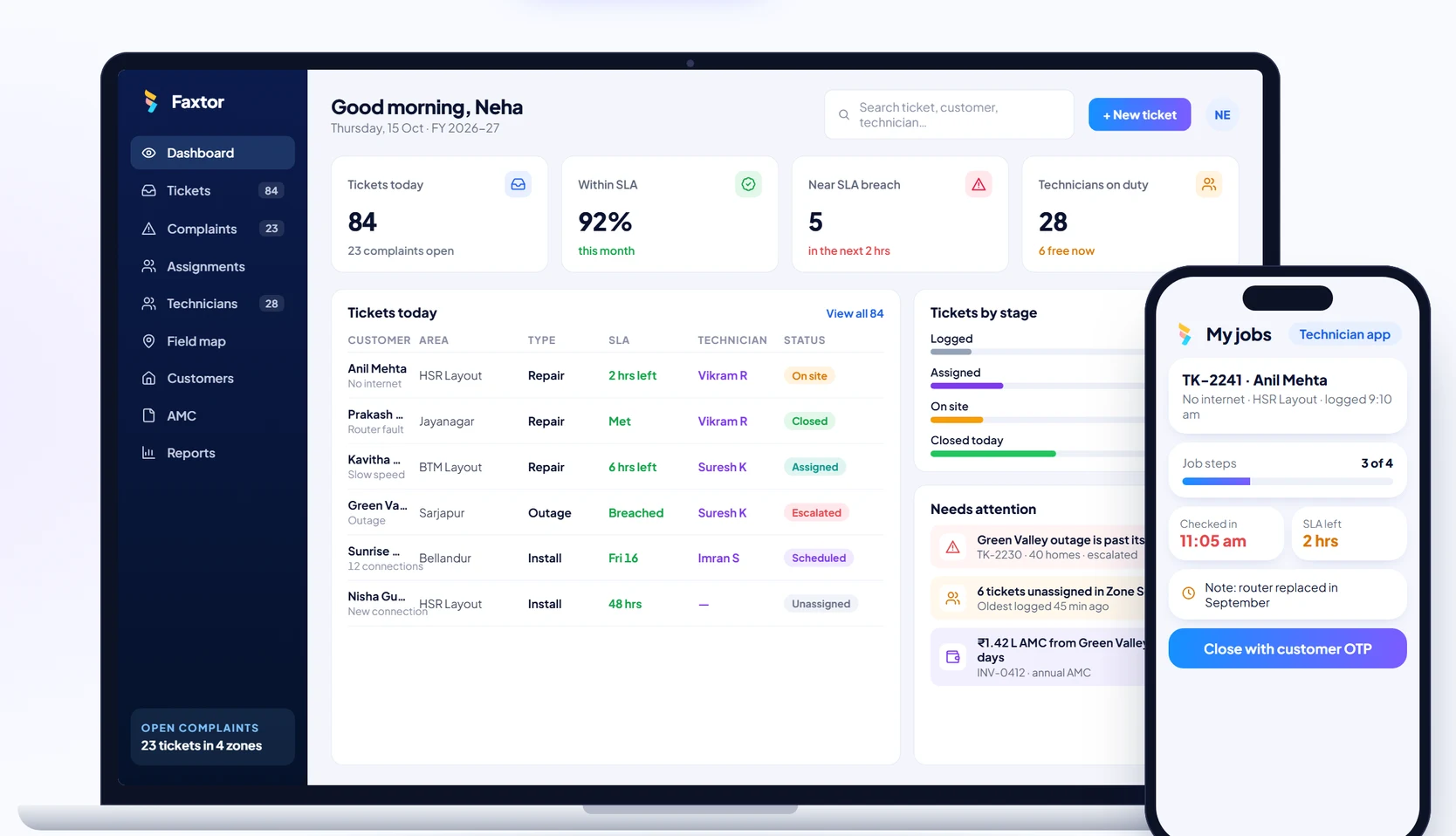
Telecom & Field Services
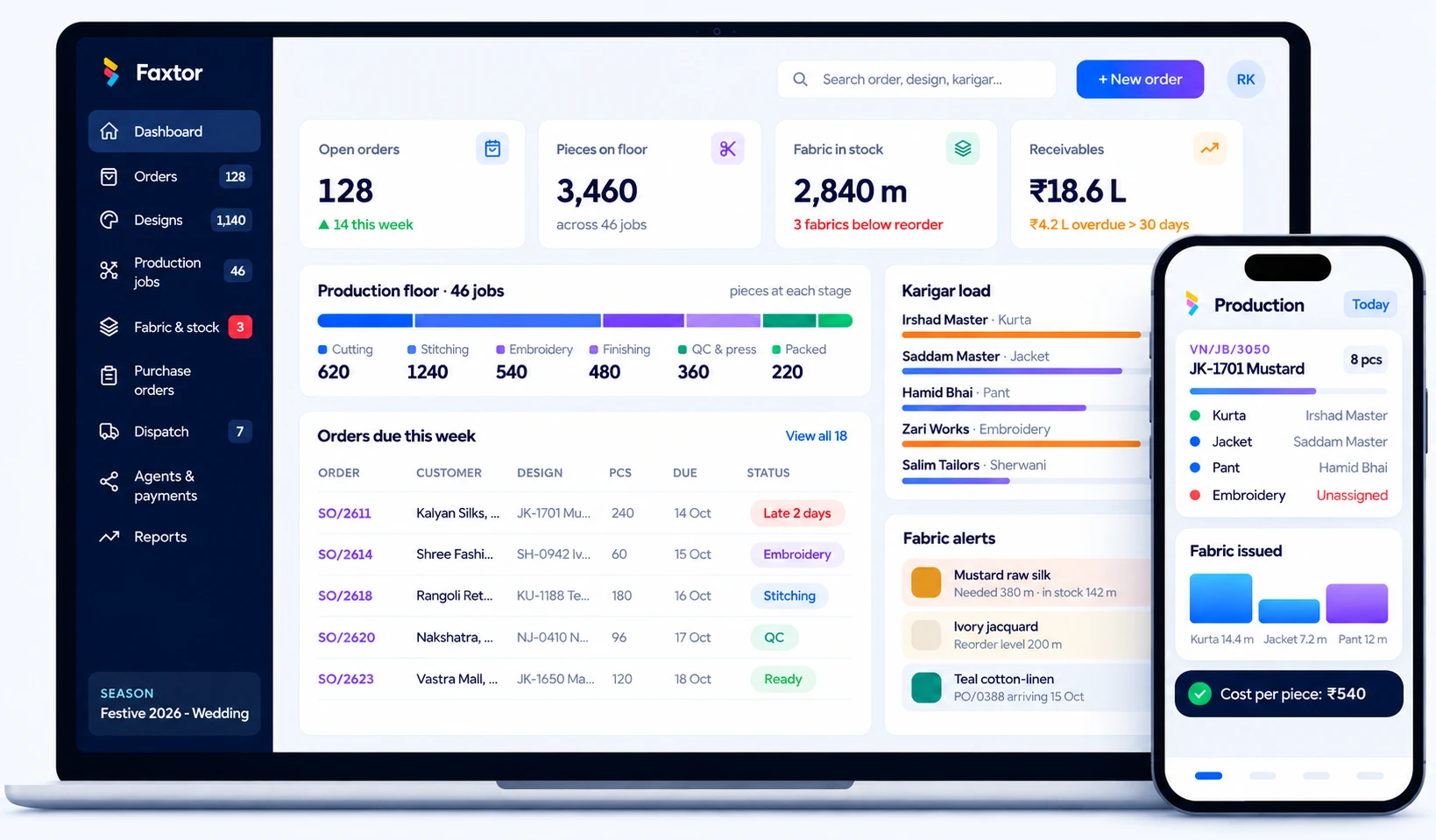
Garment Manufacturing
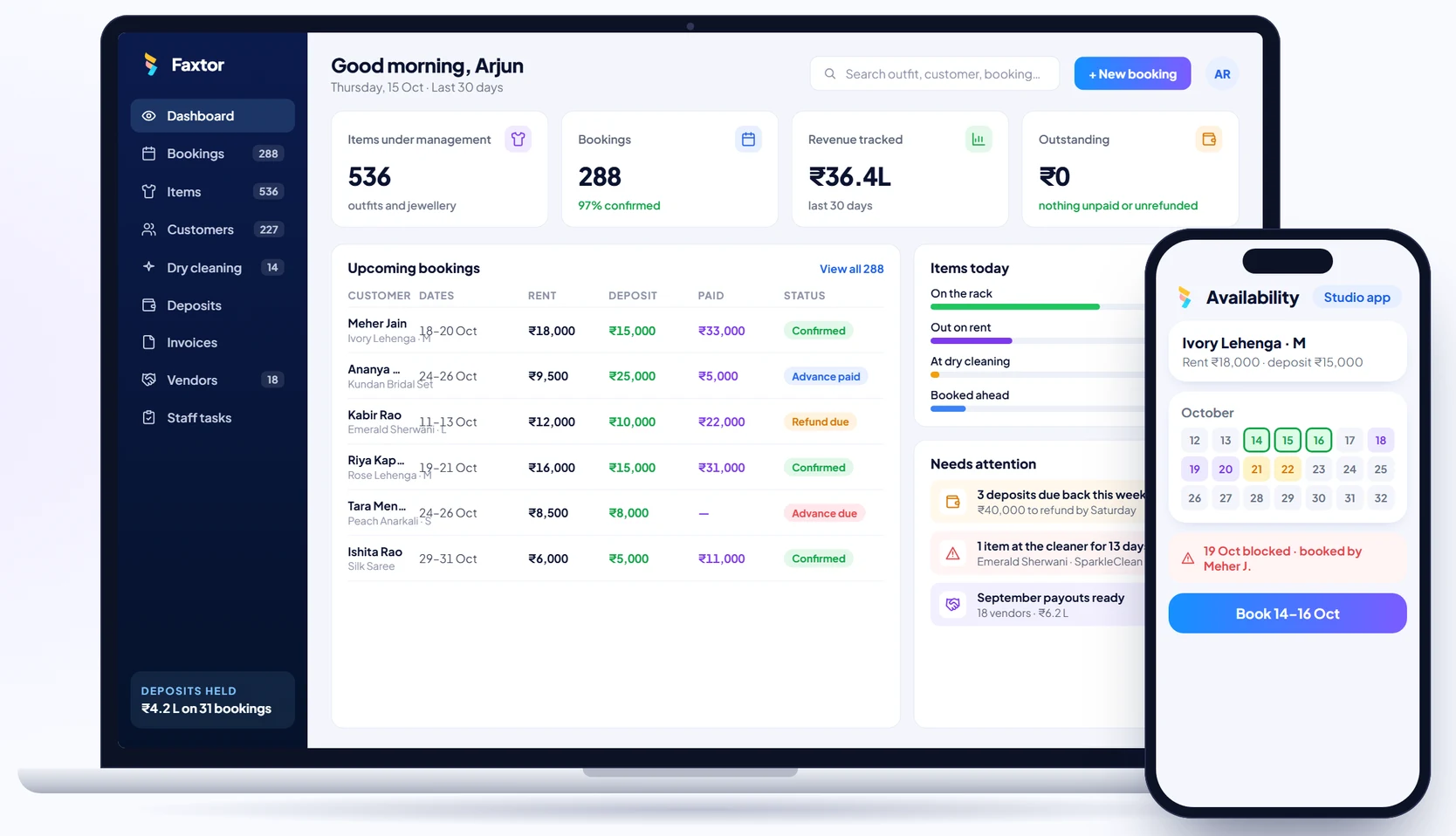
Rental Studios
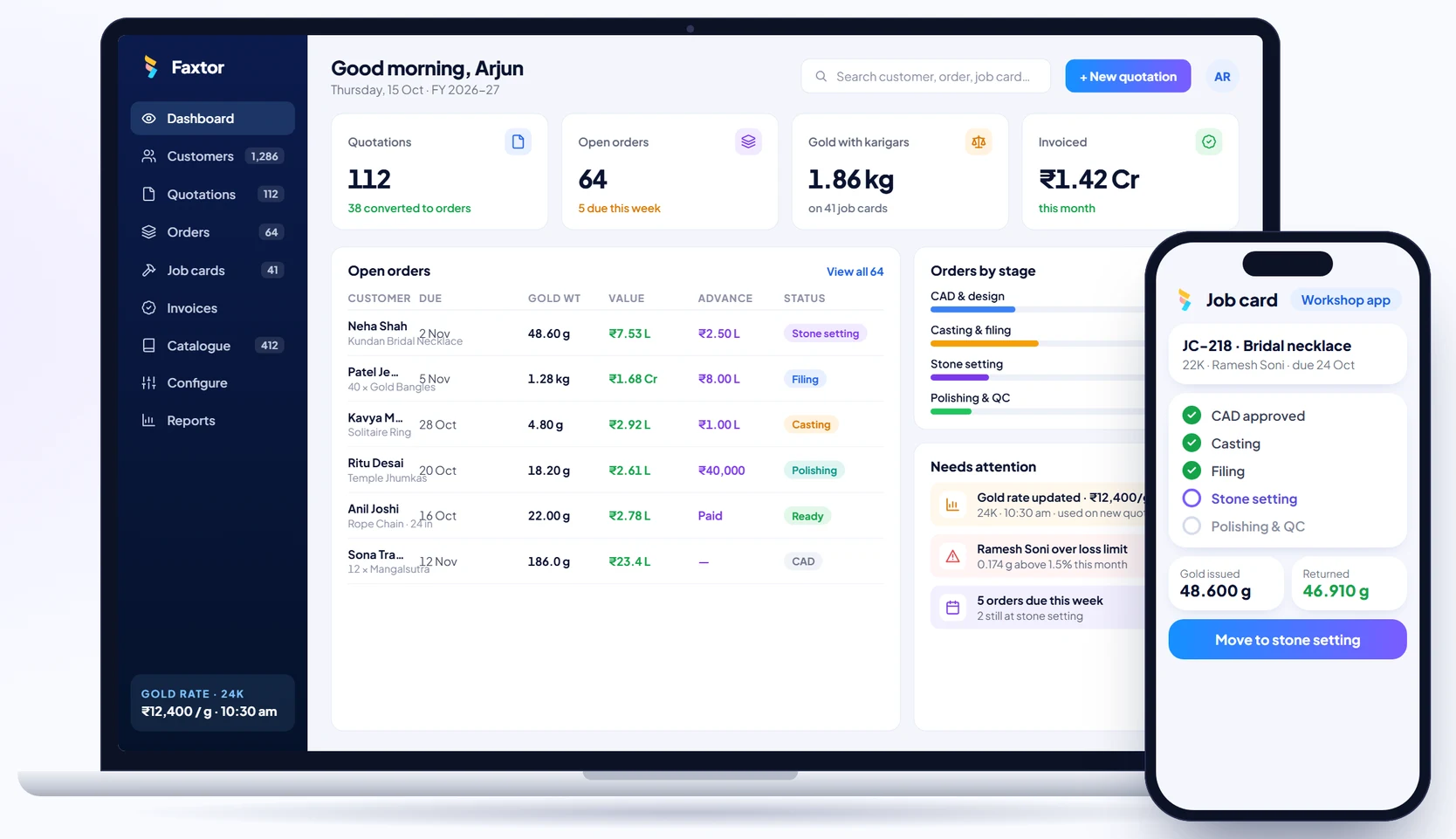
Jewellery Manufacturing
Construction & Project Management
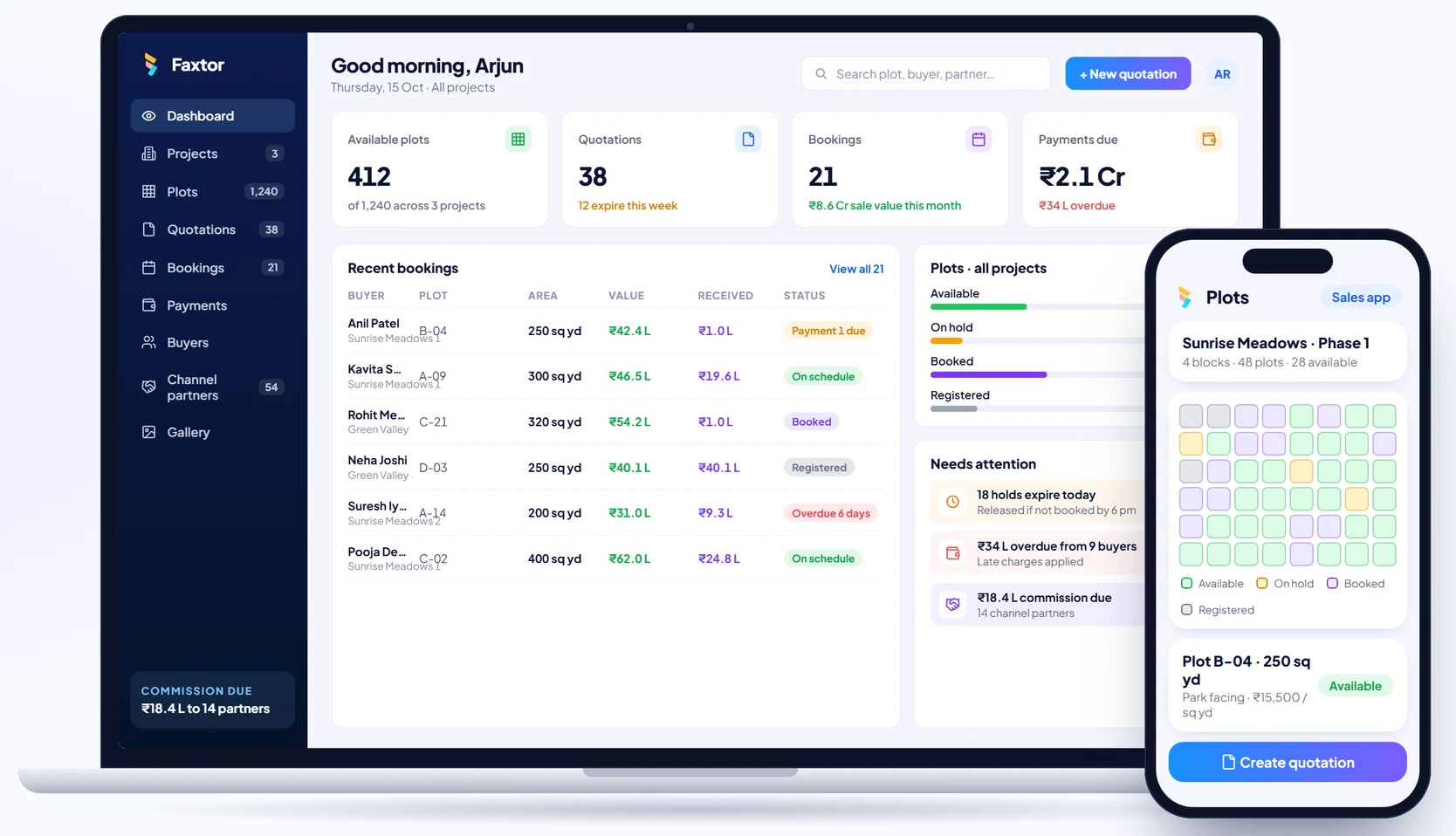
Real Estate & Property
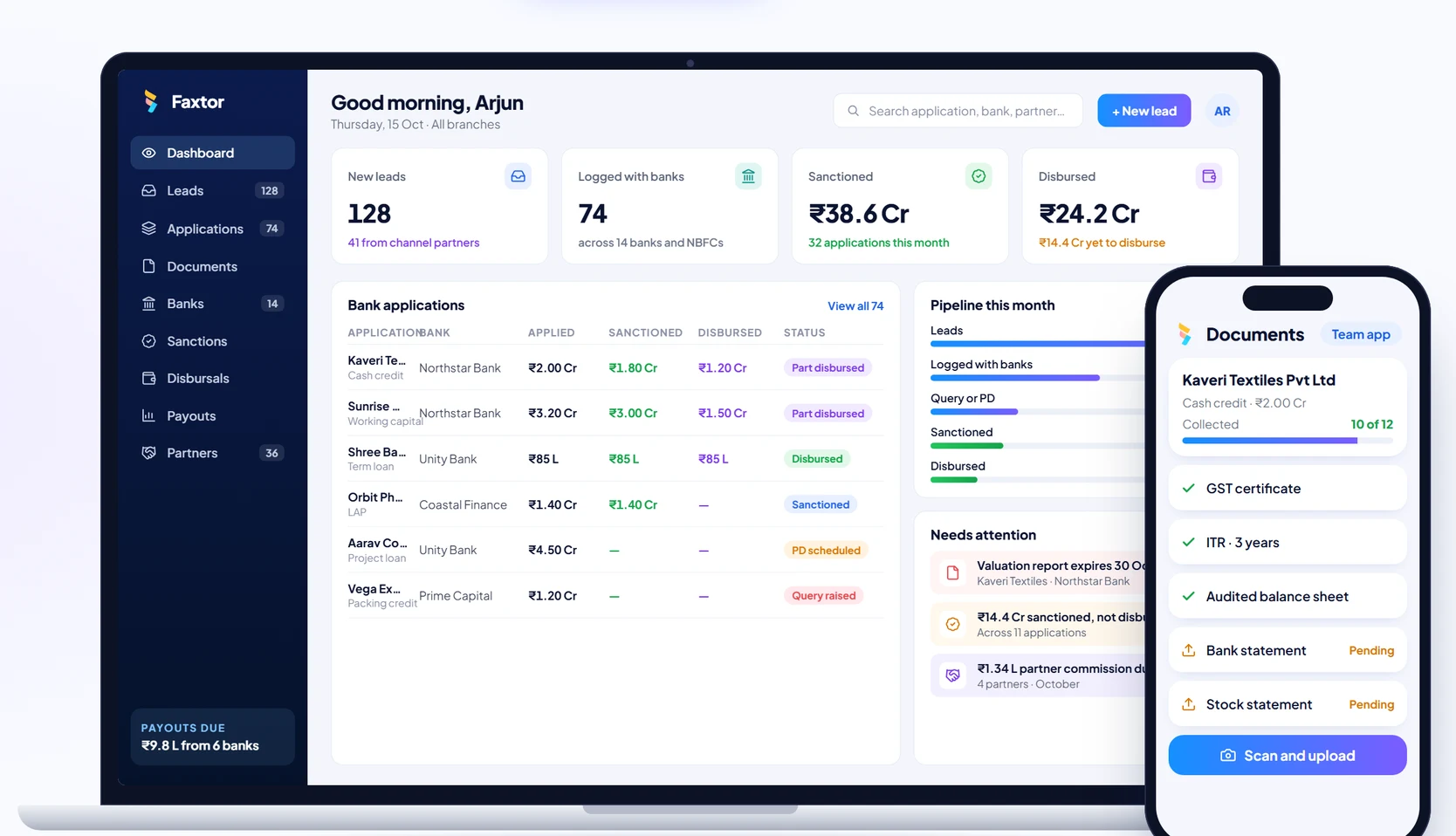
Financial Services & Lending
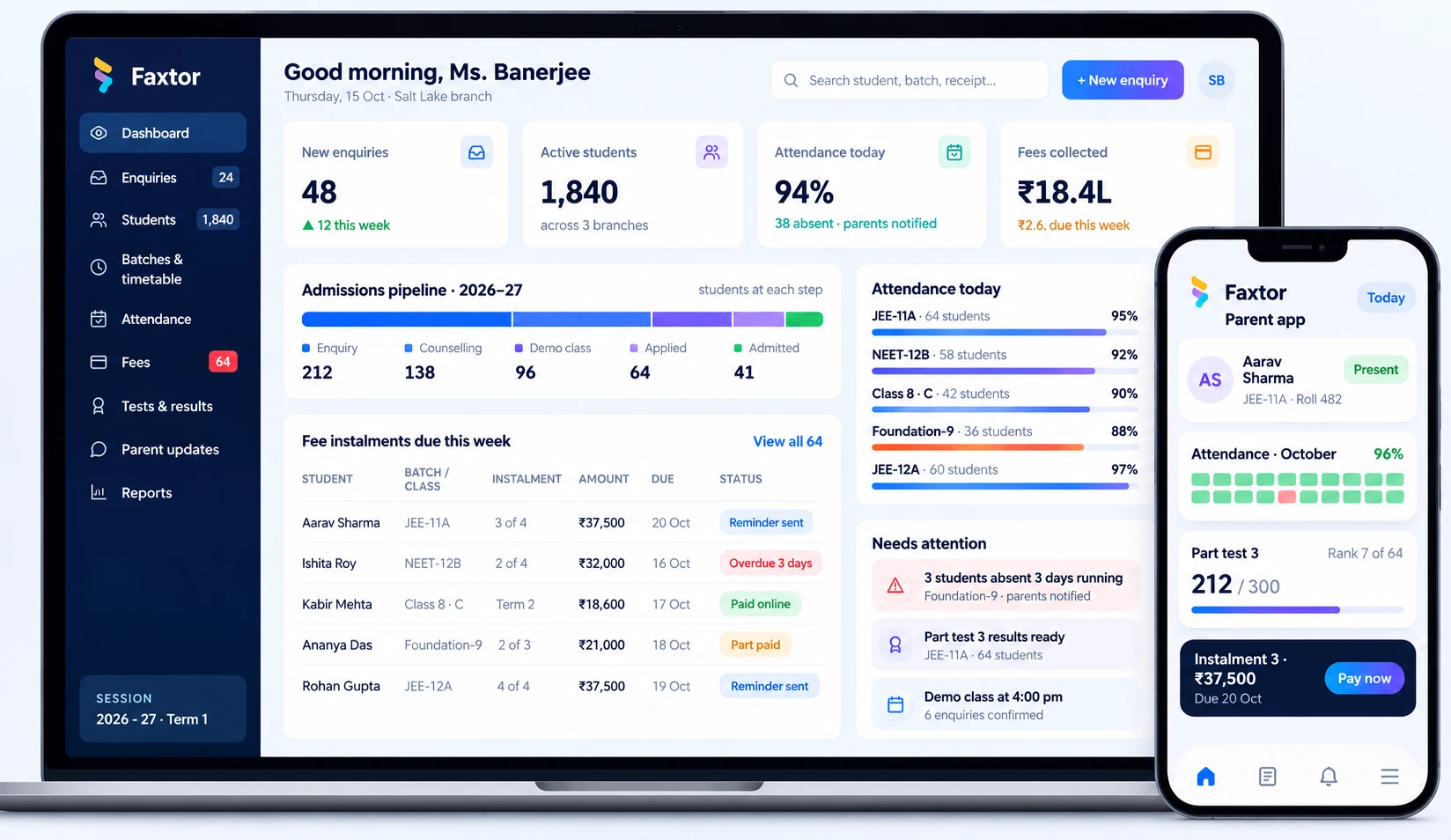
Education & Training
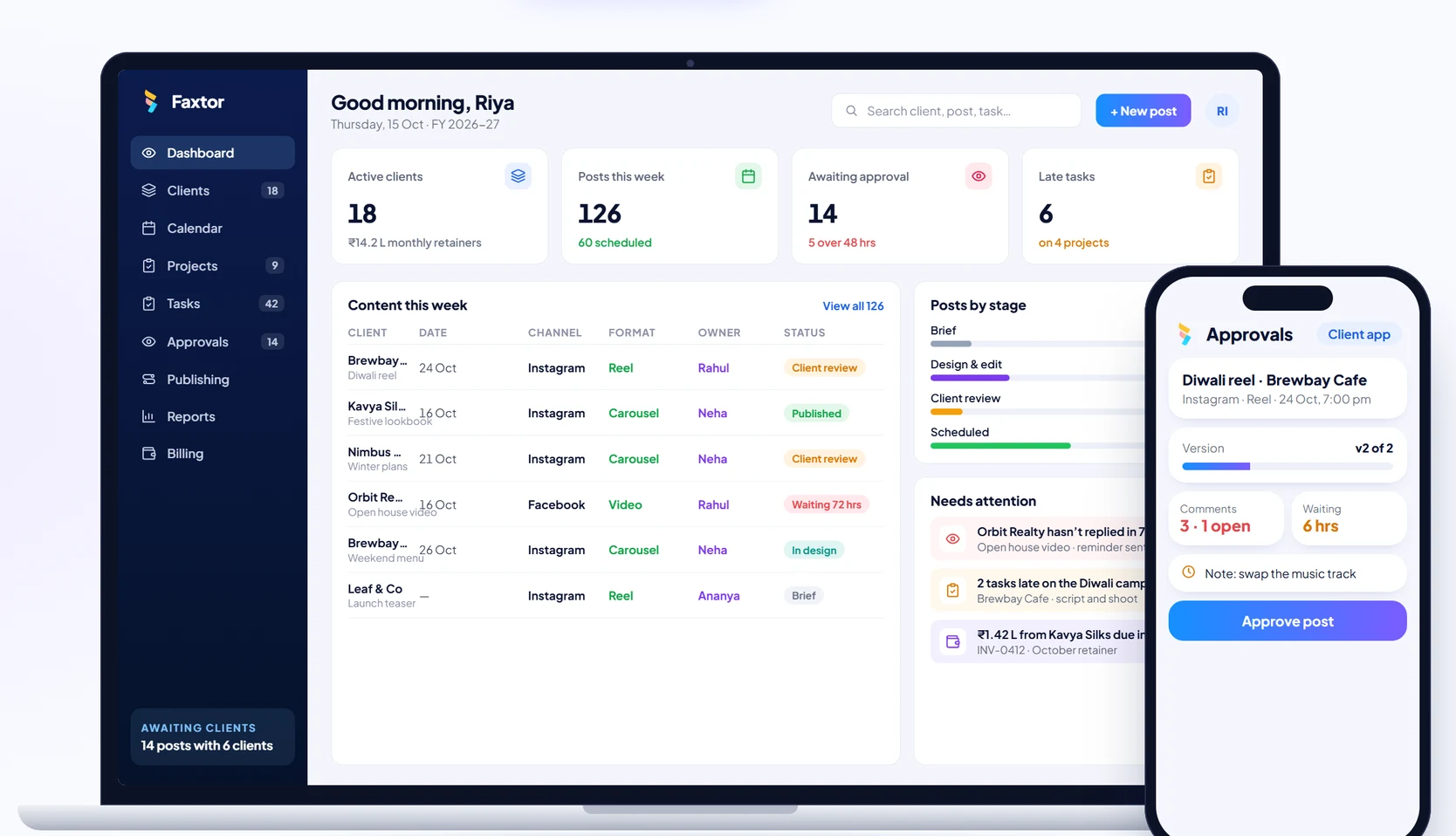
Social Media
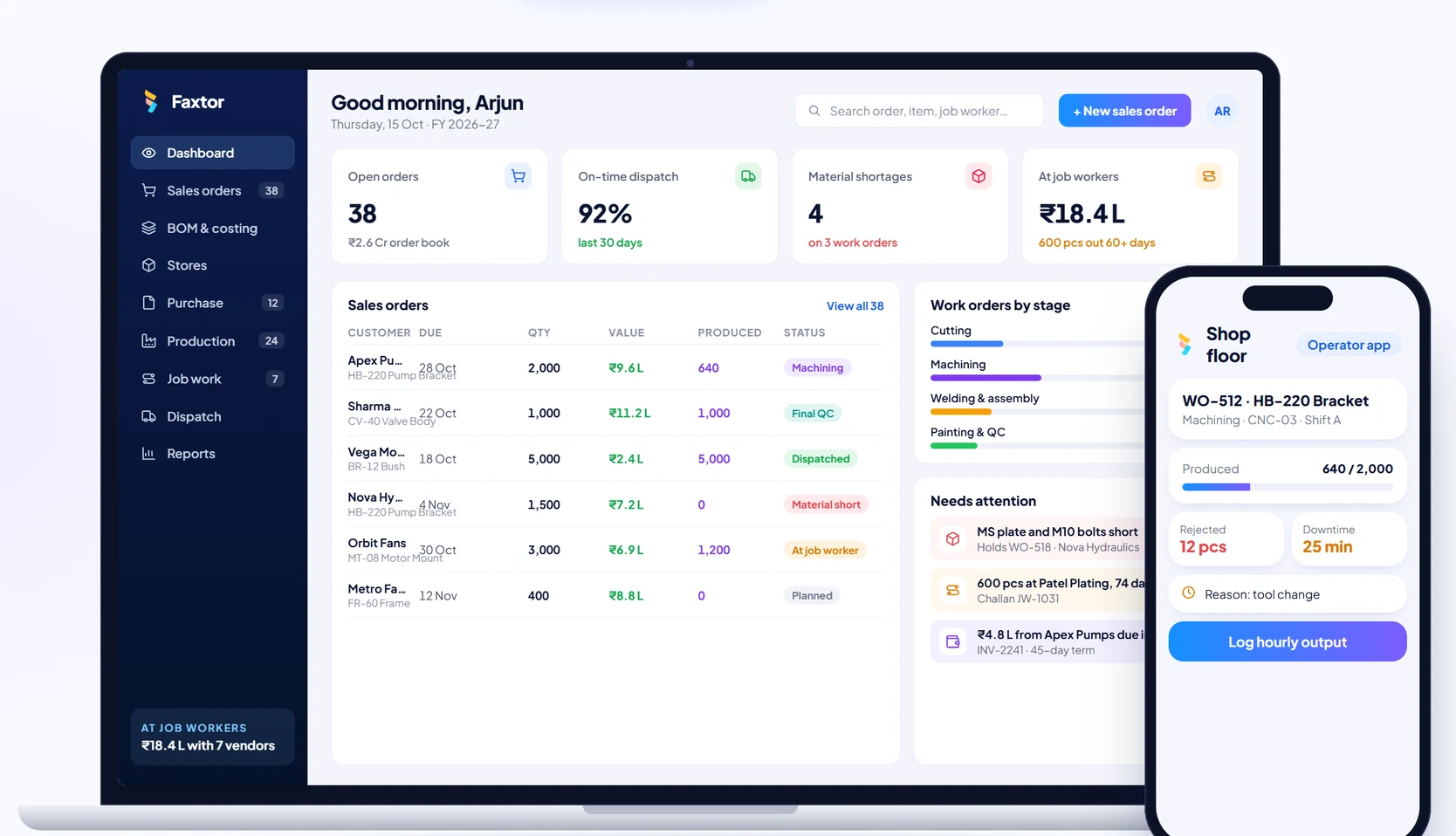
Manufacturing