
For schools, coaching centres & learning platforms
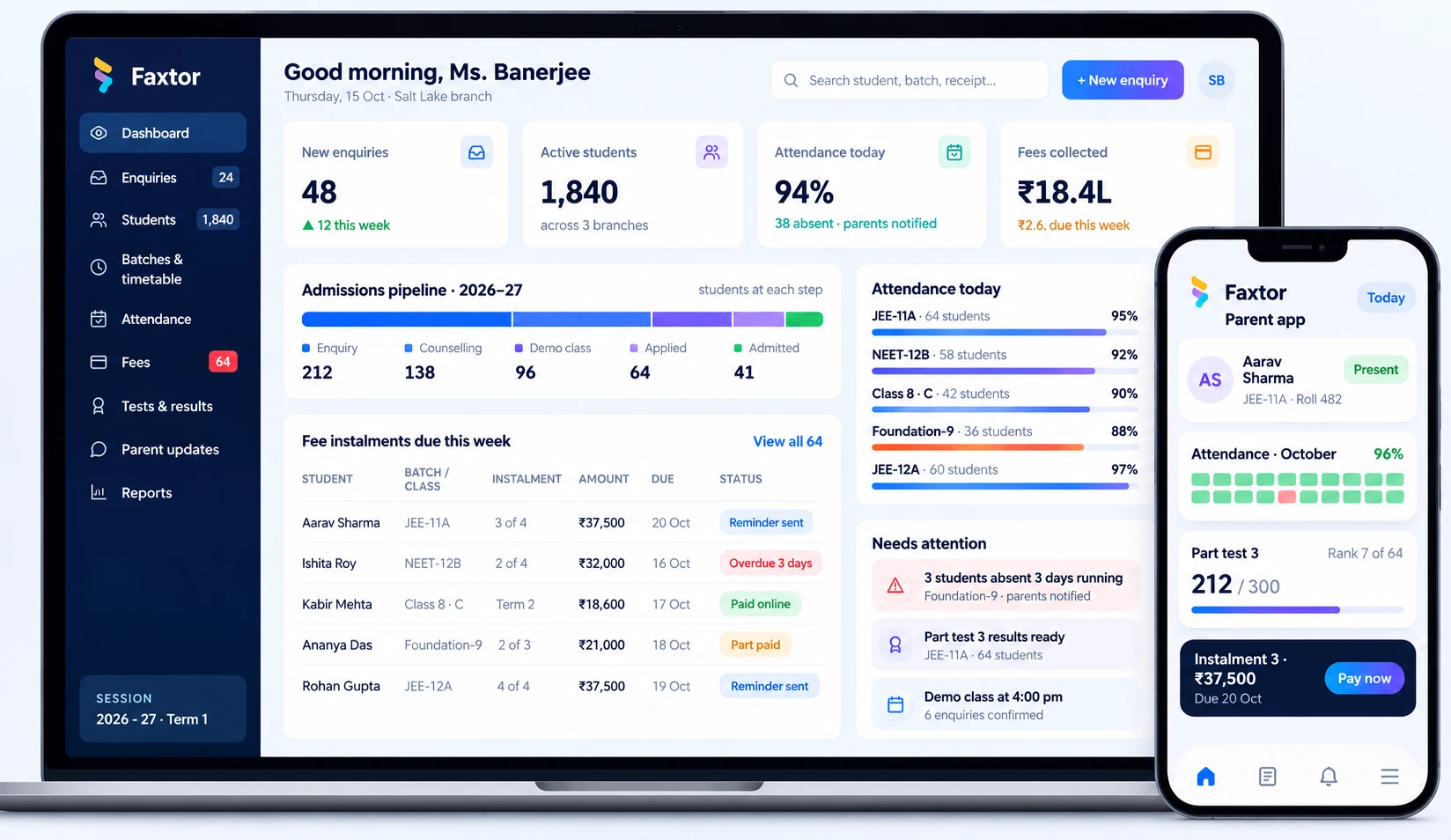
Admissions, attendance & fees in one screen.
A white-label app and web platform for your institution: admissions, attendance, fees, report cards and parent updates, with an account manager who helps you run it day to day.
Trusted by schools & coaching centres
- MTMother Teresa SchoolSchool · Haldia
- LCLittle ChipperSchool · Agra
- MMeritVyCoaching centre · International
- SSmavyCoaching centre · International

What goes wrong today
One day in your school office, before and after Faxtor.
The same four jobs come up every day. Today they take registers, phone calls and spreadsheets. With Faxtor, most of the work happens automatically.
Attendance8:30 am
Today
Registers are filled by hand and counted later. Parents of absent students hear nothing until evening.
With Faxtor
Teachers mark attendance on their phone. Parents of absent students are told within minutes.
Fee follow-up11:00 am
Today
The office calls parents one by one about pending fees, and most calls go unanswered.
With Faxtor
Reminders with a payment link go out on their own, and receipts are sent the moment parents pay.
Reports2:00 pm
Today
The principal asks for the defaulters list. Someone puts it together from three spreadsheets.
With Faxtor
The defaulters list is always up to date, filtered by class and ready as Excel or PDF.
Notices4:00 pm
Today
A circular goes home in the school diary, and nobody knows who actually read it.
With Faxtor
Notices reach parents on the app, WhatsApp and SMS, and you can see who has read them.
Modules included
Six modules, one student record, from admission to report card.
Follow Kabir, a Class 8 student, through each module. Pick one, or let it play.
Module 1 of 6
Student records
One secure record for every student, staff member and parent, shared by the office, teachers and the app.
- Student profiles
- Academics, attendance and documents in one place
- Staff records
- Details, roles and performance
- Parent details
- Linked to each child for every update
- Role-based access
- Everyone sees only what their role allows
Bring your existing records in from Excel with a bulk upload on day one.
ProfileAcademicsAttendanceFeesDocuments
- Father
- Rakesh Mehta
- Mobile
- +91 98300 41782
- Transport
- Route 4 · Salt Lake
- Class teacher
- Ms. Banerjee
Documents
Birth certificateUploaded
Transfer certificateUploaded
Aadhaar cardPending
Fee defaulter reports
Know who owes what, and since when.
A detailed defaulter report is always one click away, for the whole school or a single section.
- Filter by class, section, branch, fee head or days overdue
- See the amount due, days overdue and last reminder for every student
- Send a reminder with a payment link to everyone on the list at once
- Block report cards for defaulters until dues are cleared
- Download as Excel or PDF for the management meeting
Core modules on the app
Four modules, in your school’s own app.
This is what parents see. Your school’s name and logo on Android, iOS and the web, with a separate app for teachers and staff.
Parent–school communication
Homework
Subject-wise homework, submitted digitally and returned with feedback.
Built for how you teach
Same foundation, set up for your kind of institution.
Coaching centres
JEE, NEET, foundation and tuition classes, from one branch to many.
- Enquiries, counselling and demo classes
- Batches and faculty timetables
- Test series with rank lists
- Fee instalments with reminders
Schools
K–12 schools with classes, sections and a front office handling parents all day.
- Admissions by class and session
- Class-wise fee structures
- Exams and report cards
- Parent app with daily updates
Preschools
Playgroups, nurseries and daycare, where parents expect to hear about every day.
- Enquiry to school visit tracking
- Daily updates and photos for parents
- Pick-up and drop records
- Monthly fee reminders
Online learning platforms
Course businesses that sell, teach and track students online.
- Course enrolment and online payments
- Student logins and progress
- Live class and test schedules
- Your own branded app
Pricing
Choose how you want to pay
Price depends on your student count and the modules you choose. Tell us about your institution and we’ll recommend the right option.
Per student, per month
A subscription based on the number of students. Easy to start, and it grows with your school.
- Low cost to get started
- Scales with your student count
- We host and update it for you
One-time payment
Pay once for the system, set up with your modules, branding and data.
- No monthly per-student fee
- You own the system and your data
- Set up with your branding and modules
Source code licence
Buy the full source code, with everything deployed on your own server.
- Deployed on your server
- Full source code is yours
- Suited to school groups and large institutions
Not sure which fits? We’ll help you decide after the demo. Ask about pricing on WhatsApp
Common questions
Questions principals and directors ask us.
Will our teachers need to learn new software?
Teachers use a simple phone app to mark attendance and enter marks. We train your office and teaching staff during rollout and stay available after launch.
We use Excel, registers or another software today. What happens to that data?
We import your existing student, batch and fee records during setup, so your team doesn't retype anything.
Can parents see their child's details and pay fees online?
Yes. The parent app shows attendance, fee status and results for their own child, and parents pay from the reminder link with a receipt generated automatically.
We have more than one branch. Will it work for us?
Yes. Each branch runs on its own, and management gets a combined view across all of them.
Can the app carry our school's name and logo?
Yes. The parent, teacher and admin apps are white-label, with your name, logo and colours on Android, iOS and the web.
Who helps us after we go live?
An account manager is assigned to your school. They set up your data, train your staff and stay your first point of contact for day-to-day changes.
Can we run online classes?
Yes. Online classes are scheduled and run through the Google Meet and BigBlueButton integrations, and parents see them in the app.
Can we hold back report cards for fee defaulters?
Yes. Report cards can be blocked for students with pending dues until the fee is cleared.
How long does it take to go live?
It depends on the modules you choose. After the demo we give you a clear timeline for your institution.
What will it cost?
You can pay per student, per month as a subscription, or make a one-time payment. If you want the full source code deployed on your own server, we offer a source code licence too. After the demo we recommend the right option and share a quote.
Services we would use
The services behind a system like this.
ERP Software
Manage your operations, inventory, purchases, staff and reporting in one system.
Website Development
Modern, mobile-ready websites that showcase your business and convert enquiries.
Mobile App Development
Android and iOS apps for your customers or field teams, built from one codebase.
Custom Web Applications
Solutions built around your workflow, when off-the-shelf tools don’t fit.
WhatsApp Automation
Send updates, reminders and alerts directly on WhatsApp.
SaaS Development
Build and launch multi-tenant products that your customers can use and grow with.
Let’s Get Started
Have a business challenge in mind?
Tell us what you want to improve, simplify or build. Let’s explore the right solution for your business.
- Talk to usdiscovery call
- Understandyour business
- Explorethe right solution
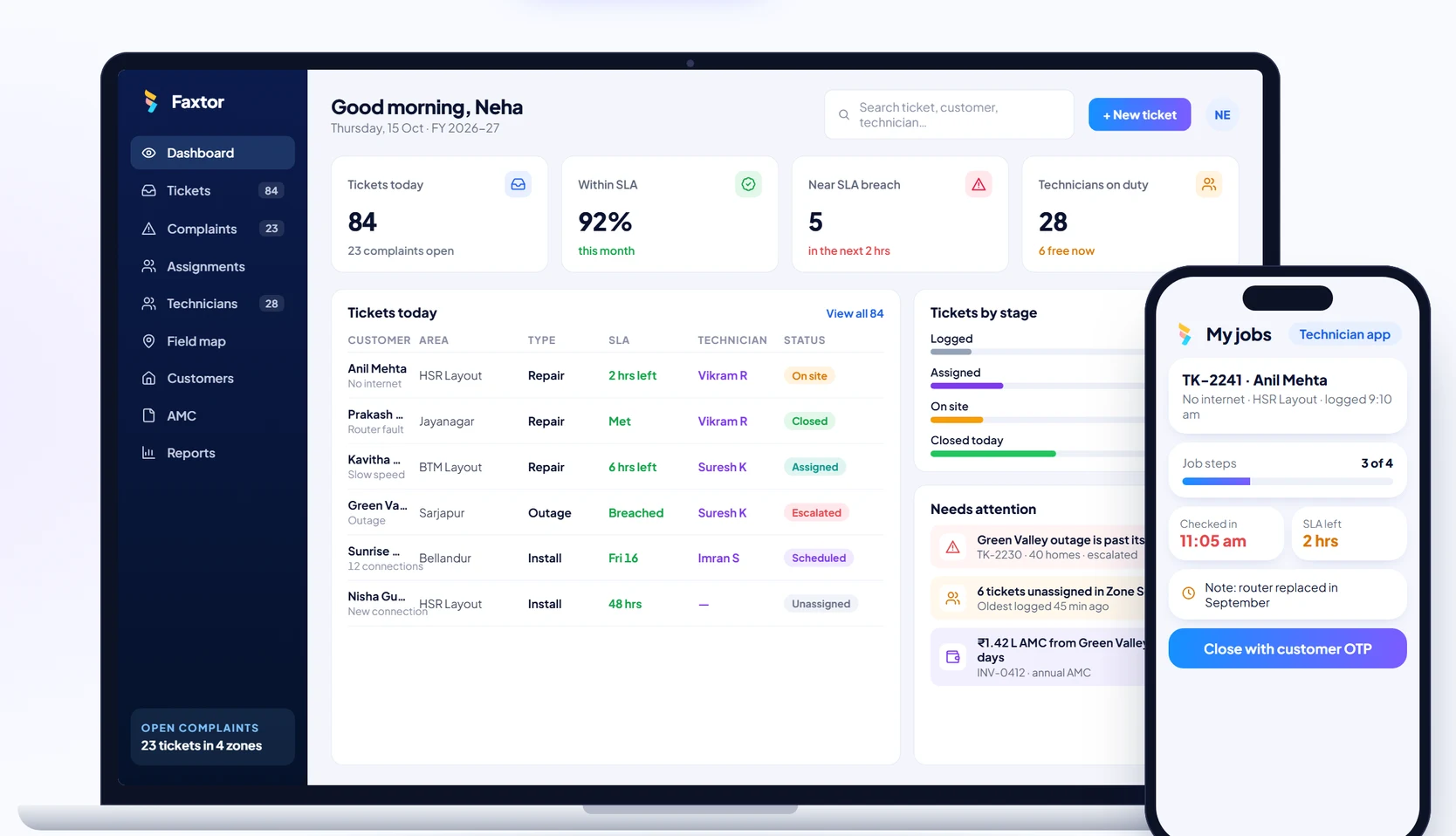
Telecom & Field Services
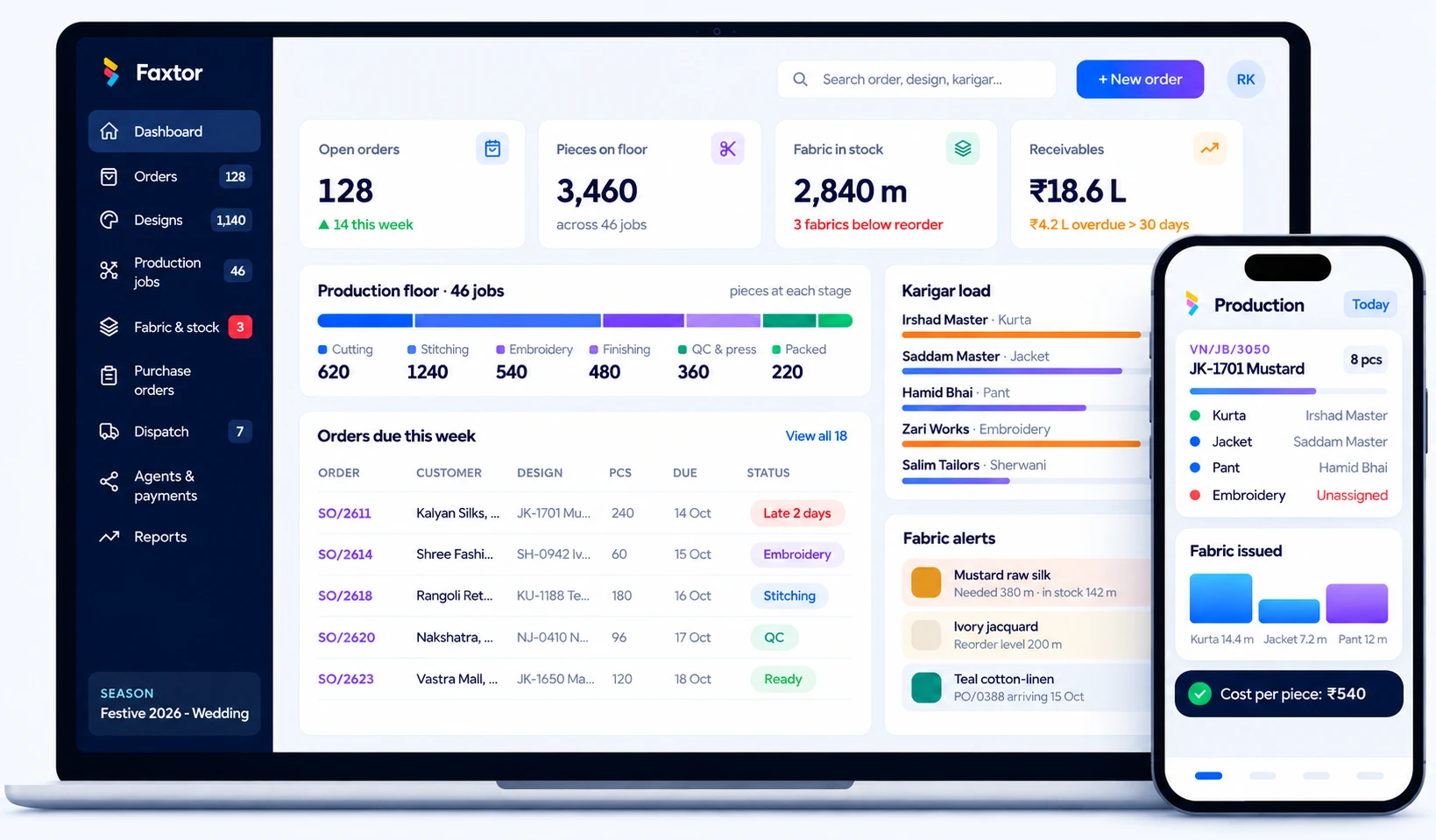
Garment Manufacturing
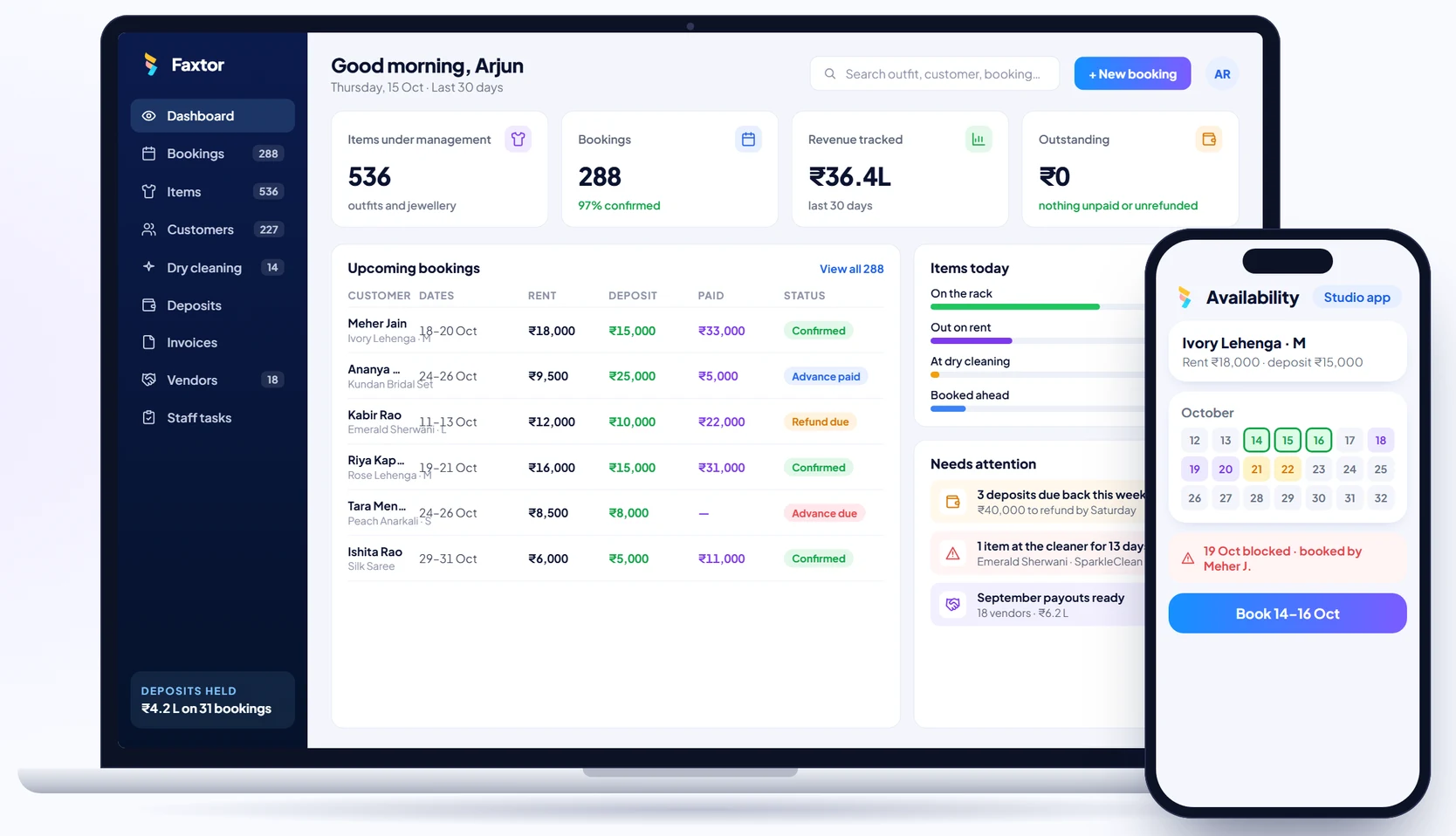
Rental Studios
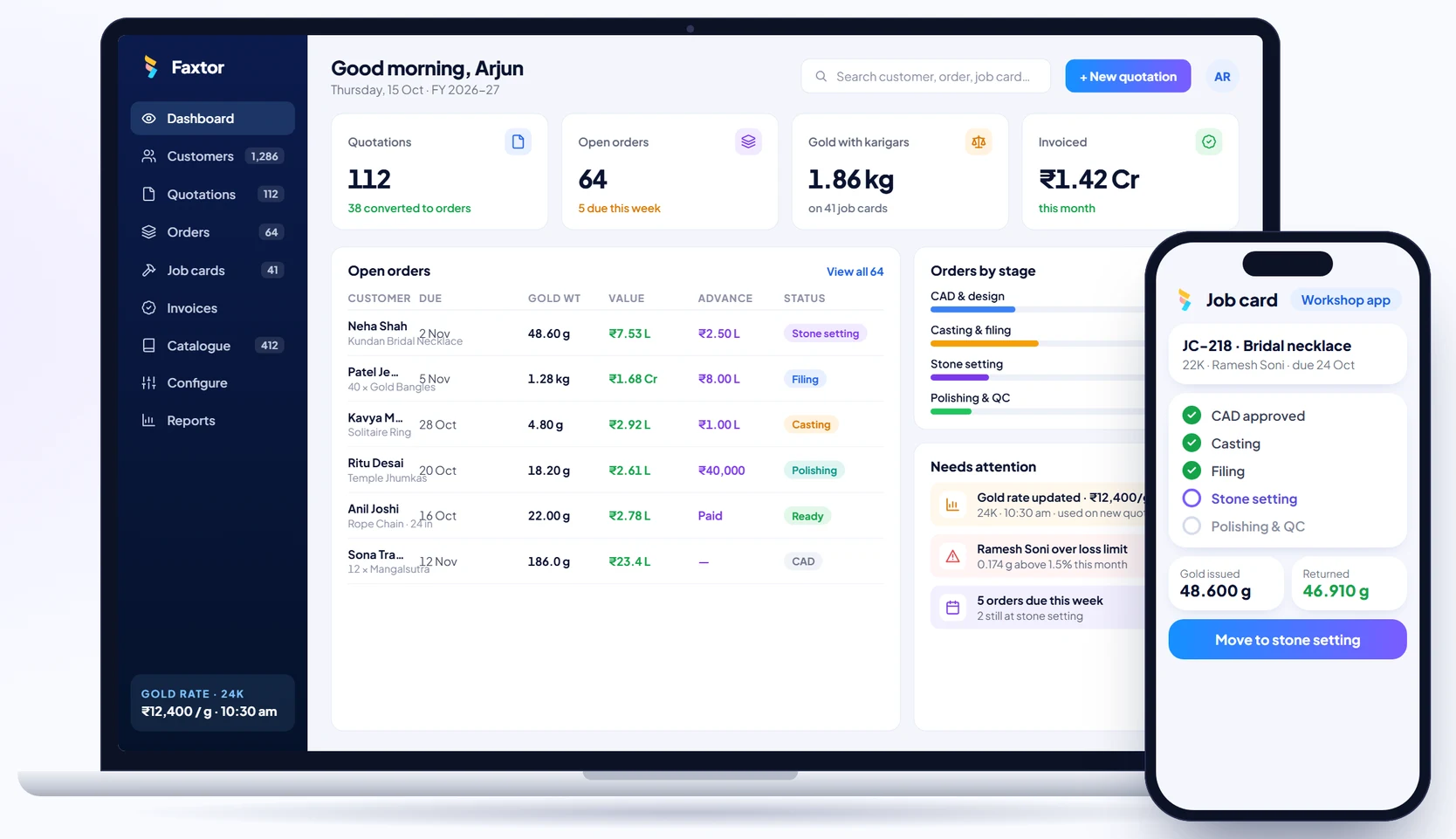
Jewellery Manufacturing
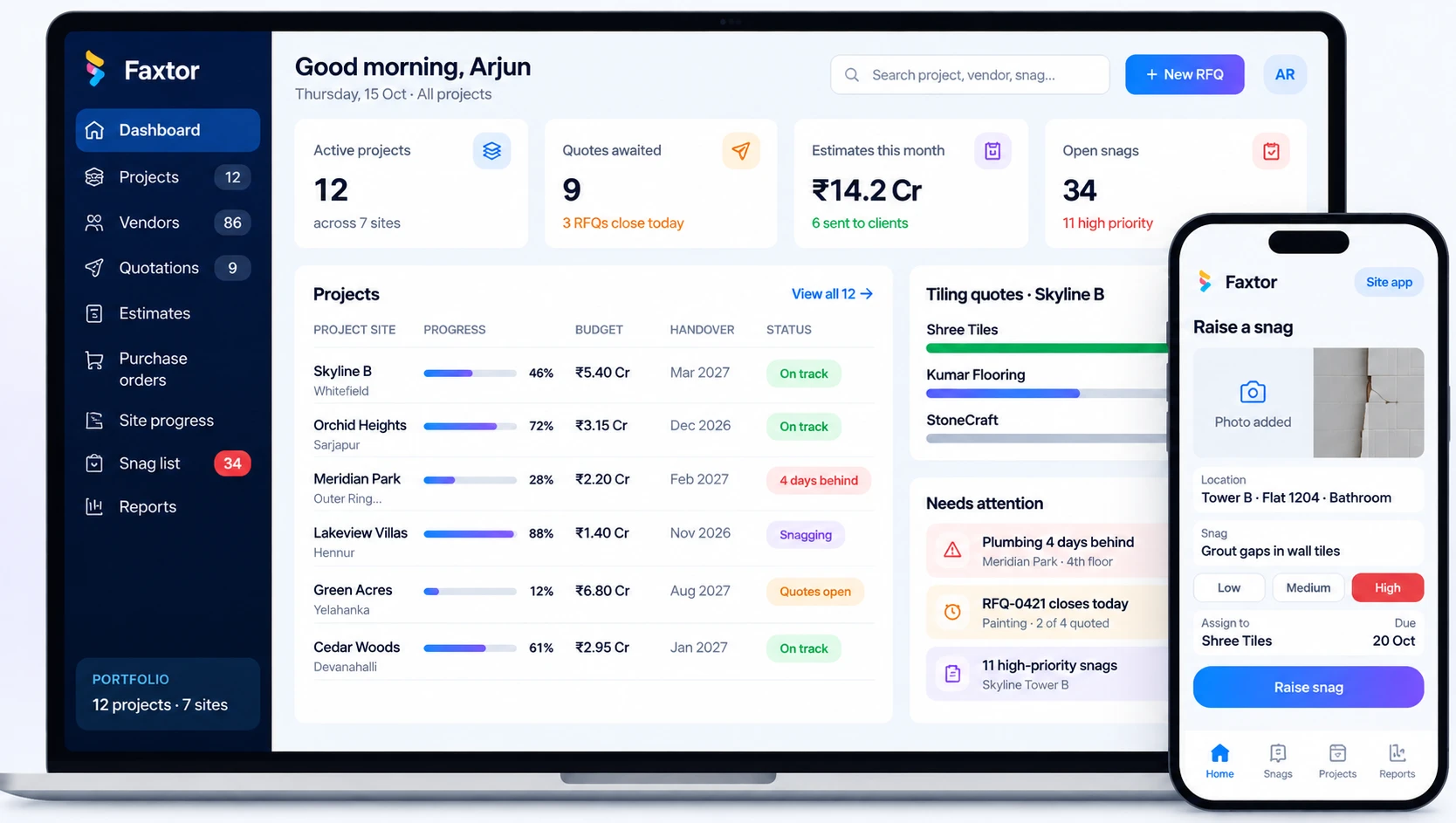
Construction & Project Management
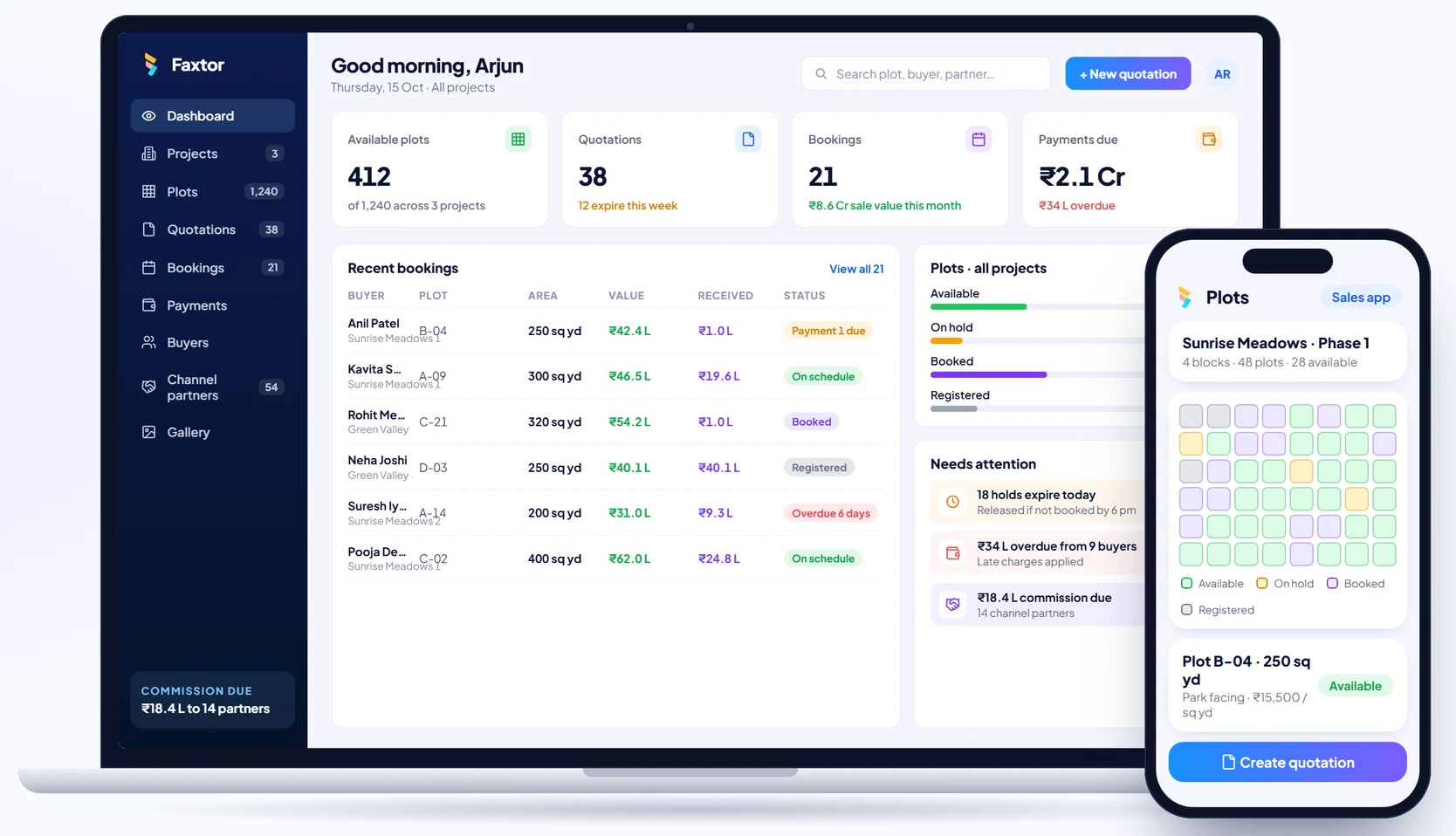
Real Estate & Property
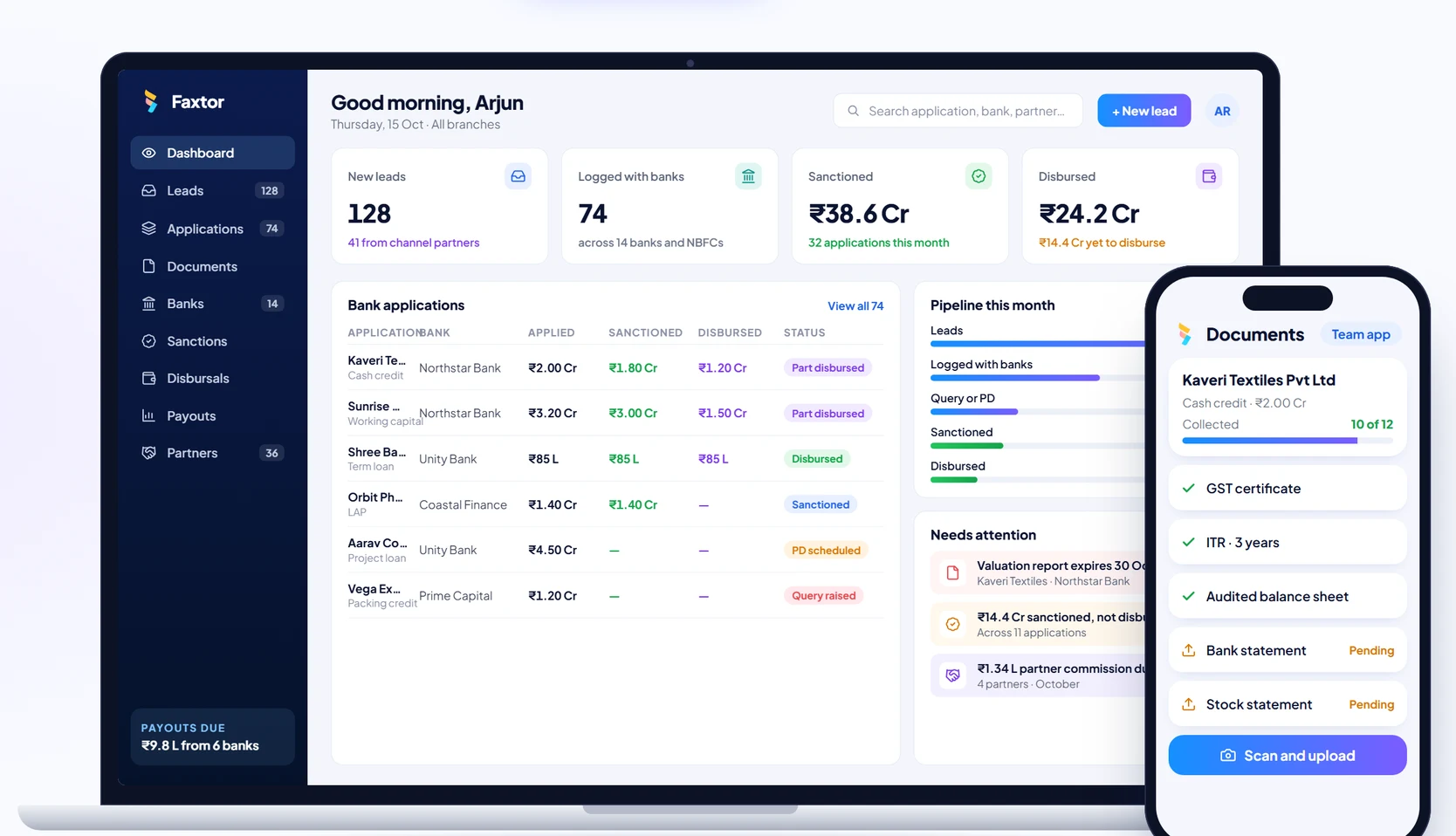
Financial Services & Lending
Education & Training
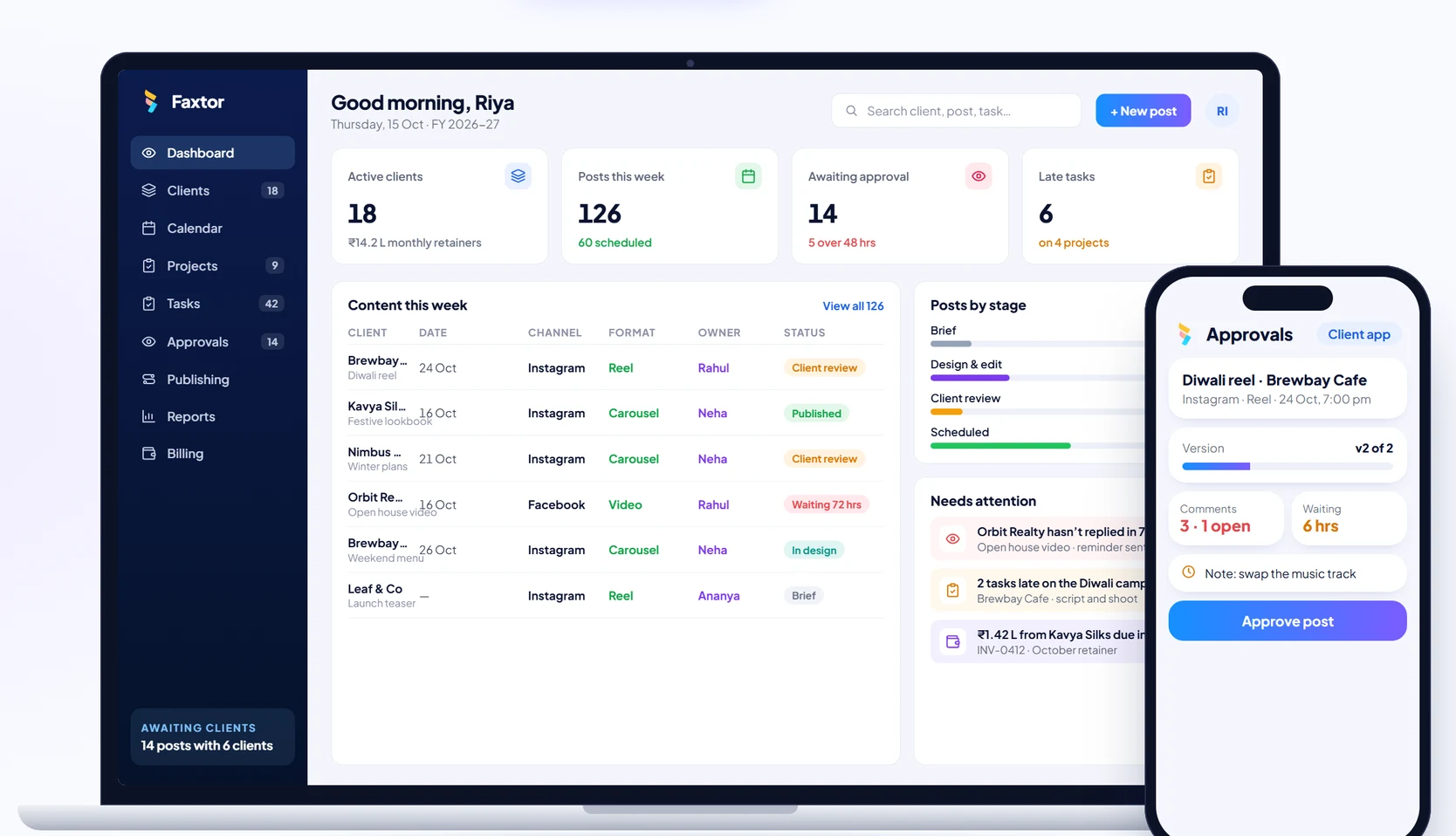
Social Media
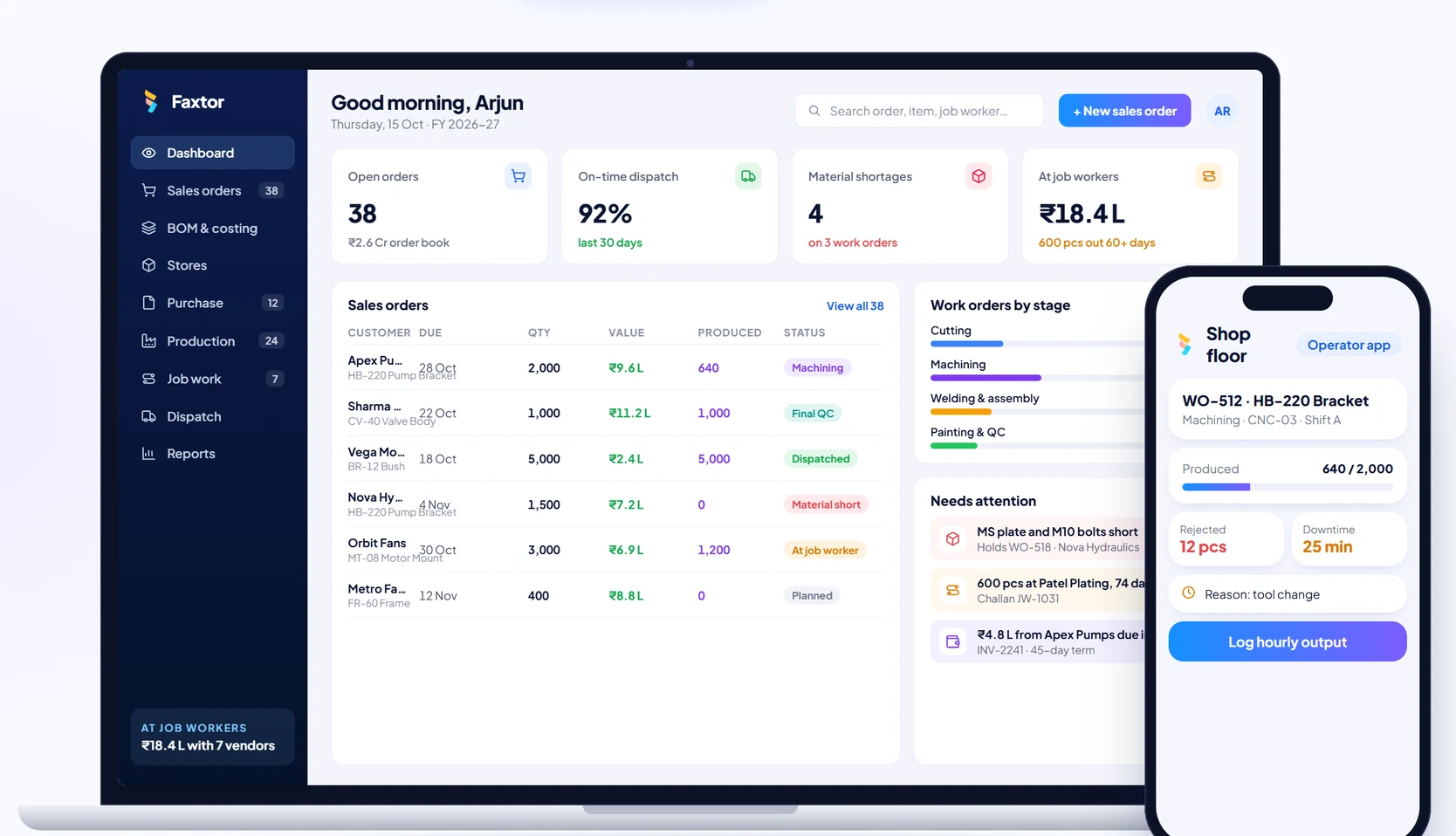
Manufacturing