
For social media & digital agencies
Every client, post & deadline in one view.
Custom software for social media teams and agencies: client briefs, a shared content calendar, projects and tasks for writers and designers, client approvals, scheduled publishing, and monthly reports with retainer billing.
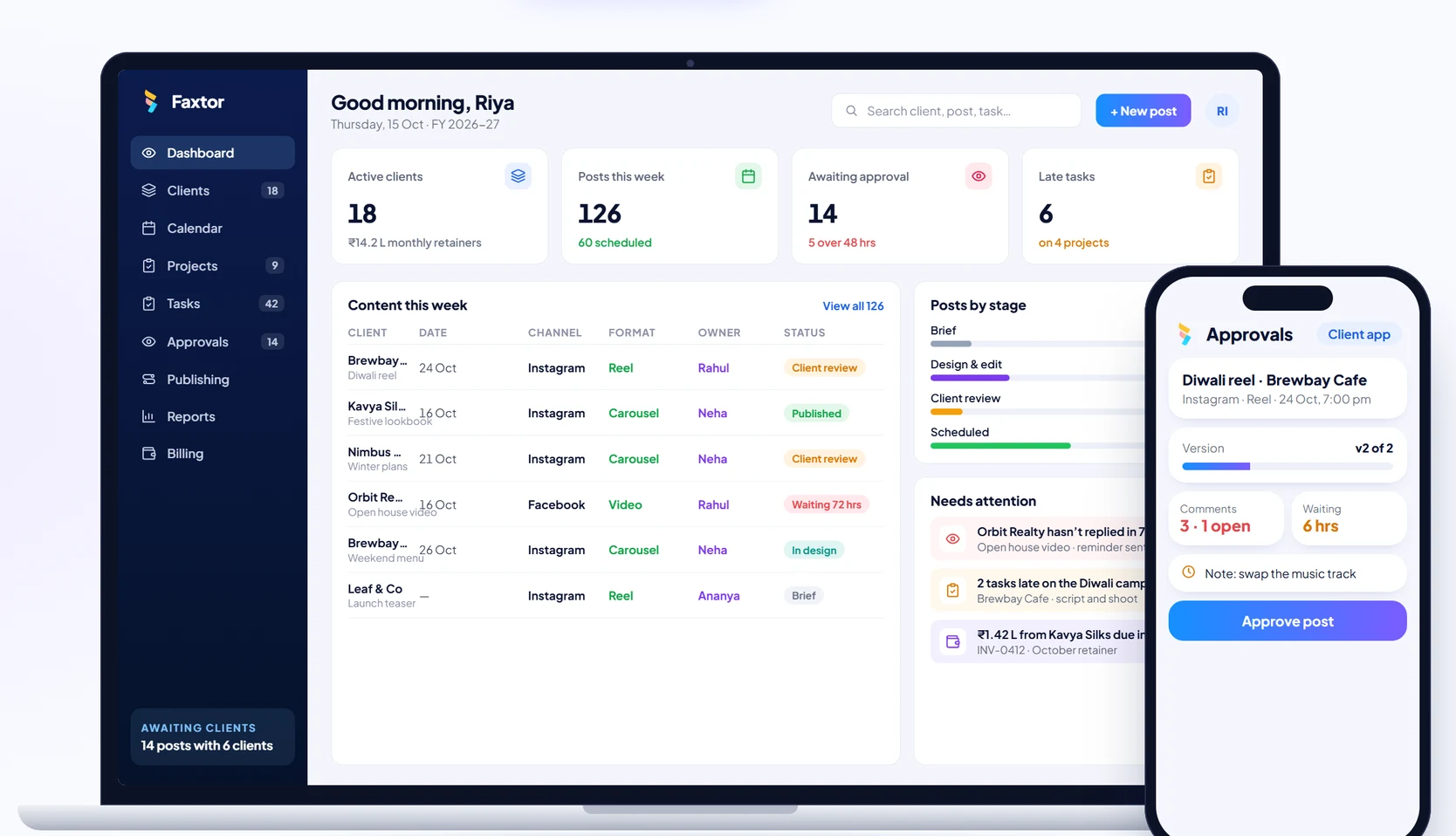

Built for content teams
From the brief to the published post, on one system.
Account managers, writers, designers, editors and clients, all working from the same calendar.
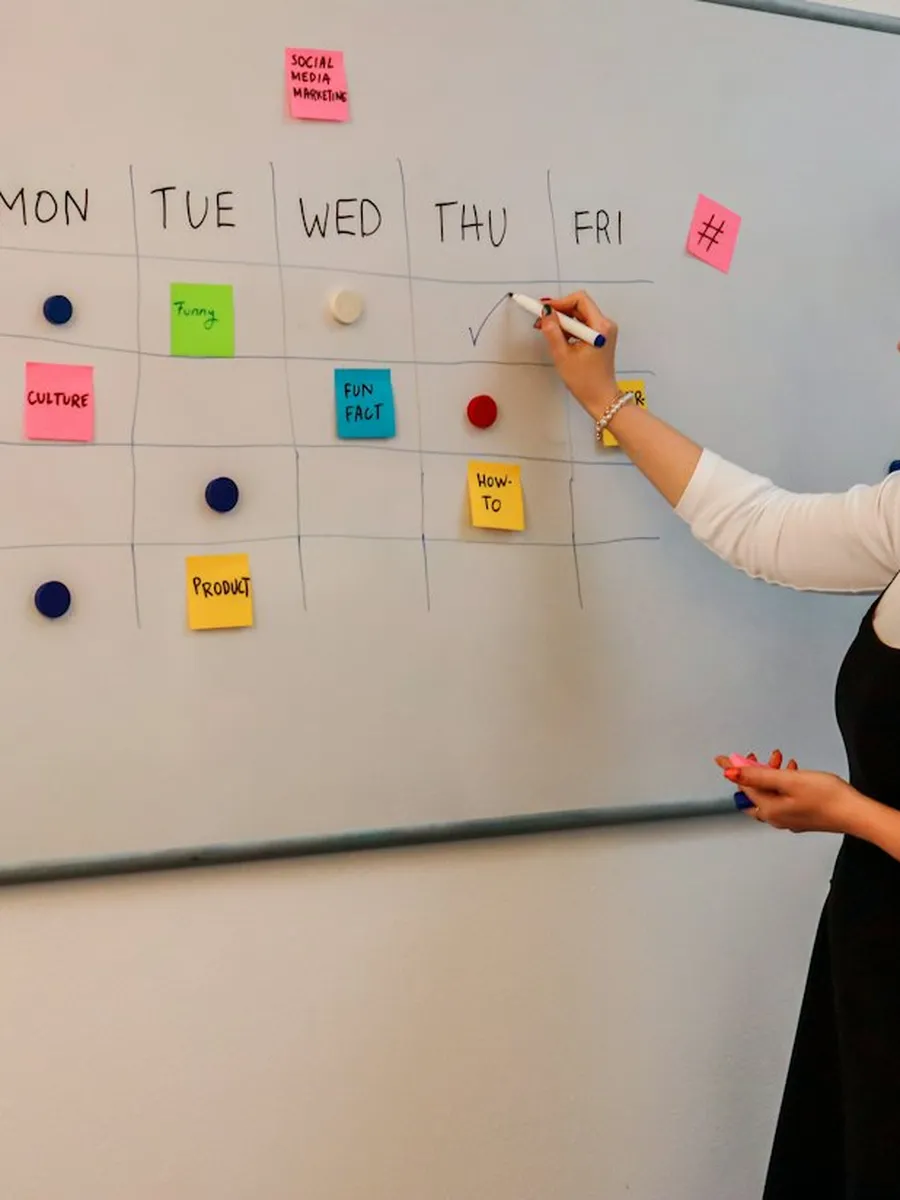
PlanningCalendars, briefs and campaigns 
Content planIdeas, captions and briefs 
CalendarFestive and campaign dates 
Client reviewApprovals and comments on the post
What goes wrong today
Four places an agency loses time and goodwill, and what replaces them.
The calendar, client approvals, task tracking and reporting. Pick one to see the difference.
Today
With Faxtor
Modules included
One post, from brief to report.
Follow Brewbay Cafe’s Diwali reel through each module. Pick one, or let it play.
Module 1 of 6
Clients & briefs
Every client’s retainer, channels, deliverables and brand guidelines in one place. Briefs are captured once and linked to the posts they create.
- Client briefs
- Captured once, linked to posts
- Brand kit
- Logos, fonts and tone
- Retainer tracking
- Delivered against promised
- Proposals
- For new clients
Each brief creates the posts and tasks that deliver it.
| Client | Posts / mo | Renews | Status |
|---|---|---|---|
| Brewbay Cafe · Instagram, Facebook · ₹85,000/mo | 24 | 31 Mar | Brief received |
| Kavya Silks · Instagram, YouTube · ₹1,20,000/mo | 30 | 30 Jun | In review |
| Nimbus Fitness · Instagram, LinkedIn · ₹60,000/mo | 16 | 30 Apr | On track |
| Orbit Realty · Facebook, Instagram · ₹95,000/mo | 20 | 31 Dec | Behind by 3 posts |
| Leaf & Co · Proposal · ₹70,000/mo | 18 | — | Proposal sent |
Content calendar
Every client’s week, planned in one place.
Try it. Pick a client and a channel. Each post shows its format and where it is in the workflow, and open slots are counted against the retainer.
Client
Channel
Brewbay Cafe · all channelsWeek of 19–25 Oct
Week fully plannedMon19
Tue20
Wed21
Thu22
Fri23
No post
Sat24
Sun25
- Brief1
- Design & edit1
- Client review2
- Approved2
Client approvals
Every post approved in one place, on the record.
Posts go to the client with a link. Comments sit on the post, every version is kept, and clients who go quiet get a reminder. Pick a post.
Only approved posts can be scheduled, so nothing goes live without a recorded approval.
Diwali reel · Brewbay CafePosts 24 Oct
Instagram reel
Sent to clientVersion shared with the approval linkv2 · 15 Oct
Client commentsLeft on the post itself3 · 1 open
Changes madeEach one tracked to a version2 of 3
StatusWaiting on the client · reminder goes at 24 hrs6 hrs
Approvals by client · October
| Client | Sent | Approved | With client | Changes | Avg turnaround | Status |
|---|---|---|---|---|---|---|
| Brewbay Cafe · Instagram · Facebook | 24 | 19 | 3 | 2 | 1.2 days | On time |
| Kavya Silks · Instagram · YouTube | 30 | 28 | 1 | 1 | 0.8 days | On time |
| Orbit Realty · Facebook · Instagram | 20 | 12 | 6 | 2 | 3.4 days | Slow |
| Nimbus Fitness · Instagram · LinkedIn | 16 | 16 | 0 | 0 | 1 day | Up to date |
How we start
One area at a time, built around your agency.
Agencies can’t pause client work for a long software project. We set up the modules you need first, using your clients, channels and approval steps, and add the rest as your team gets comfortable.
- Phase 01
Start with the calendar and approvals
Most teams begin with a shared content calendar and client approvals. You see every client’s month in one place without changing how the team works.
- Phase 02
Add projects and tasks
Then tasks, owners, due dates and time logs for writers, designers and editors, rolled out one team at a time.
- Phase 03
Close the loop
Publishing, monthly client reports, retainer invoices and an owner dashboard that shows every client on one screen.
Who it’s for
Set up for how your team works
Social media & digital agencies
Teams managing content for many clients on monthly retainers.
- Retainers per client
- Client approvals
- Team workload
- Monthly client reports
In-house brand & marketing teams
Marketing teams running several brands, channels or regions.
- Calendars per brand
- Approvals from leadership
- Shared asset library
- Campaign tracking
Creators, studios & production houses
Shoots, edits and deliverables for brands and agencies.
- Shoot schedules
- Editing tasks
- Deliverables per project
- Billing per project
Common questions
Questions agency owners ask us
Can it publish to Instagram, Facebook and LinkedIn?
Approved posts can be scheduled and published to the channels you use, where the platform allows it. We confirm the channels and formats your clients need in the demo.
Do clients need to learn a new tool to approve posts?
No. Clients get a simple link where they see the post as it will appear, and approve it or leave comments on it.
Can we track our team’s time and workload?
Yes. Tasks carry owners and due dates, and time can be logged against each one, so you can see who is overloaded and how many hours each client takes.
Does it handle retainers and billing?
Yes. Each client’s retainer lists its deliverables, and monthly GST invoices are raised from it, with payment follow-up.
Can we keep brand assets in one place?
Yes. Logos, fonts, templates and approved creatives are stored per client and linked to the posts that use them.
Can it produce monthly reports for clients?
Yes. Reports bring together what was published and how it performed, ready to share with the client.
Do we have to roll out everything at once?
No. Most teams start with the content calendar and approvals, then add tasks, publishing, reports and billing.
What will it cost?
It depends on the modules you need and the size of your team. After a discovery call we share a clear scope and a quote, with no obligation.
Services we would use
The services behind a system like this.
ERP Software
Manage your operations, inventory, purchases, staff and reporting in one system.
CRM Software
Keep track of leads, follow-ups, sales and customer relationships in one place.
Mobile App Development
Android and iOS apps for your customers or field teams, built from one codebase.
Custom Web Applications
Solutions built around your workflow, when off-the-shelf tools don’t fit.
Business Automation
Automate repetitive tasks and reduce manual work across your processes.
WhatsApp Automation
Send updates, reminders and alerts directly on WhatsApp.
Let’s Get Started
Have a business challenge in mind?
Tell us what you want to improve, simplify or build. Let’s explore the right solution for your business.
- Talk to usdiscovery call
- Understandyour business
- Explorethe right solution
Telecom & Field Services
Garment Manufacturing
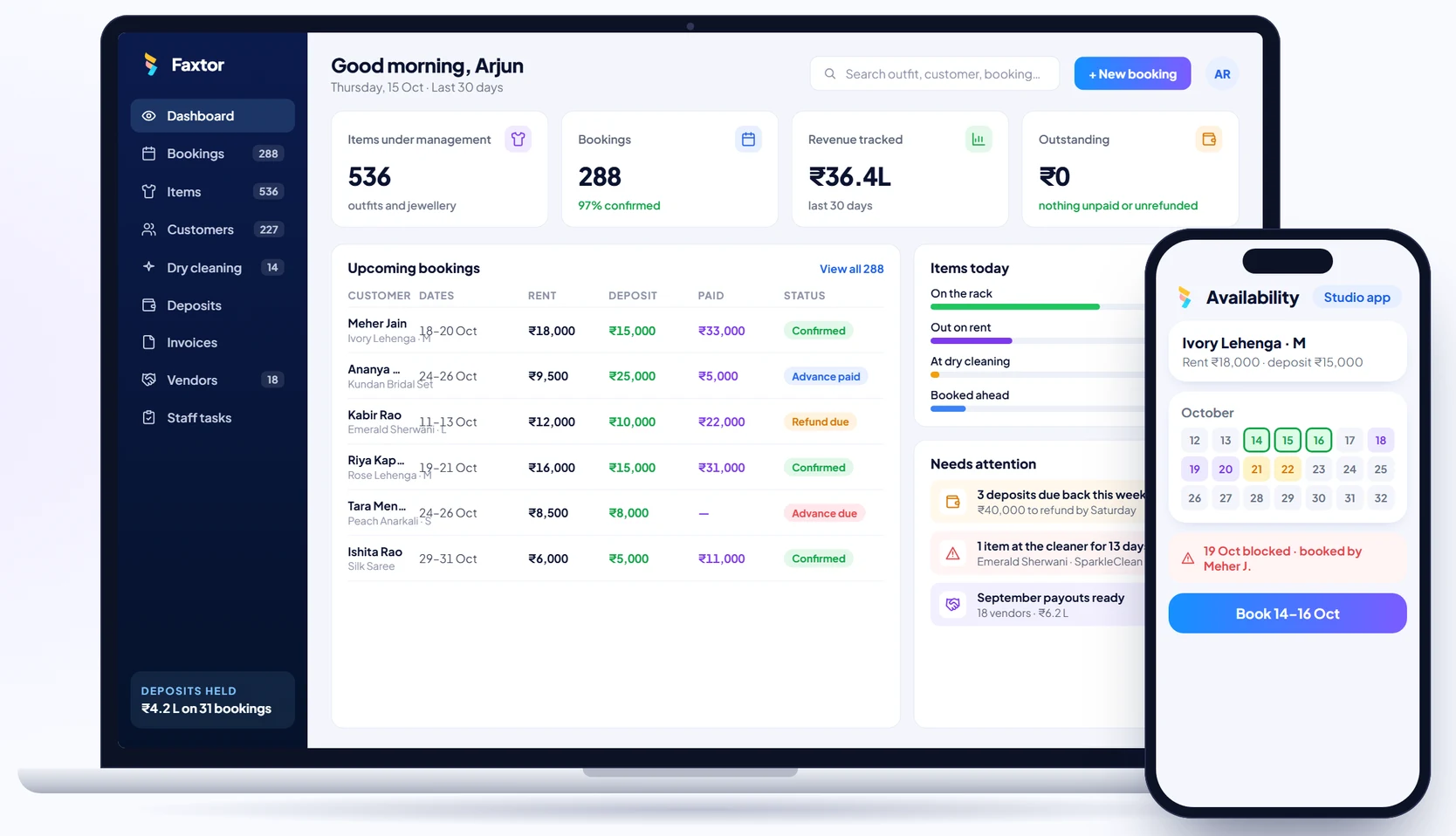
Rental Studios
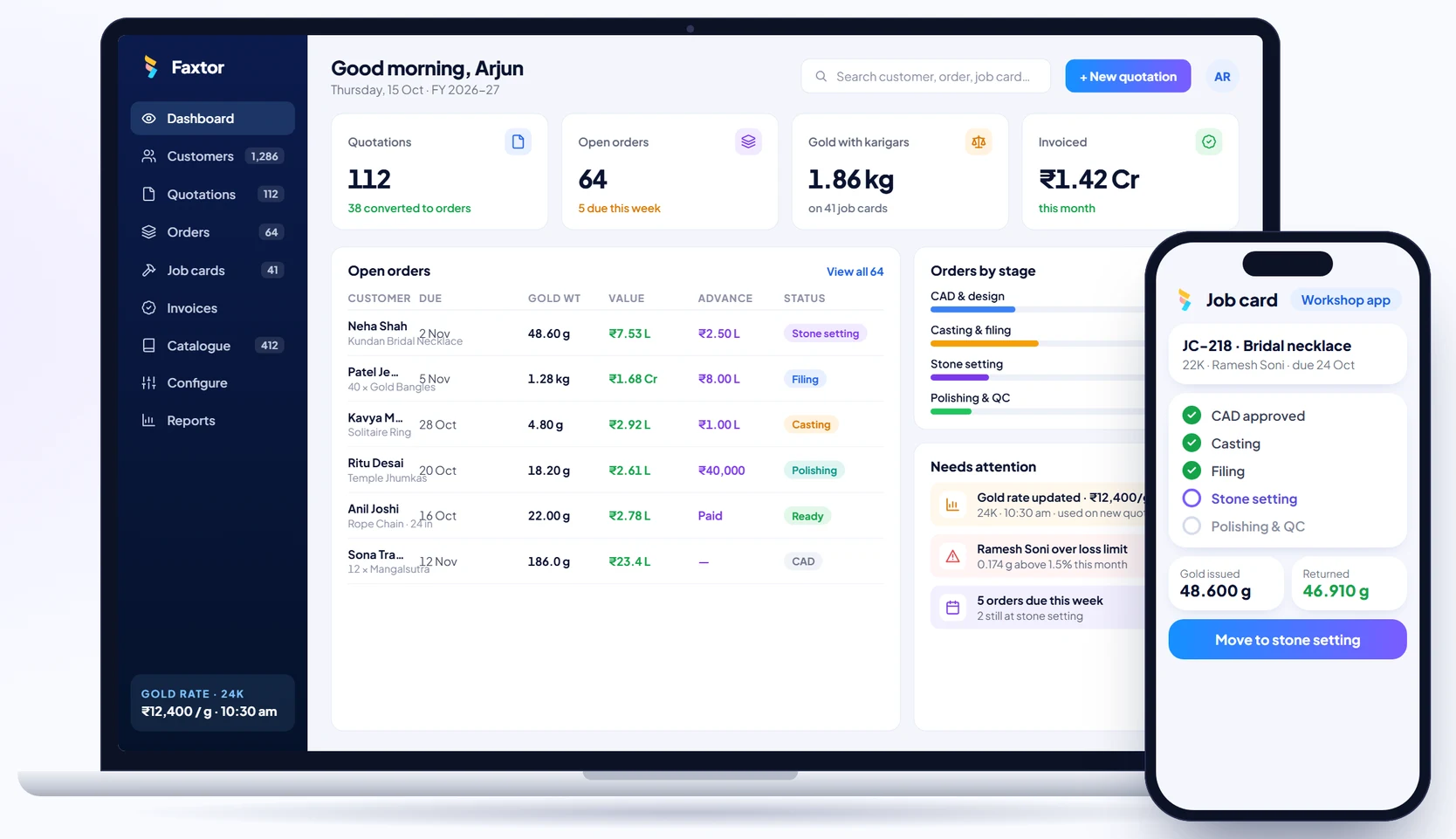
Jewellery Manufacturing
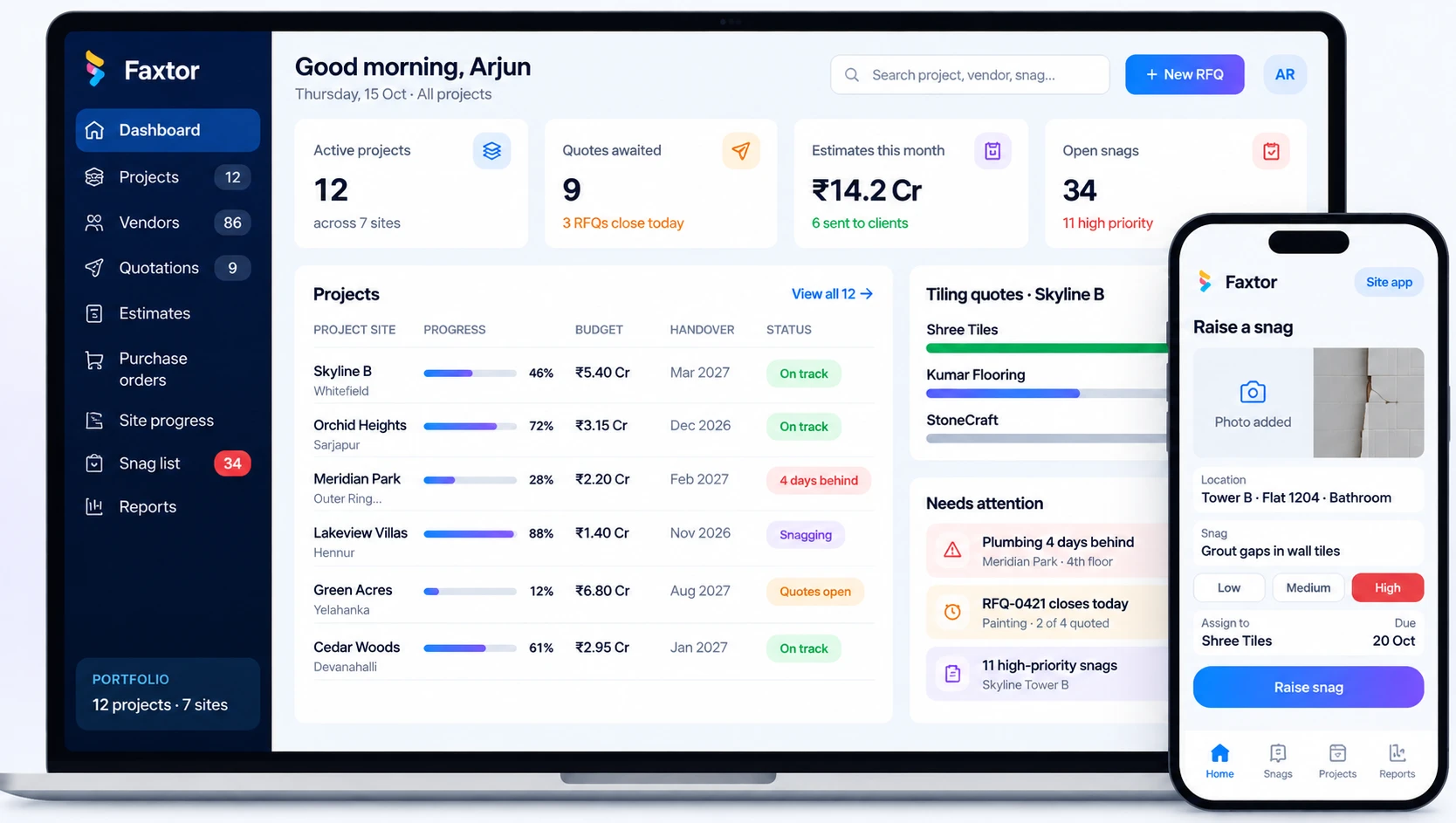
Construction & Project Management
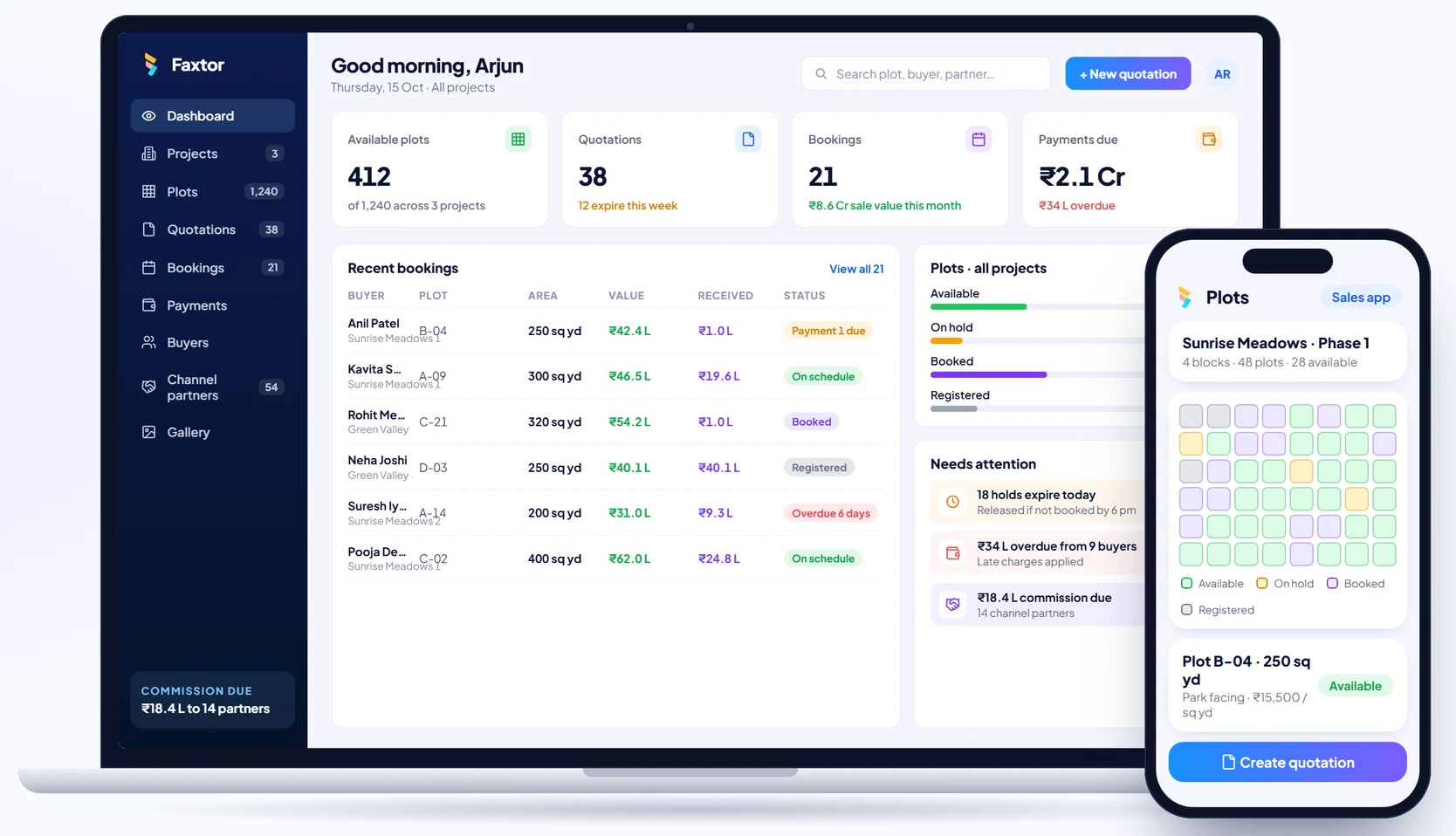
Real Estate & Property
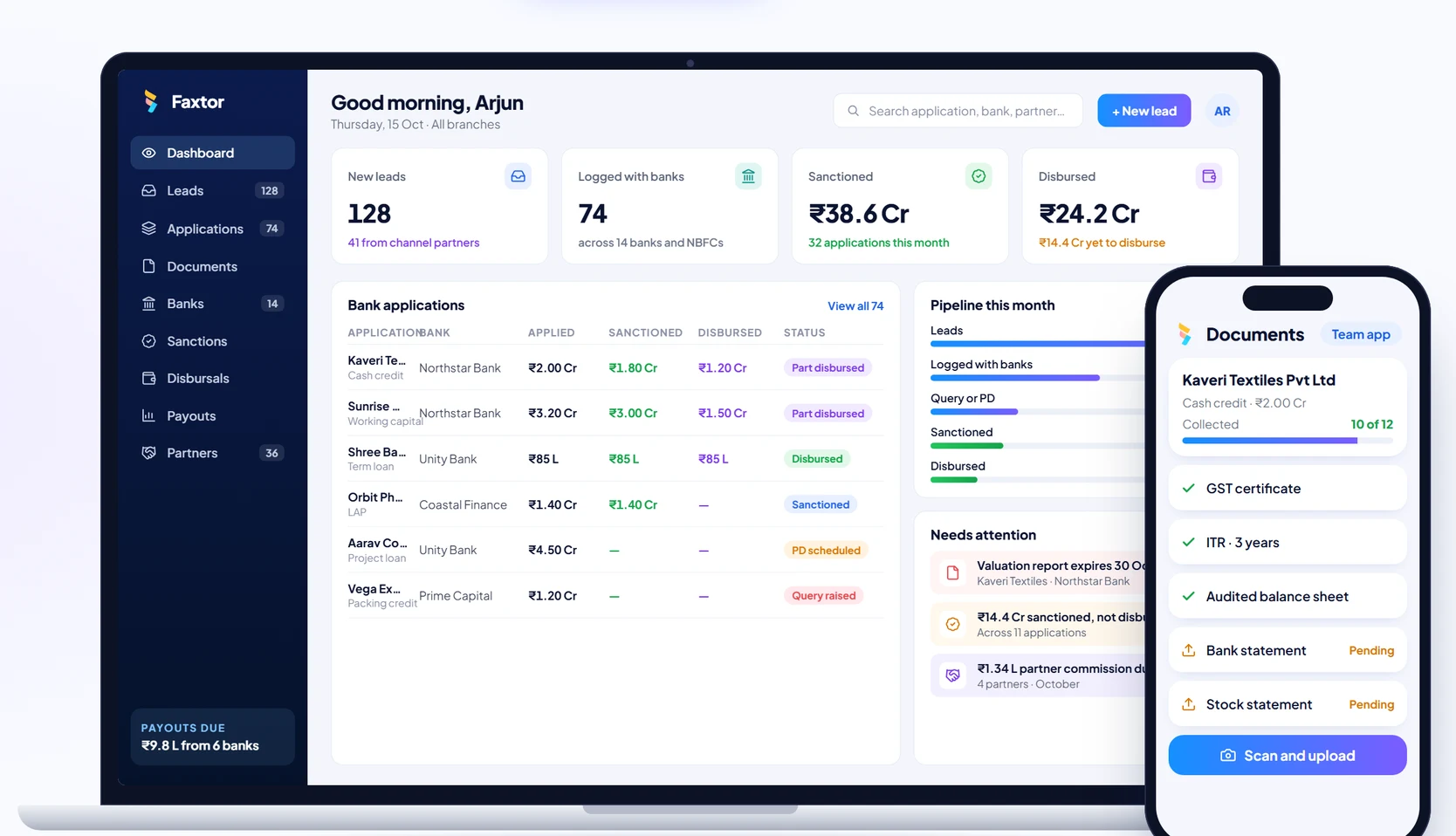
Financial Services & Lending
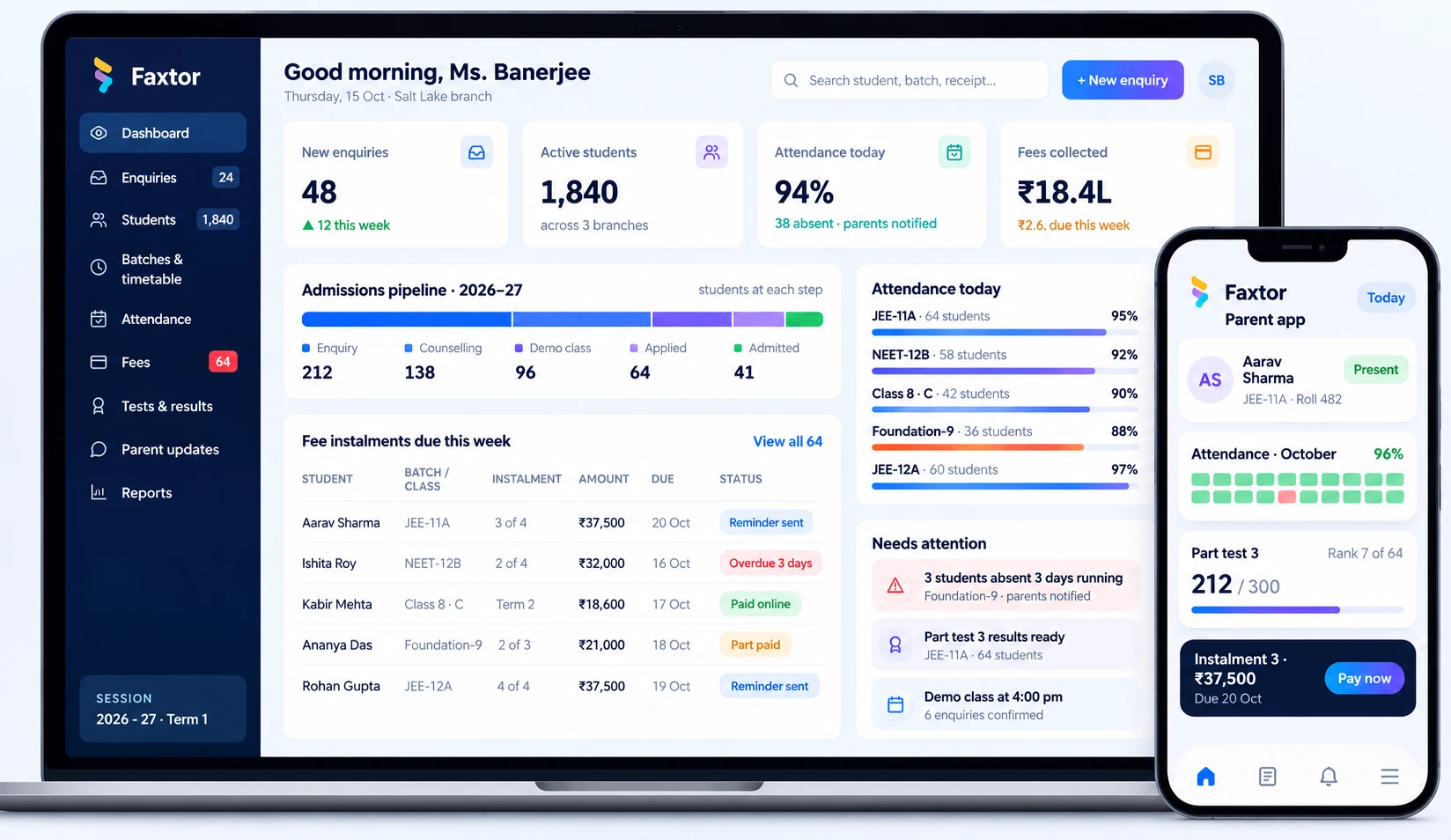
Education & Training
Social Media
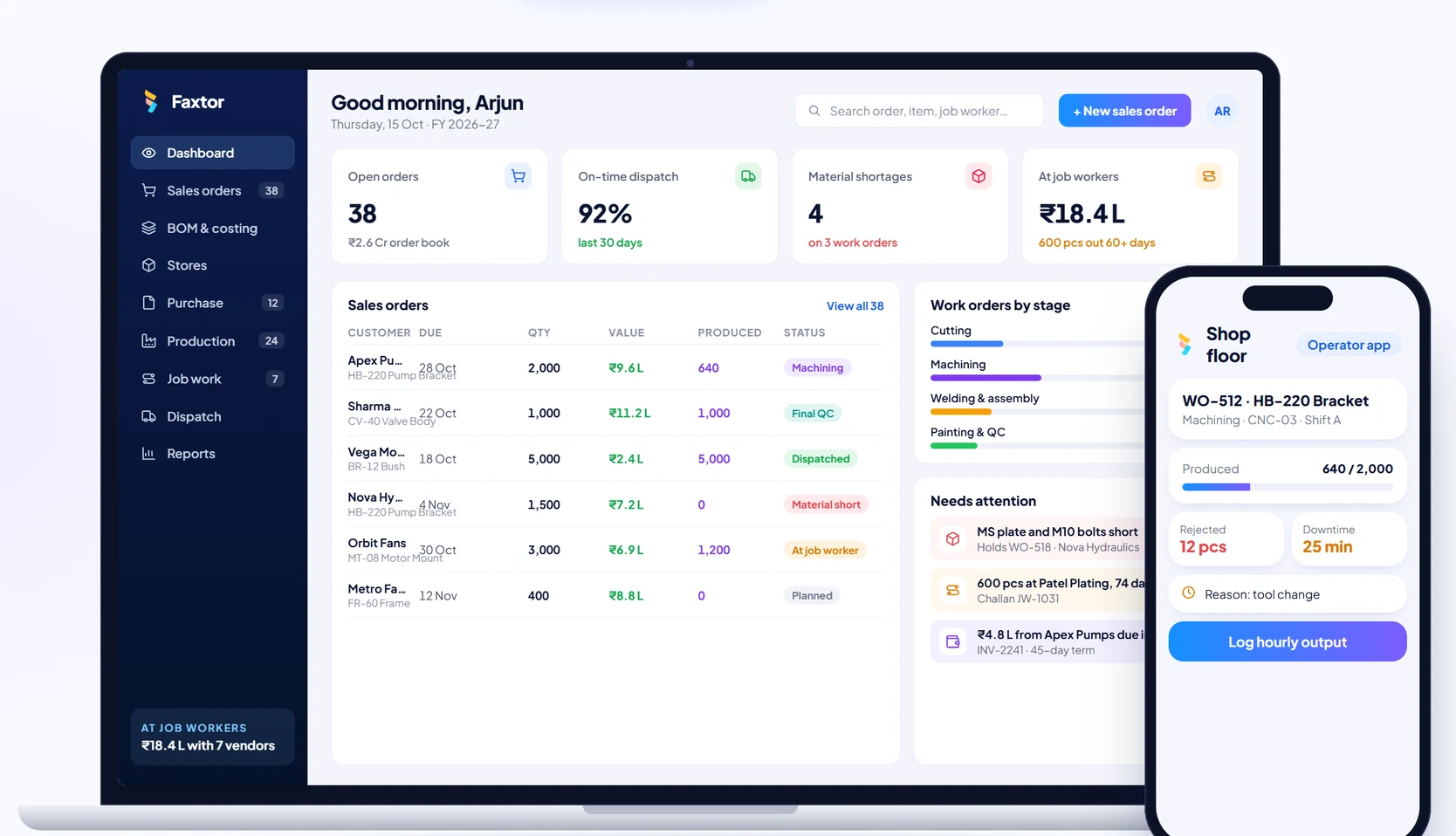
Manufacturing