Business automation
Approvals, follow-ups and reports. Done on their own.
We automate the repetitive work between your systems and your team: approvals, reminders, data entry, documents and reports. Every step is logged, and people step in only where a decision is needed.
- Approvals
- Follow-ups
- Daily reports
- Data sync

What we automate
The work your team repeats every day, done for them.
Each automation starts from something that happens in your systems, follows the rules you set, and records every step it takes.
Approvals
Purchase orders, discounts, leave and expenses go to the right approver with the details attached. Anything left waiting too long is escalated.
WhenA PO above ₹50,000 is createdThen
Sent to the finance head
Approve or reject from email, WhatsApp or the app
- Approved
- Vendor told
Works withERP, accounting
Follow-ups & reminders
Each person gets their day’s follow-ups, and customers are reminded before due dates. Nothing depends on someone remembering.
WhenQuote sent 3 days ago, no replyThen
Follow-up task for the sales owner
With the quote and the last conversation
- Task created
- Manager copied
Works withCRM, email, WhatsApp
Reports, on schedule
Sales, collections, stock and attendance reports are put together and sent every morning, without anyone building them in Excel.
WhenEvery day at 8 AMThen
Daily sales and collections report
PDF and Excel for the leadership team
- Emailed
- Shared on WhatsApp
Works withERP, CRM, accounting
Data entry & sync
Orders, leads and payments entered once flow into every system that needs them, with no copying between spreadsheets and software.
WhenAn order is placed on the websiteThen
Order created in the ERP
Customer, items and payment matched
- Stock reserved
- Invoice drafted
Works withWebsite, ERP, accounting
Documents & invoices
Quotations, invoices, receipts and certificates are made from your data in your format, then sent and filed against the record.
WhenA delivery is marked completeThen
Invoice generated
In your format, with GST and a payment link
- Sent to customer
- Filed to record
Works withERP, payment gateway
Alerts & escalations
When a number crosses a line, the right person hears about it: low stock, overdue payments, missed deadlines or a large order.
WhenStock falls below reorder levelThen
Alert to the purchase team
With the last vendor and suggested quantity
- Draft PO ready
- Escalated after 24 hours
Works withERP, inventory
Sample flows by department
Built around how each team works.
Every department has work that repeats. Here is how an automation looks in a few of them.
Sales
Leads are assigned, followed up and moved through the pipeline on their own. Discounts go for approval, and managers get the day’s numbers.
What we automate
- Lead assignment by area or product
- Follow-up tasks when a quote goes quiet
- Discount approvals above your limit
- Daily pipeline report to managers
- Handover to accounts when a deal closes
- TriggerQuote sentFrom your CRM
- Wait3 daysWith no reply
- ConditionCustomer replied?Yes: stop · No: continue
- ActionFollow-up taskFor the sales owner
- MessageReminder to customerEmail and WhatsApp
- ActionManager alertedIf still quiet after 7 days
- Follow-ups created
- 128
- Quotes revived
- 31
- Leads assigned
- 214
- Overdue tasks
- 6
| Record | Step | Status |
|---|---|---|
| Mehta Traders | Follow-up task | Done |
| Orbit Pharma | Discount approval | Approved |
| Nexa Offices | Customer reminder | Sent |
| Green Mall | Manager alert | Escalated |
| Prime Labs | Lead assigned | Done |
Sample data
How it connects
Connected to the systems you already use.
Automations start from a change in your CRM, ERP, accounting software, forms or inbox. Results flow back, so every system stays up to date.
Your systems
 Faxtor automationRuns your rules, step by step
- TriggersA record changes, a date arrives or a form is submitted.
- RulesConditions and limits you set, such as amount or department.
- ApprovalsPeople step in only where a decision is needed.
- LogsEvery run is recorded with what happened and when.
Where results go
- Tasks
- Approvals
- Alerts
- Daily reports
- Emails
- Invoices
- Purchase orders
- Reminders
Common questions
Before you automate.
What can be automated?
Most repetitive work that follows a rule: approvals, follow-ups, reminders, data entry between systems, documents and reports. In the demo we go through your team’s daily tasks and point out which ones fit.
Do we need to replace our current software?
No. We connect to the CRM, ERP, accounting software, forms and spreadsheets you use today. Where a tool has no way to connect, we suggest the simplest workaround.
Can it work with our accounting software?
In most cases, yes. We connect through the software’s API or data export. We check yours before we start.
What happens when something needs a decision?
The automation pauses and asks the right person, with the details attached. They approve or reject from email, WhatsApp or the app, and it carries on.
What if an automation fails?
Your team is alerted straight away with the record and the step that failed. Nothing is skipped silently.
Can we change the rules later?
Yes. Limits, approvers, timings and recipients are set in simple settings. Bigger changes are handled by our team.
How long does it take?
It depends on how many automations and systems are involved. After the demo we give you a clear timeline.
What will it cost?
It depends on the number of automations and the systems involved. After the demo we share a clear scope and a quote, with no obligation.
Explore our other solutions
Automation works best on top of the right systems. Here’s what else we build.
- ERP SoftwareOperations, inventory, purchases and reporting in one system.
- CRM SoftwareLeads, follow-ups, sales and customer relationships.
- Website DevelopmentStatic and dynamic websites that bring in enquiries.
- Mobile App DevelopmentAndroid and iOS apps from one codebase.
- Custom Web ApplicationsSoftware built around your exact workflow.
- Business AutomationYou’re hereTake repetitive manual work off your team.
- WhatsApp AutomationUpdates, reminders and alerts on WhatsApp.
- SaaS DevelopmentTurn your idea into a subscription product.
Let’s Get Started
Have a business challenge in mind?
Tell us what you want to improve, simplify or build. Let’s explore the right solution for your business.
- Talk to usdiscovery call
- Understandyour business
- Explorethe right solution
Telecom & Field Services
Garment Manufacturing
Rental Studios
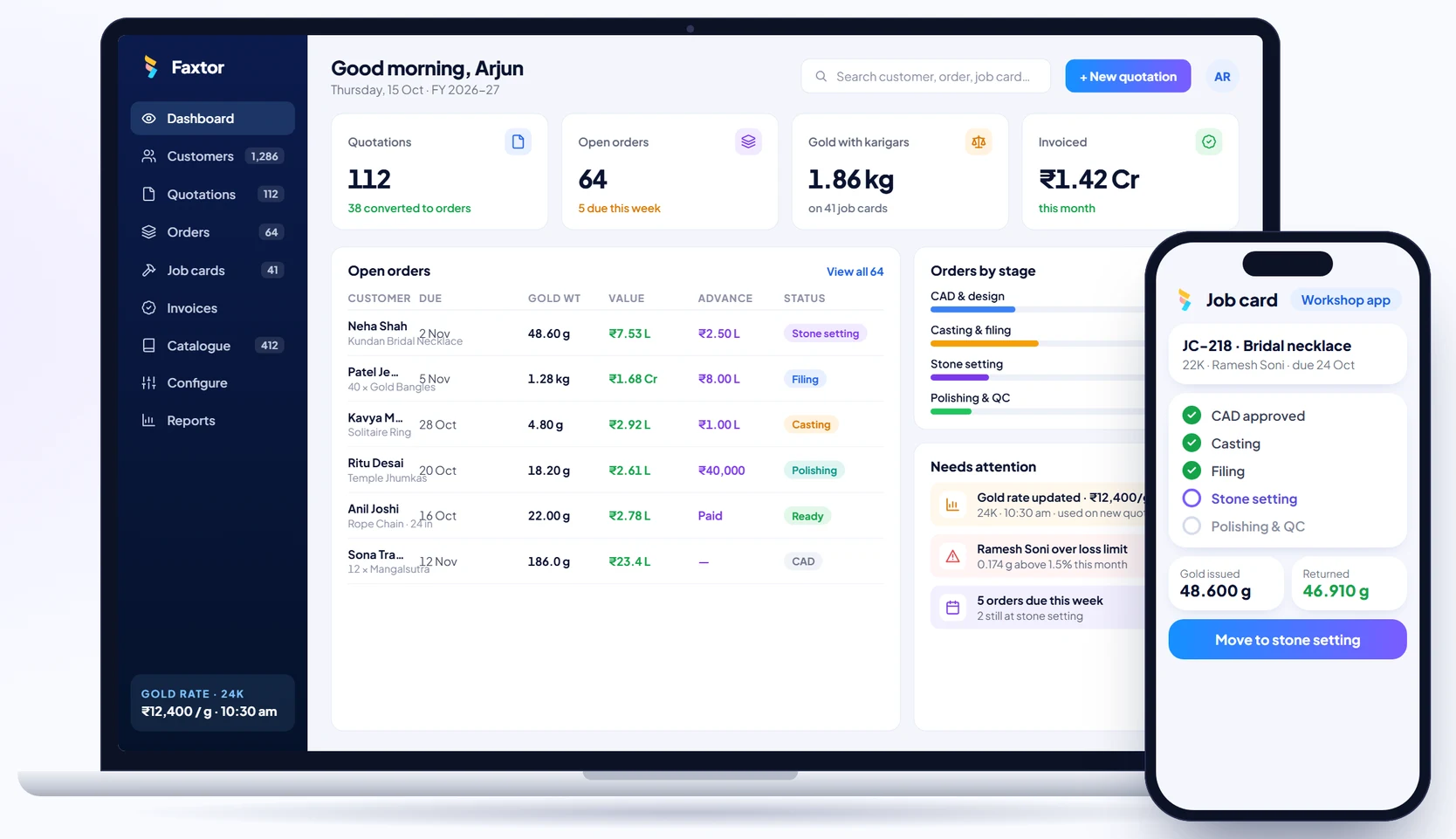
Jewellery Manufacturing
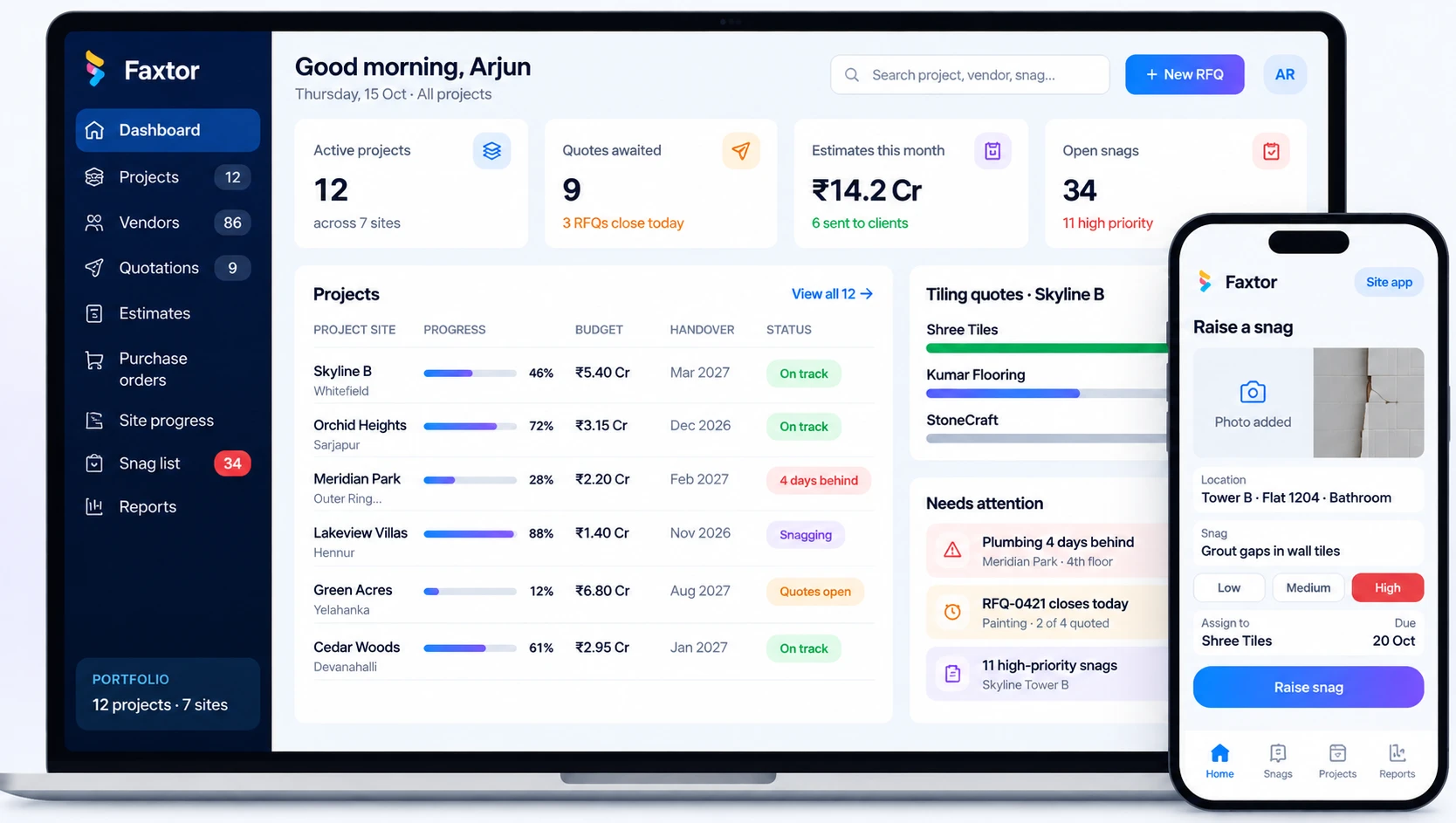
Construction & Project Management
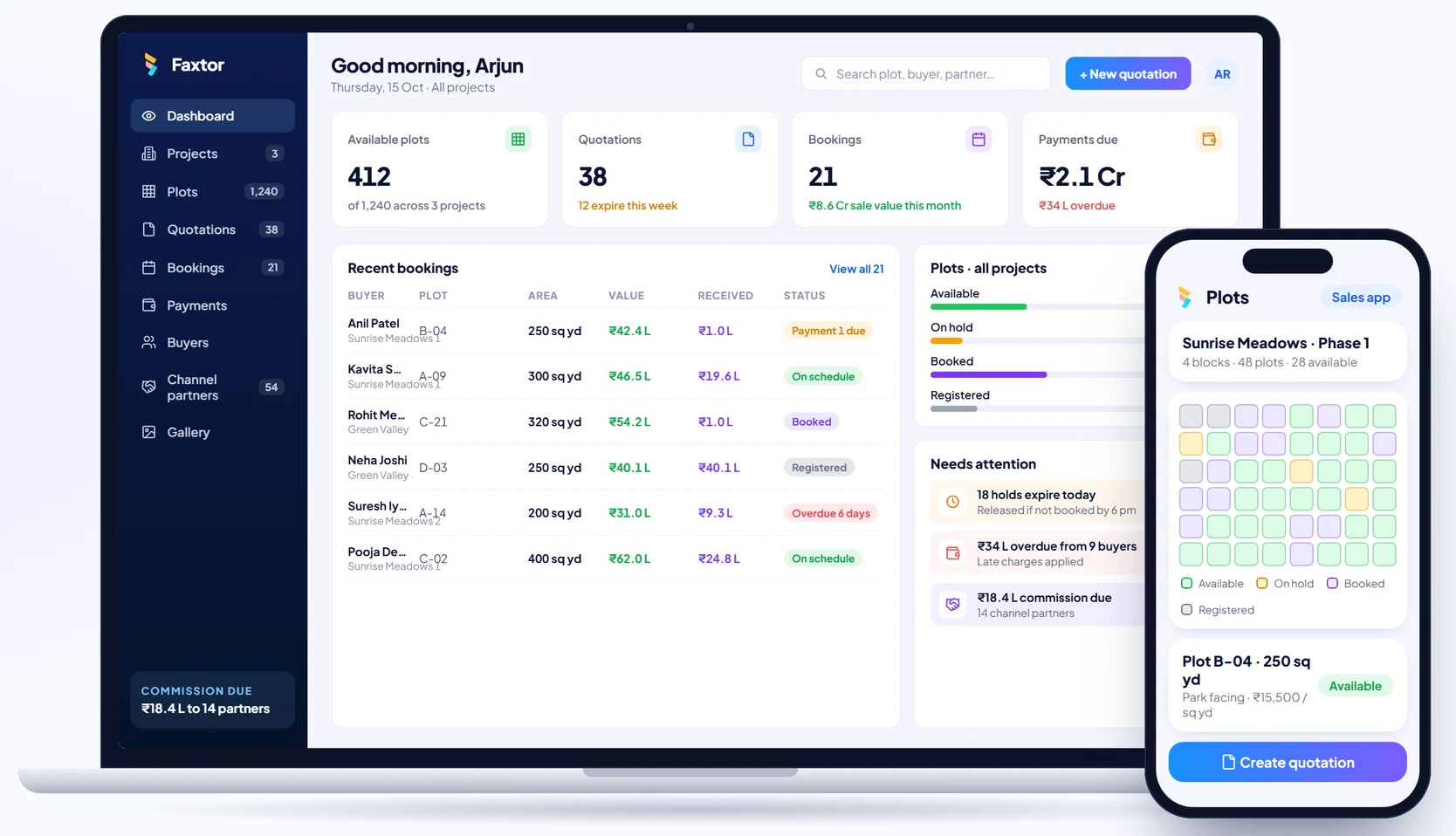
Real Estate & Property
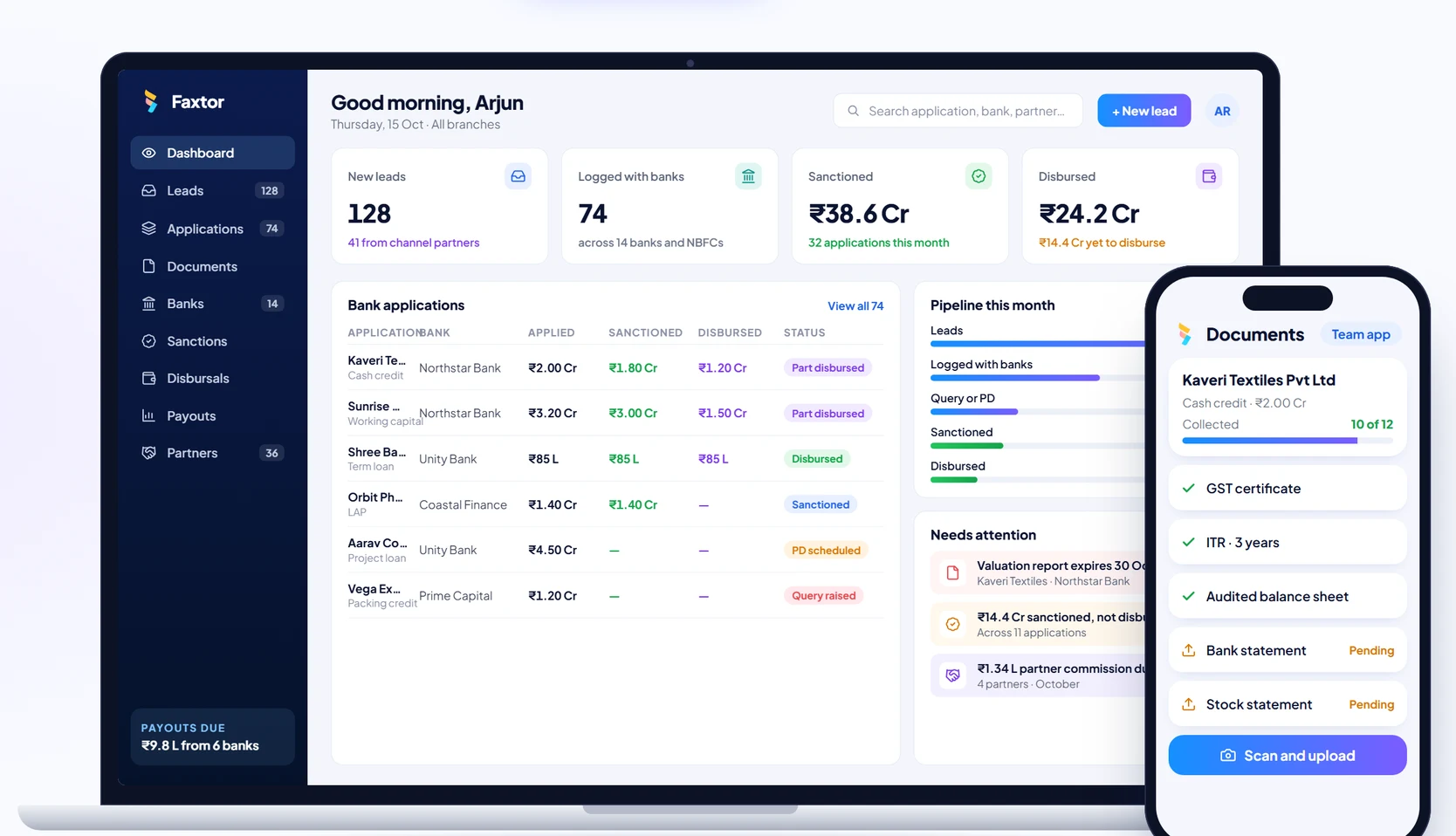
Financial Services & Lending
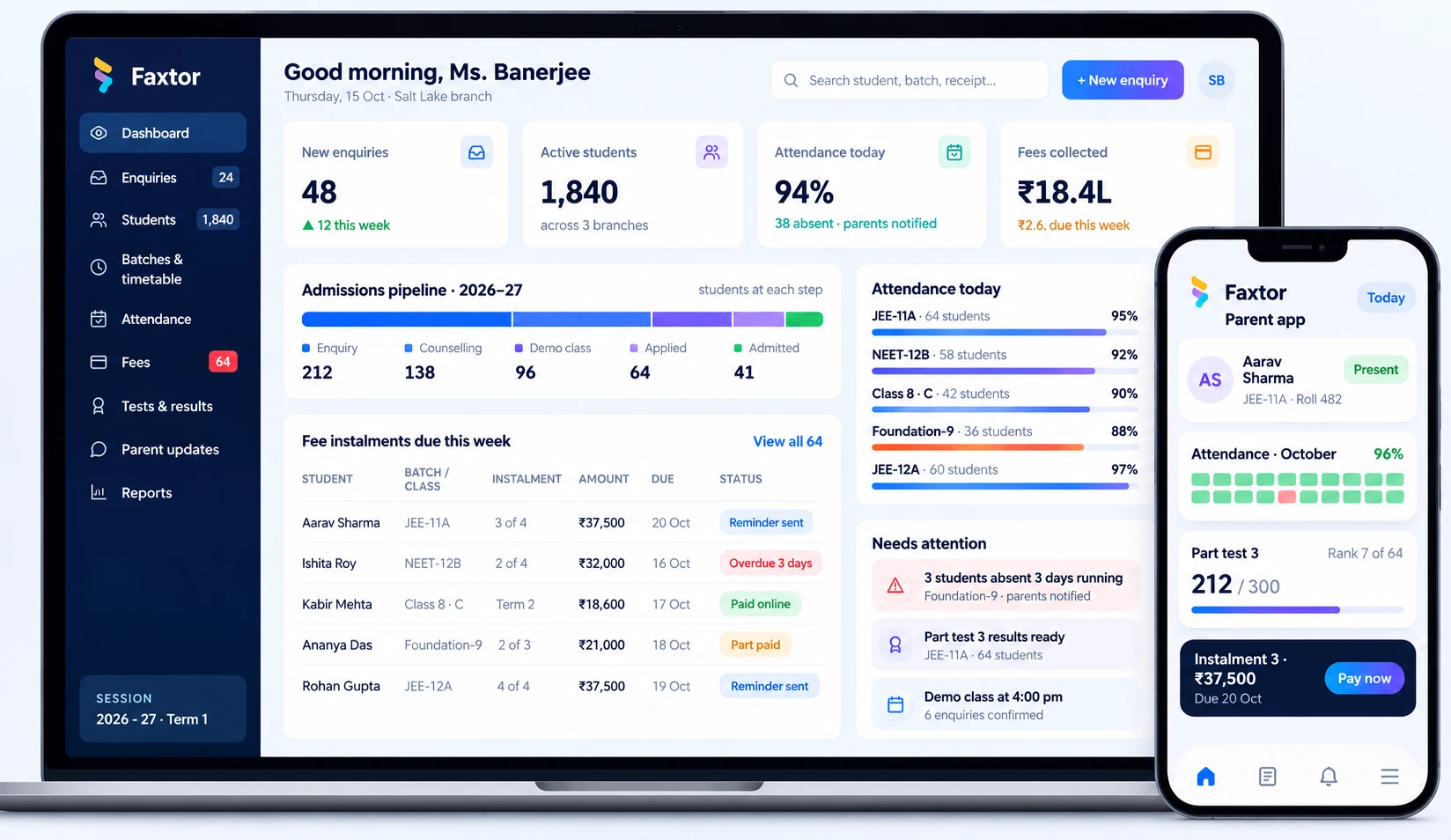
Education & Training
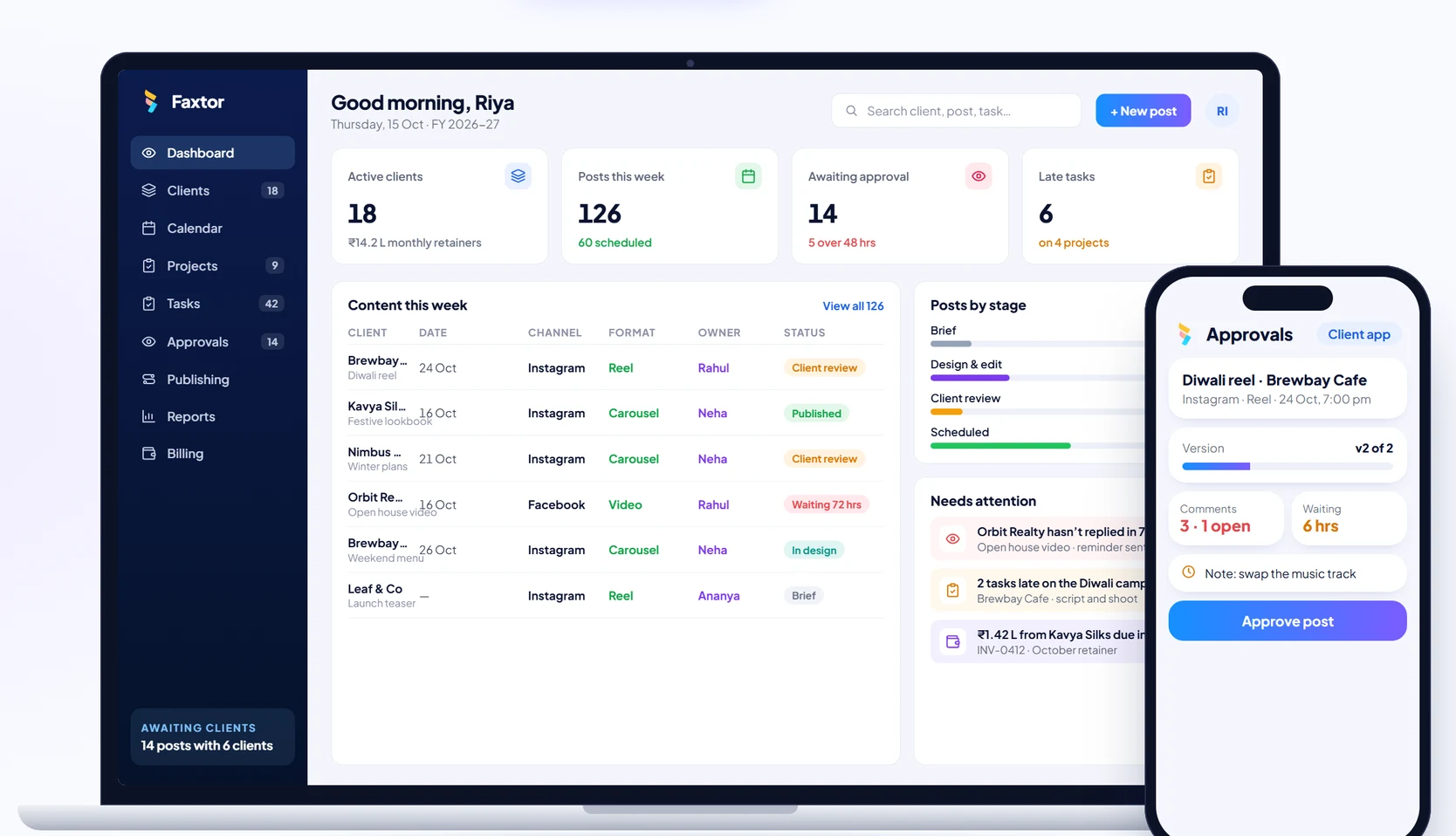
Social Media
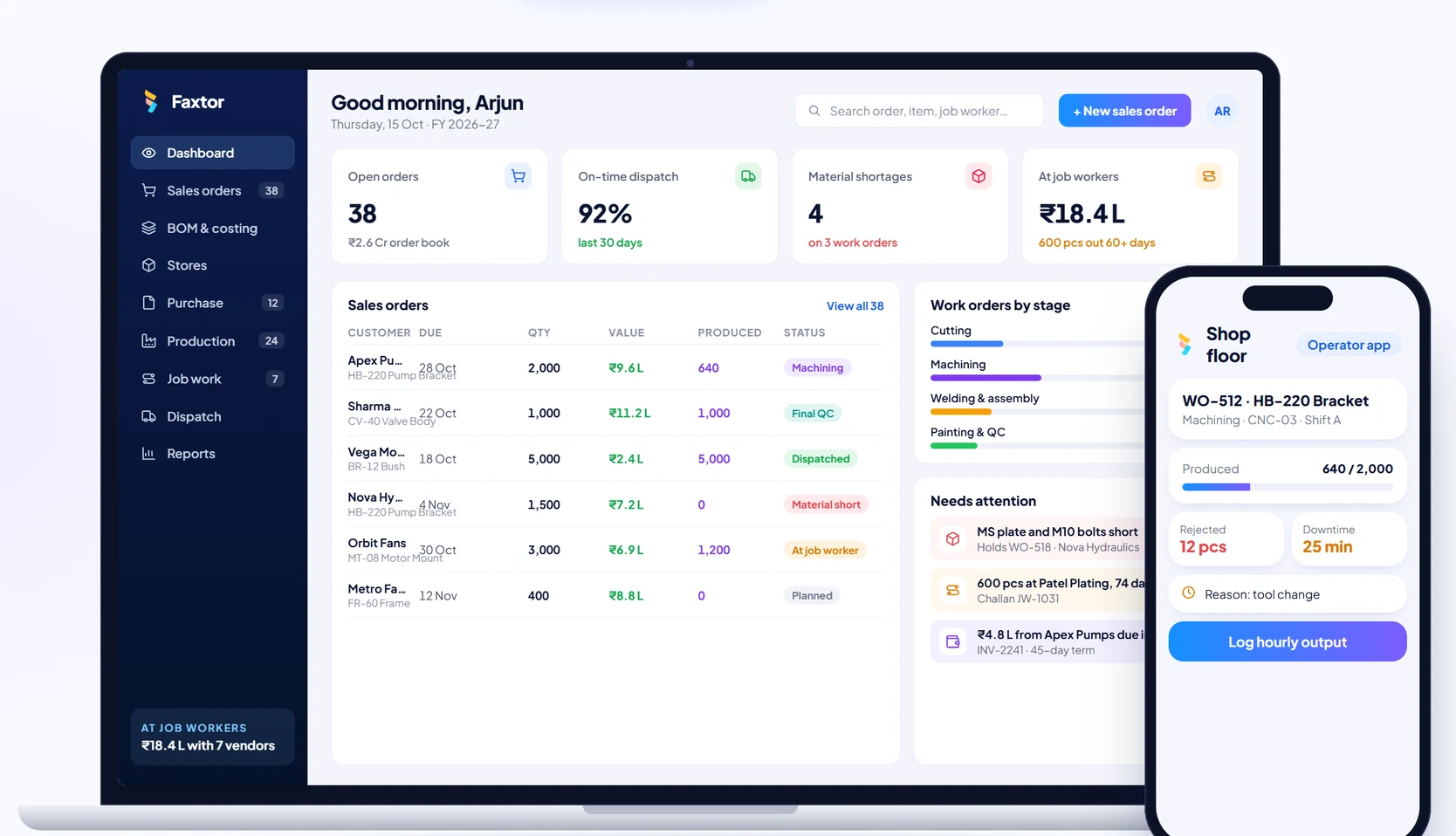
Manufacturing